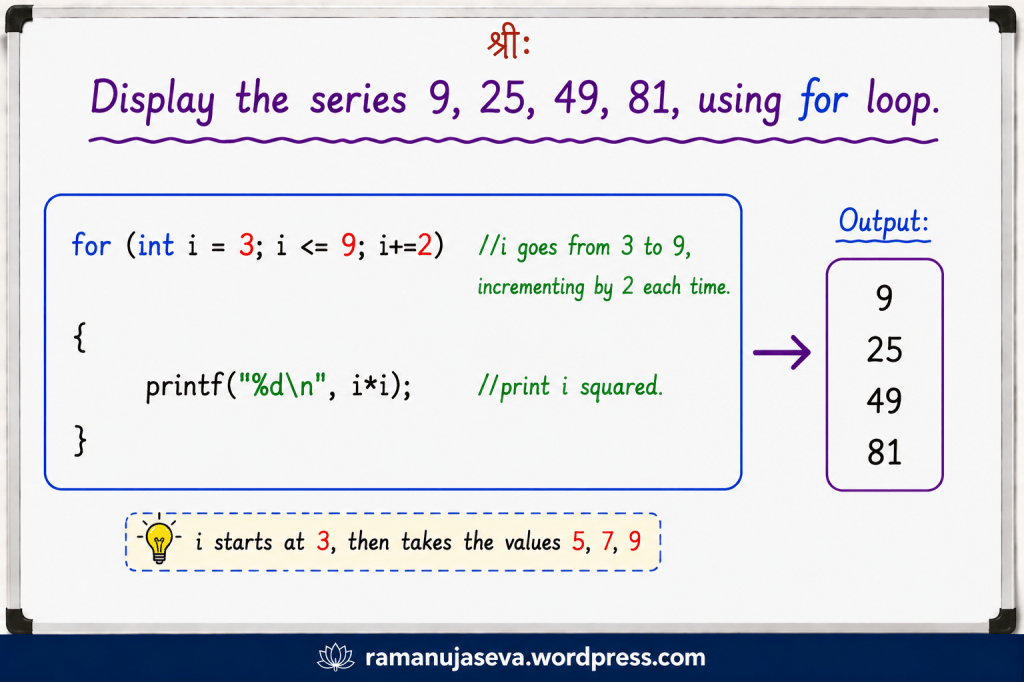
• Here, we shall look at a few simple problems for printing number series, and see how to design for loop to solve them.
    (For the previous tutorial in this series, click here: for loop tutorial – Part 1)
    (For more on C Programming, see here: posts on C Programming)
    We looked at some simple for loops above.
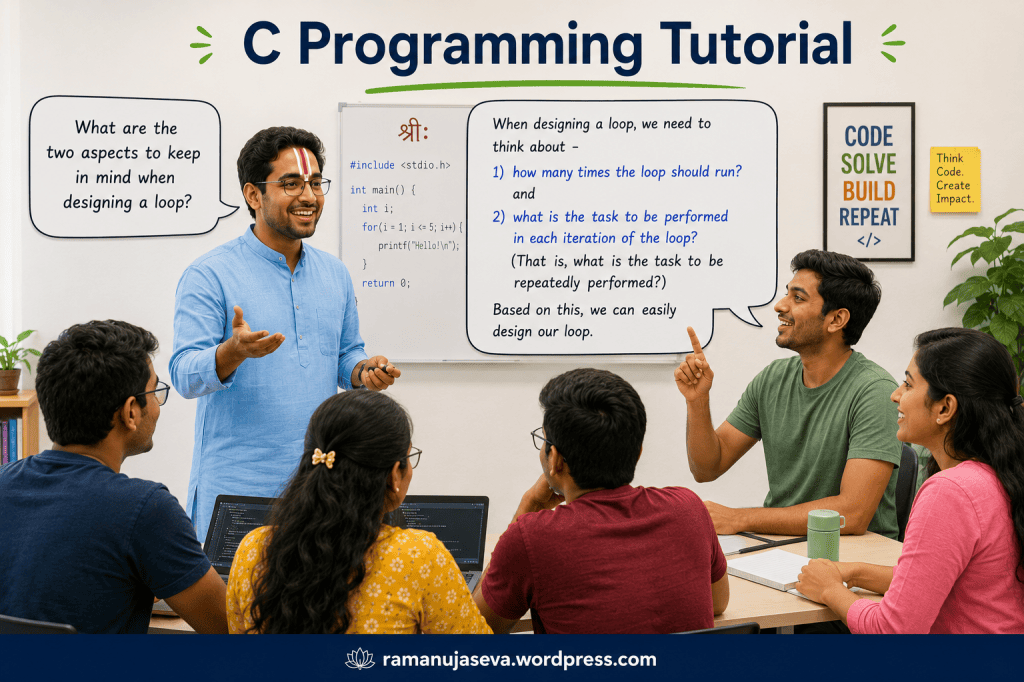
    Things to keep in mind when designing a loop –

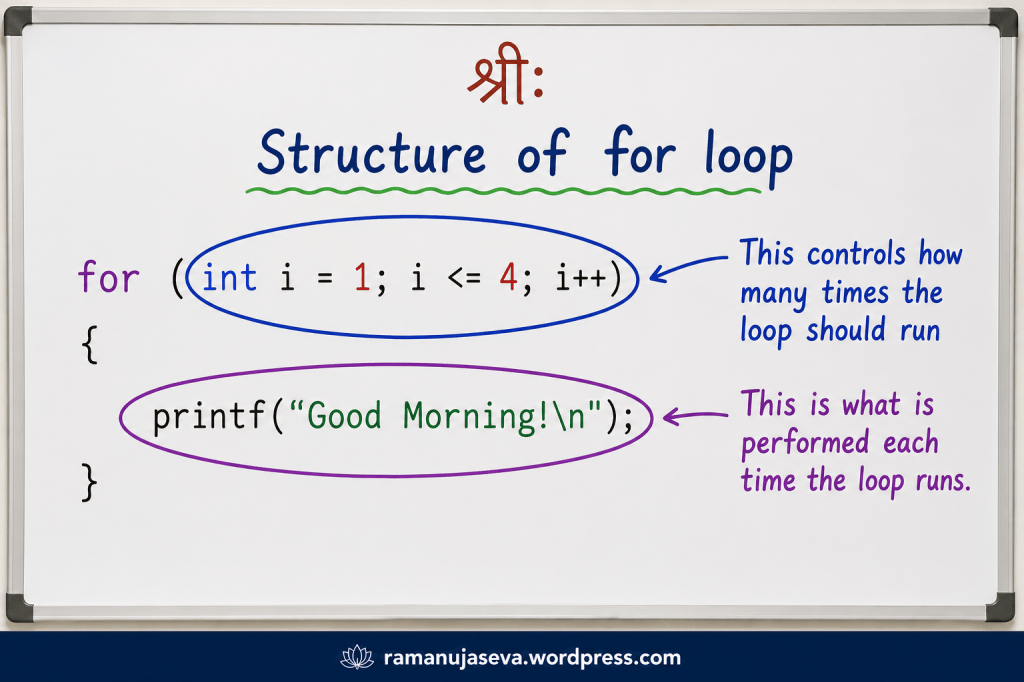
    • how many times should the loop run?
    • what task is to be performed each time the loop runs?

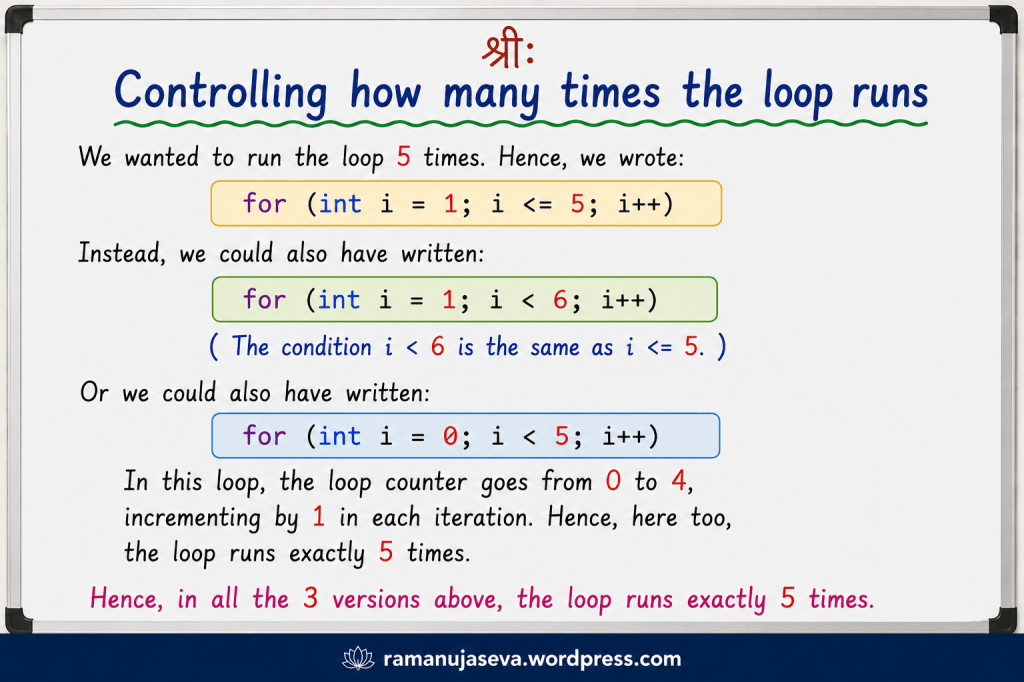
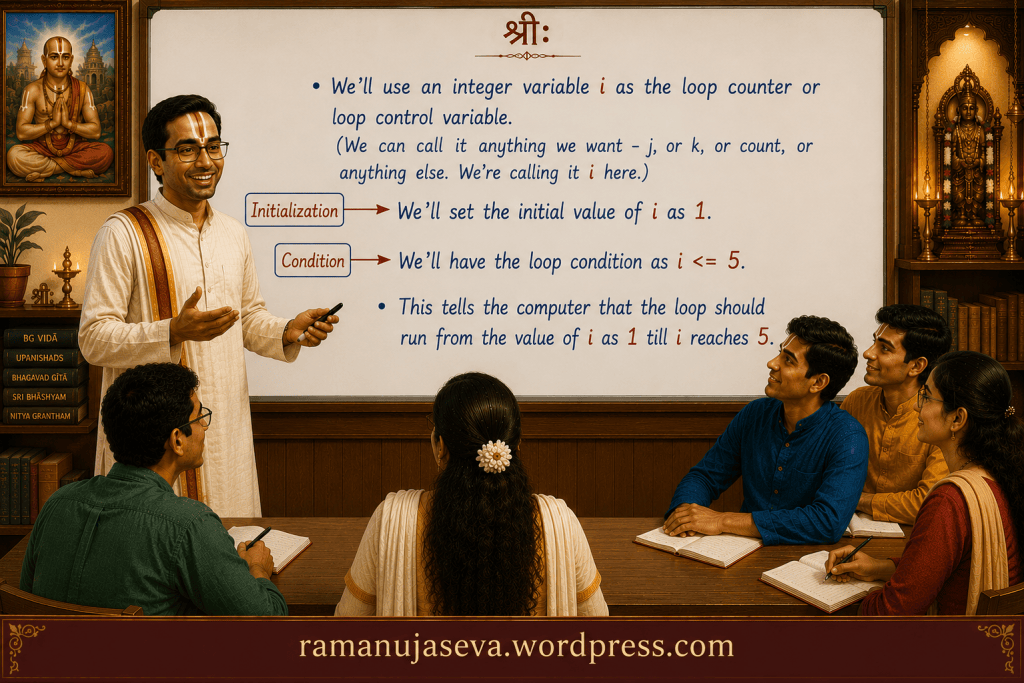
    To control how many times the loop runs, we use the loop control variable or the loop counter.
    e.g. for (int i = 1; i <= 6; i++)
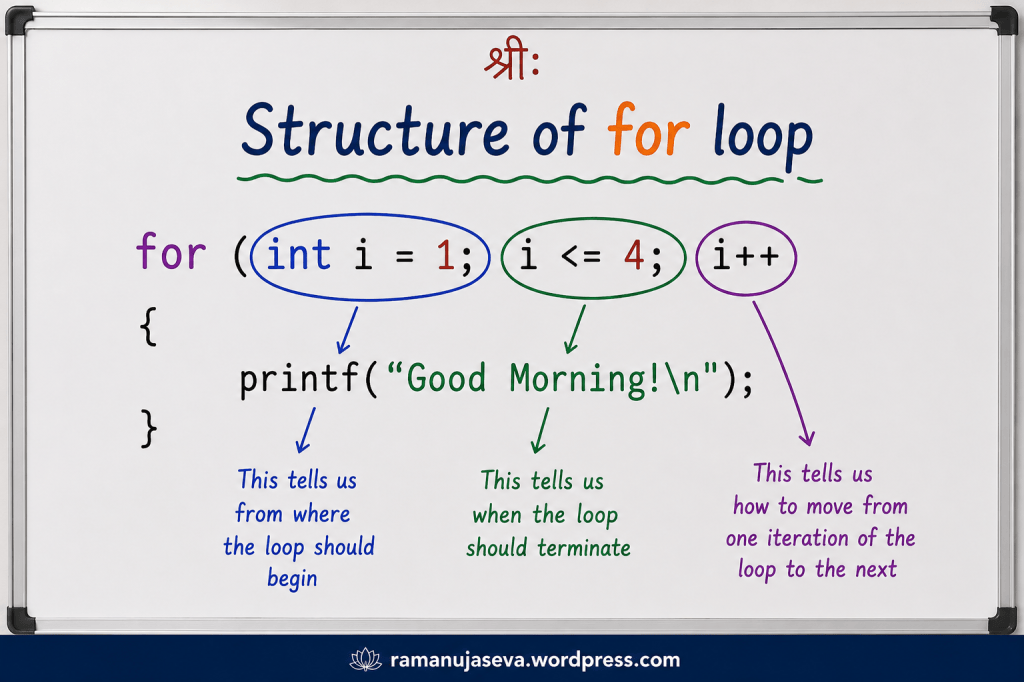
    This indicates that the loop control variable (which we are calling as i here) starts with the value as 1. The loop runs until i reaches the value of 6. (The loop terminates when i goes above 6.) And i increases by 1 in each iteration of the loop.

    int i = 1. This says that the initial value of the loop counter is 1.
    i <= 6. This says that the loop runs as long as i is less than or equal to 6.
    i++. This says that after each iteration of the loop (that is, after each time that the loop runs), i gets incremented by 1.

    So, in all the loop runs 6 times. (In the 1st iteration, i is 1. In the 2nd iteration, i is 2. And so on.)

    What is the task to be repeatedly performed.? That is, what is the task to be performed each time the loop runs?
    Whatever that task is, we shall write it within the body of the loop.


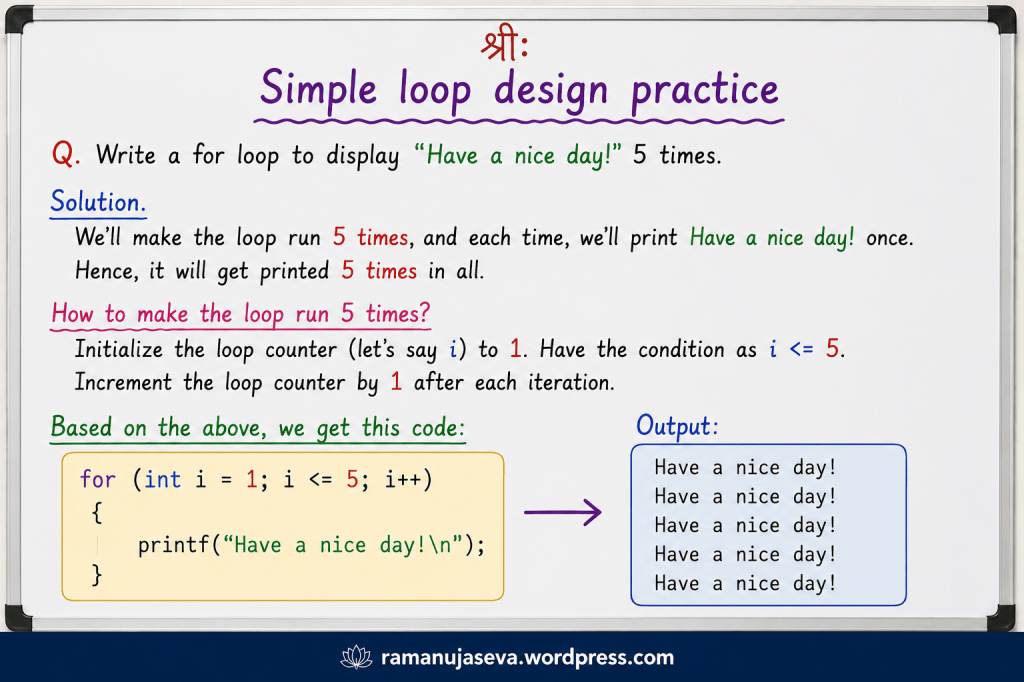
    Q.1. Design a for loop to display “Have a nice day!” 8 times.

    Solution.
    We’ll make the loop run 8 times, and each time, we shall print “Have a nice day!”.

    for (int i = 1; i <= 8; i++)
    {
    printf("Have a nice day!\n");
    }
    output:
    Have a nice day!
    Have a nice day!
    Have a nice day!
    Have a nice day!
    Have a nice day!
    Have a nice day!
    Have a nice day!
    Have a nice day!

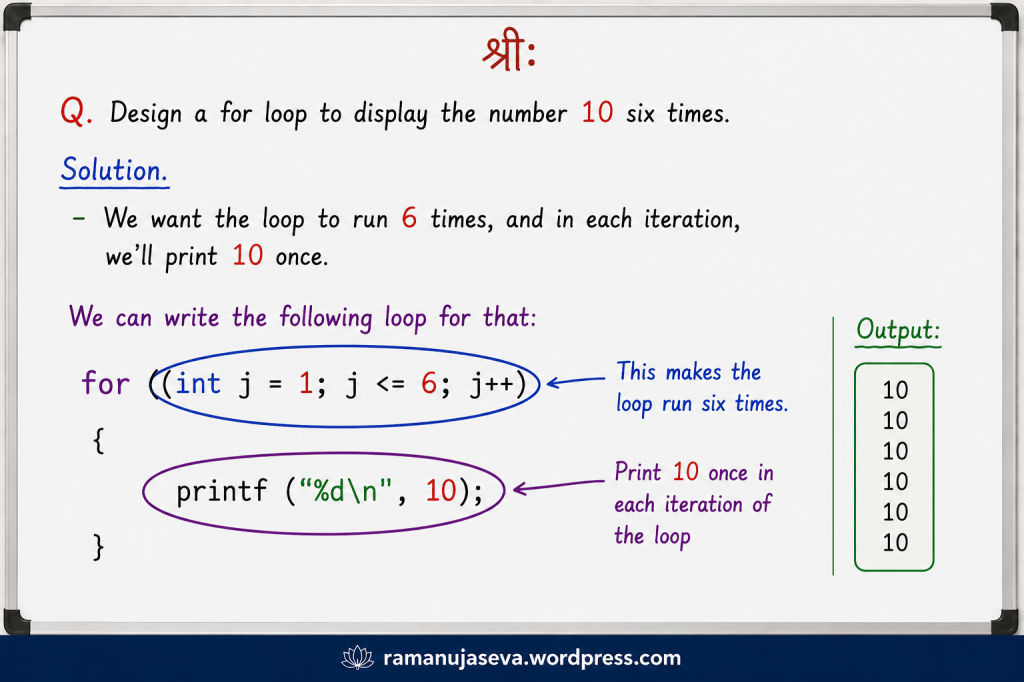
    Q.2. Design a loop to print the number 10 six times.

    Solution.
    We’ll make the for loop run 6 times, and each time, we shall print the number 10 once.

    for (int j = 1; j <= 6; j++)
    {
    printf("%d \n", 10);
    }
    output:
    10
    10
    10
    10
    10
    10

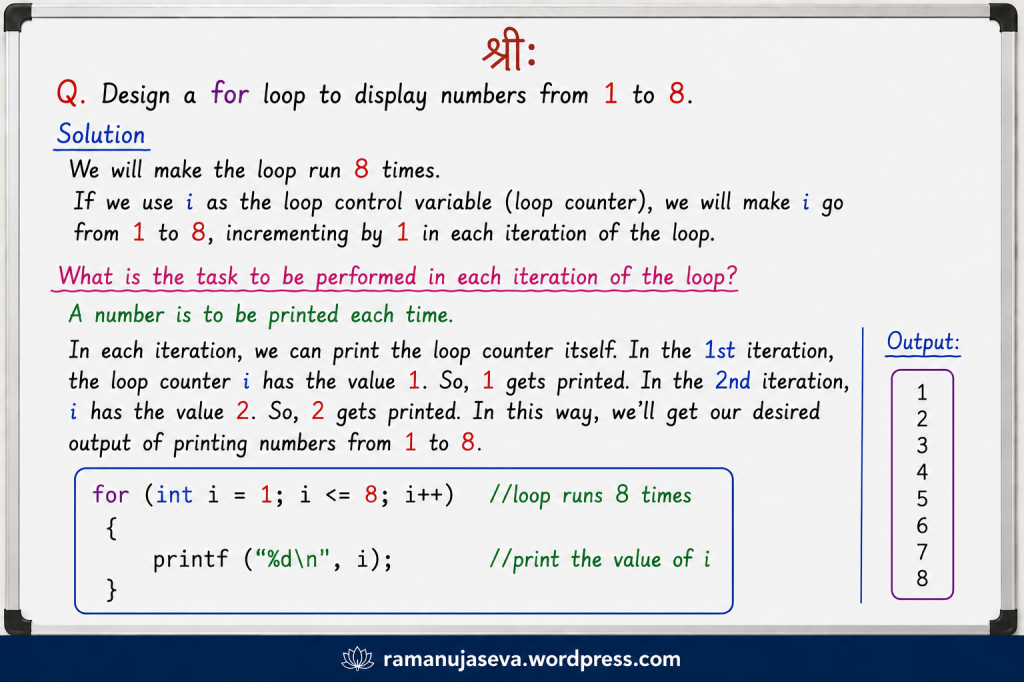
    Q.3. Design a for loop to display the series 2, 3, 4, 5, 6, 7.

    Solution.
    We’ll make the loop start with the loop counter (let’s call it i) as 2. We’ll make i go till it becomes 7. We’ll increment i by 1 after each iteration of the loop.
    What is the task to be repeatedly performed? We’ll print the value of i each time we are inside the loop.

    for (int i = 2; i <= 7; i++) //i goes from 2 to 7, incrementing by 1 each time.
    {
    printf ("%d\n", i); //print the value of i
    }
    output:
    2
    3
    4
    5
    6
    7

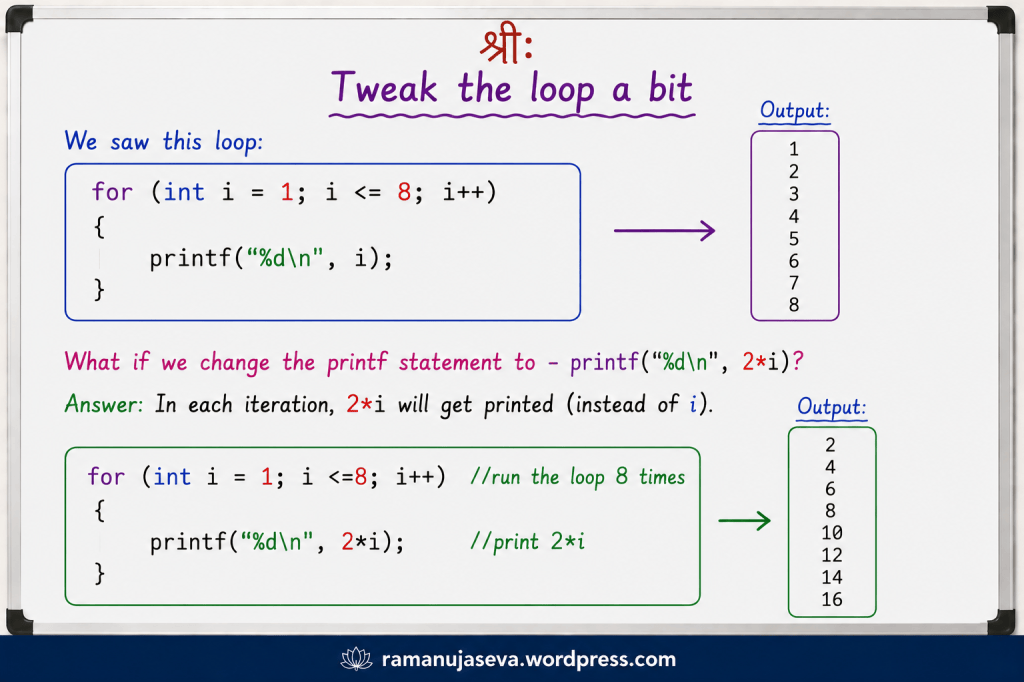
    Q.4. In the above code, change the printf statement to printf(“%d\n”, 2*i); . How will the output change?

    Solution.
    The loop counter goes from 2 to 7 as before. Just that this time, we shall print 2*i in each iteration of the loop, instead of i.

    for (int i = 2; i <= 7; i++)
    {
    printf ("%d\n", 2*i); //print 2*i each time.
    }
    output:
    4
    6
    8
    10
    12
    14

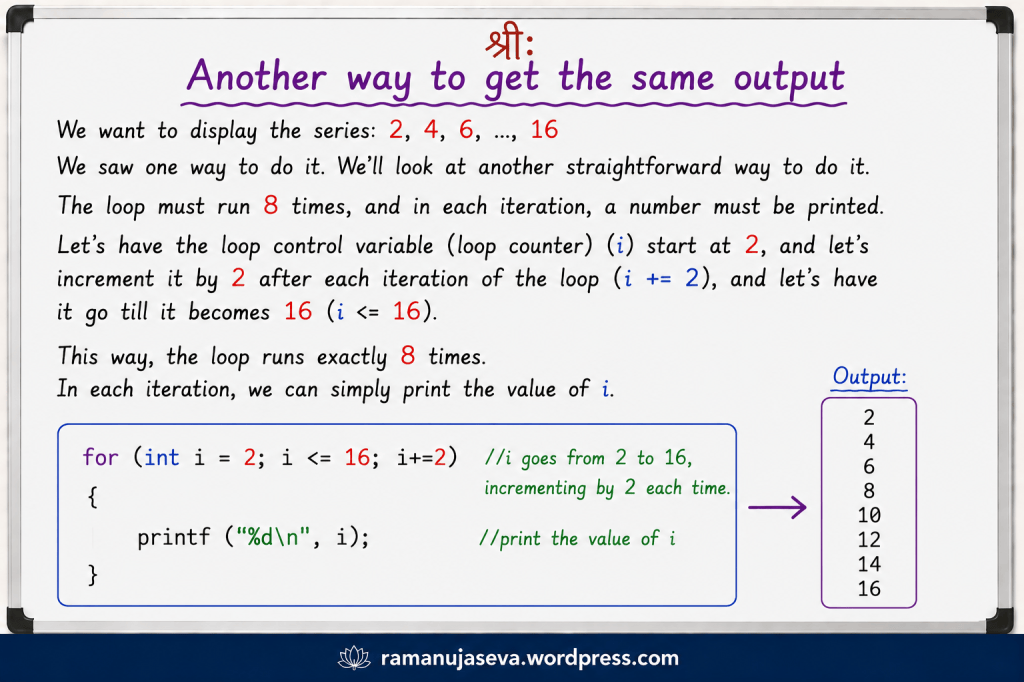
    Q.5. Write another loop to print the same series: 4, 6, 8, 10, 12, 14.

    solution.
    Let’s have the loop control variable i start at 4. Let i go till it becomes 14. Let us increment i by 2 after each iteration of the loop.
    And simply print the value of i in each iteration of the loop.

    so, we get the following code:

    for (int i = 4; i <= 14; i+=2) //i goes as 4, 6, 8, ... till 14.
    {
    printf ("%d \n", i); //print value of i
    }
    output:
    4
    6
    8
    10
    12
    14

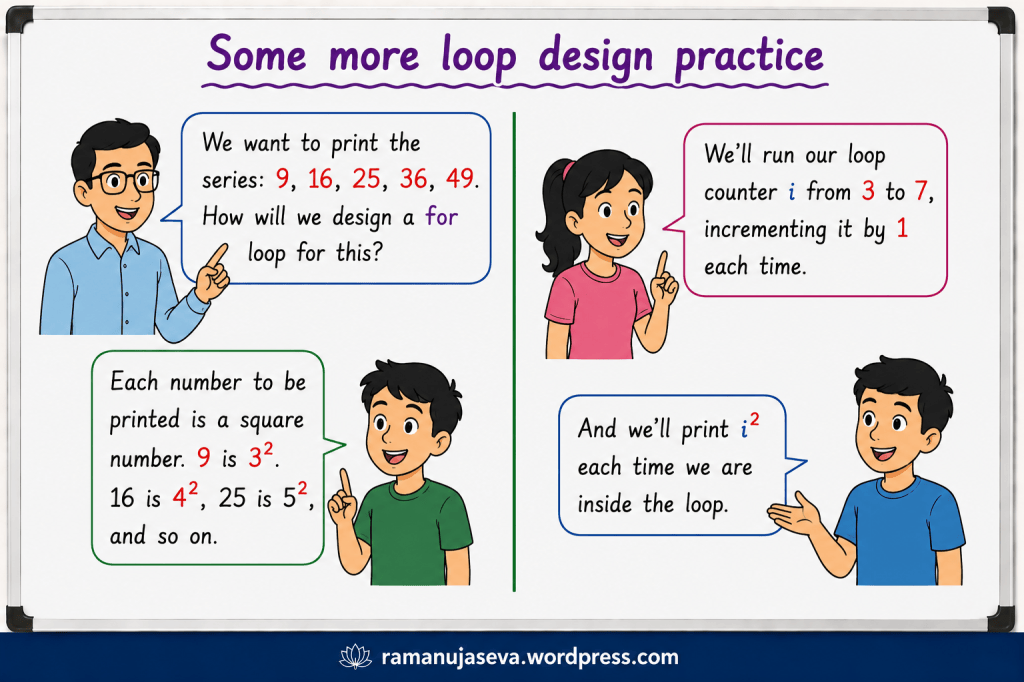
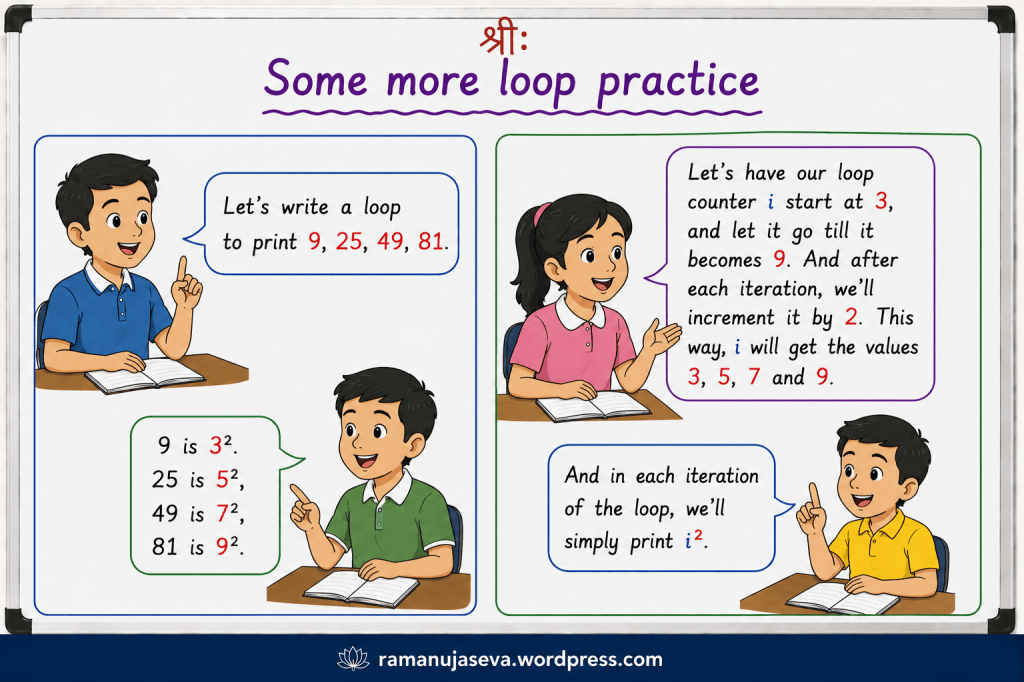
    Q.6. Design a loop to print the series: 9, 16, 25, 36.

    solution.
    Each number to be printed is a square number.
    9 is 3^2. (3 squared.)
    16 is 4^2.
    25 is 5^2.
    36 is 6^2.

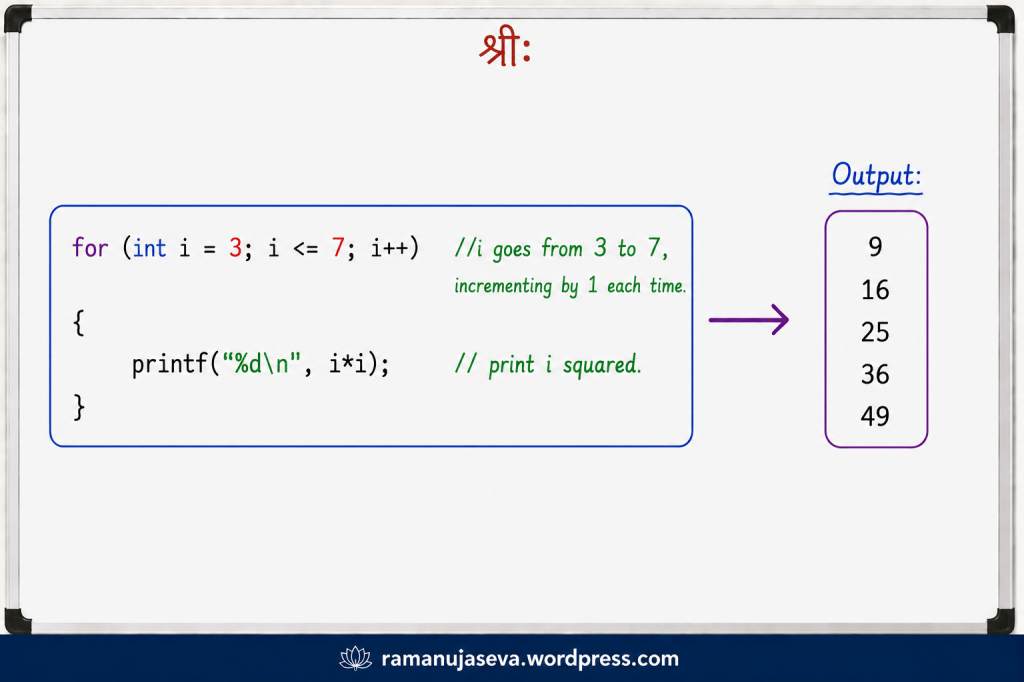
    we’ll design a loop that runs 4 times. The loop counter i will go from 3 to 6. After each iteration, the loop counter will get incremented by 1.
    In each iteration of the loop, we shall print i squared.

    so, we get the following code:

    for (int i = 3; i <= 6; i++) //loop counter goes from 3 to 6, increasing by 1 each time.
    {
    printf("%d \n", i*i); //print i squared
    }
    output:
    9
    16
    25
    36

    Q.7. Design a loop to display the series 16, 36, 64, 100, 144.

    solution.
    Each number is a square number.
    16 is 4 squared.
    36 is 6 squared.
    64 is 8 squared.
    100 is 10 squared.
    144 is 12 squared.

    We can observe the pattern and design the loop.
    We’ll have the loop counter i start at 4, and have it go till 12. And after each iteration of the loop, we shall increment i by 2. (This way, i will get the values 4, 6, 8, 10, 12)
    Within the body of the loop, we shall print i squared.

    for (int i = 4; i <= 12; i+=2) //have i go from 4 to 12. Increases by 2 each time.
    {
    printf ("%d \n", i*i ); //print i squared.
    }
    output :
    16
    36
    64
    100
    144

    In this class, we saw how to design for loops for displaying certain simple number series.
    (For more on C Programming, see here. )

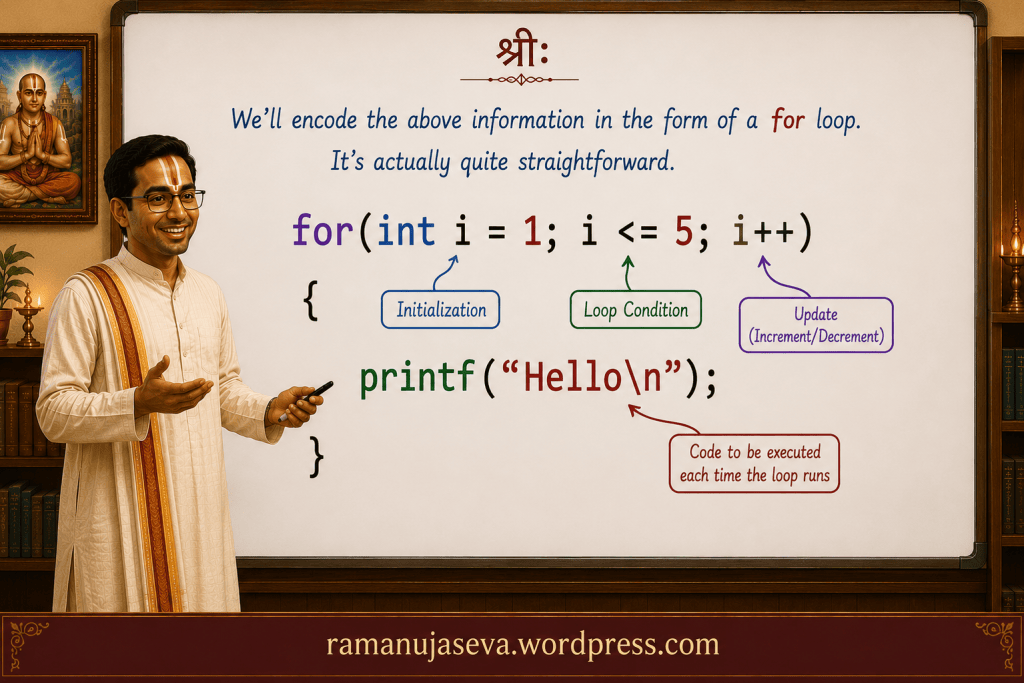
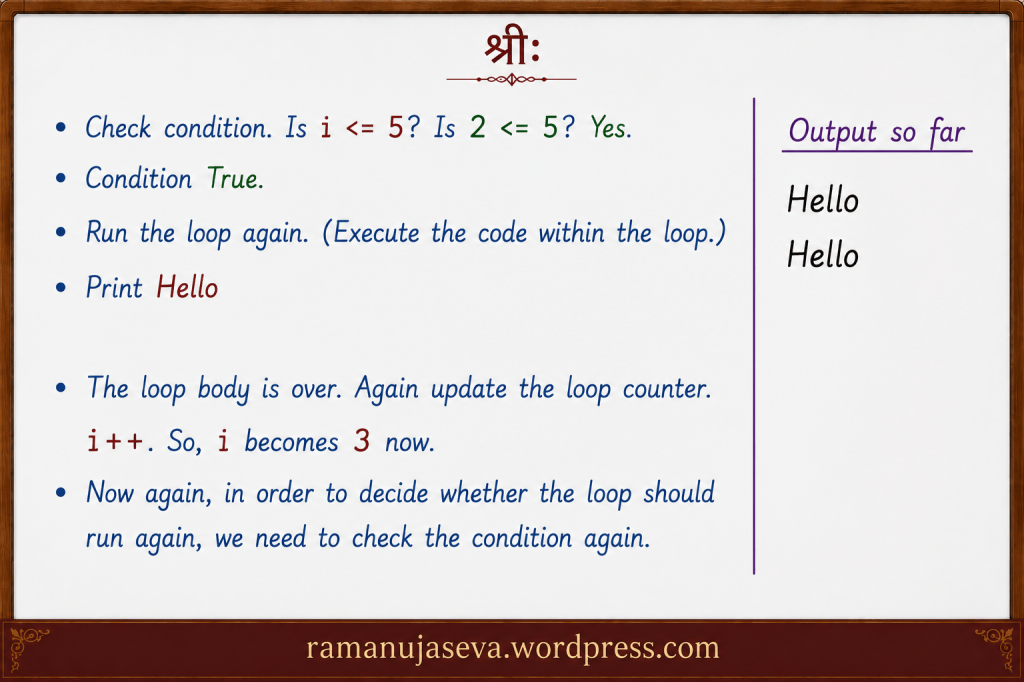
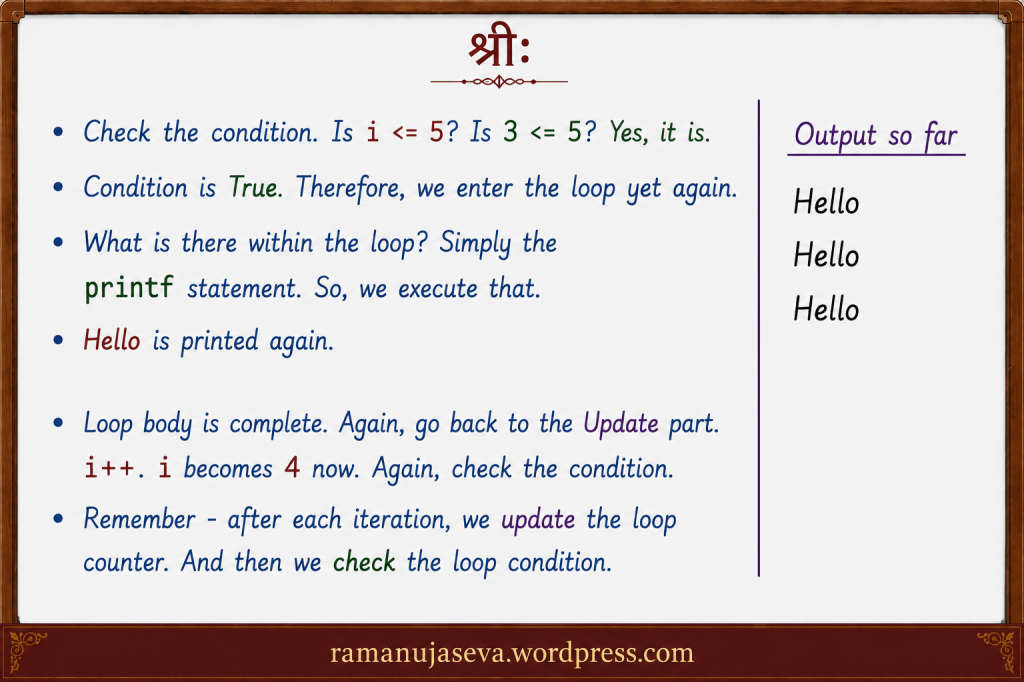
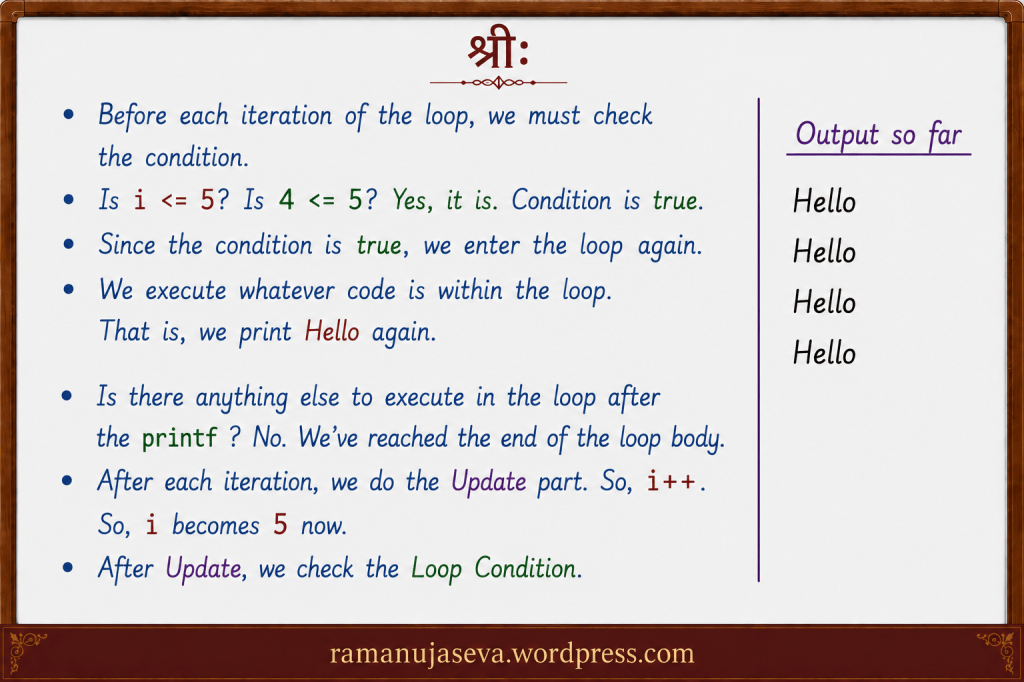
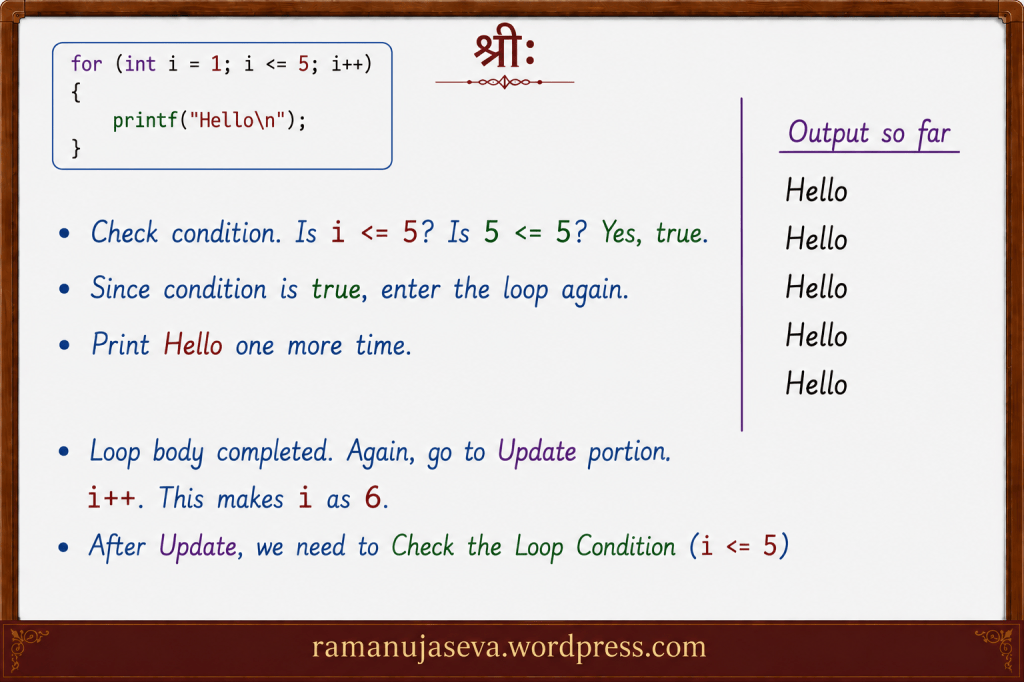
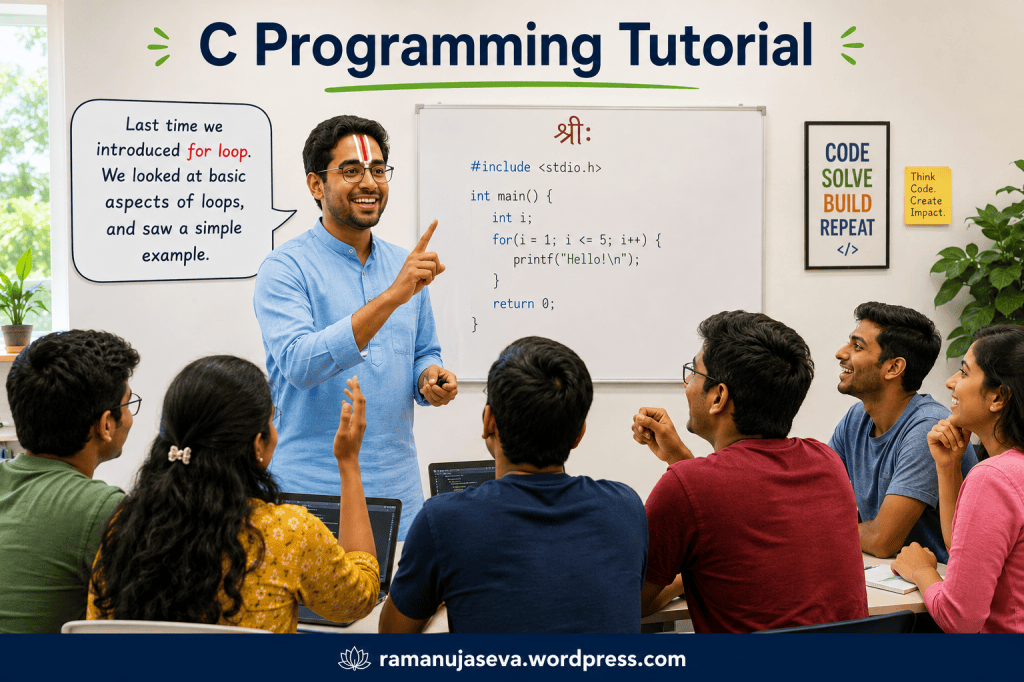
  • Here, we shall look at an introduction to for loops in C. (For posts on while loops, pls see here. For posts on C Programming, pls see here.)
    We shall look at certain basic aspects of loop, and look at an example program.

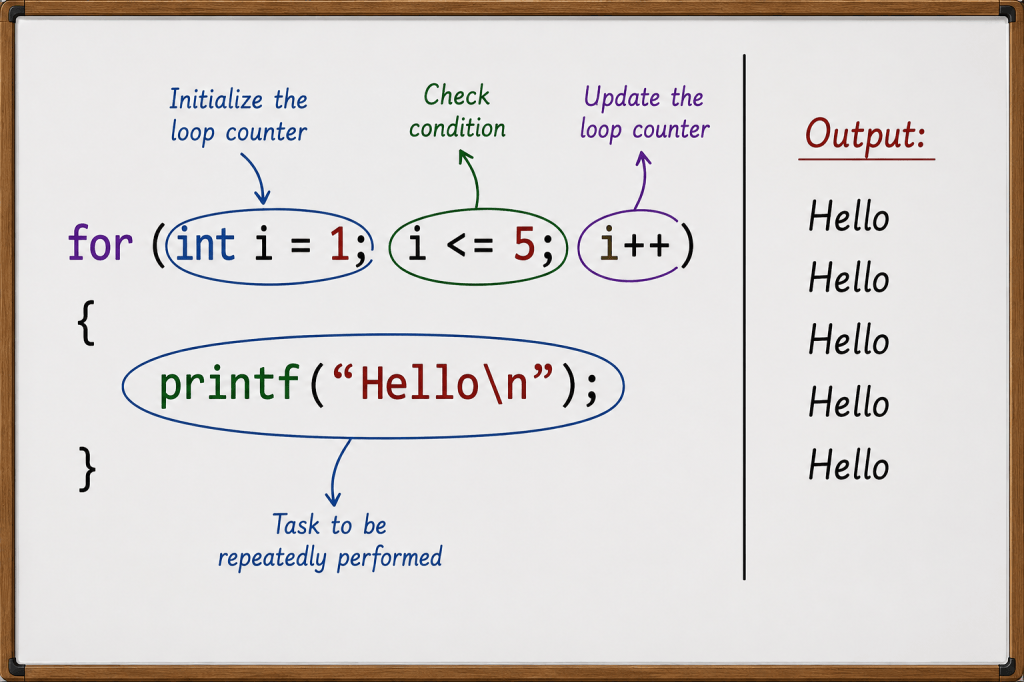
    Above, we looked at certain important aspects of loops, and looked at one example program.
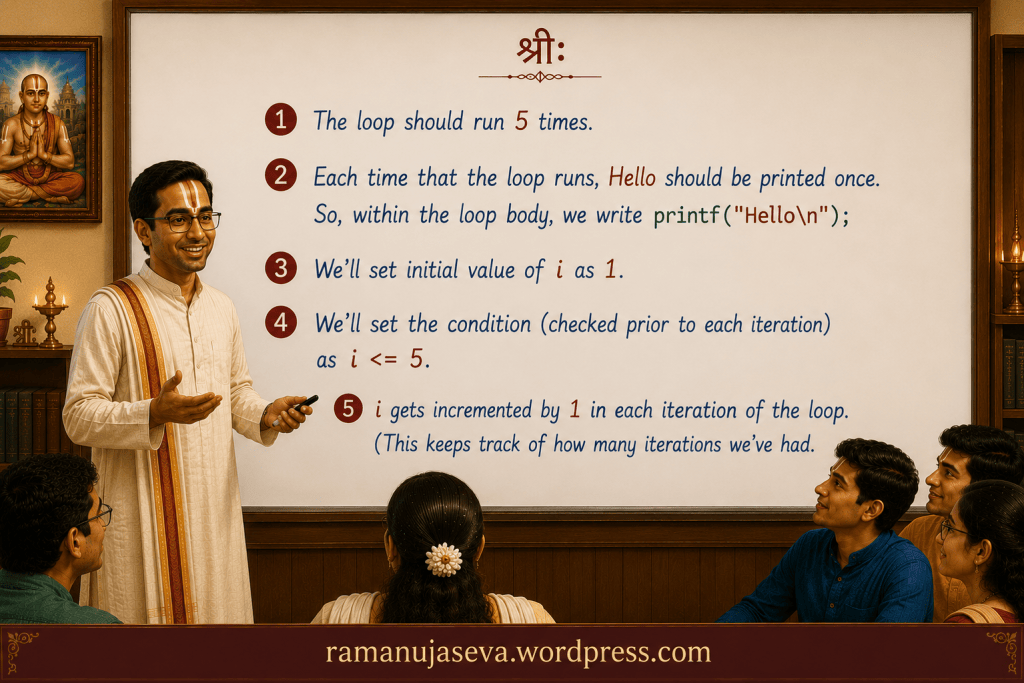
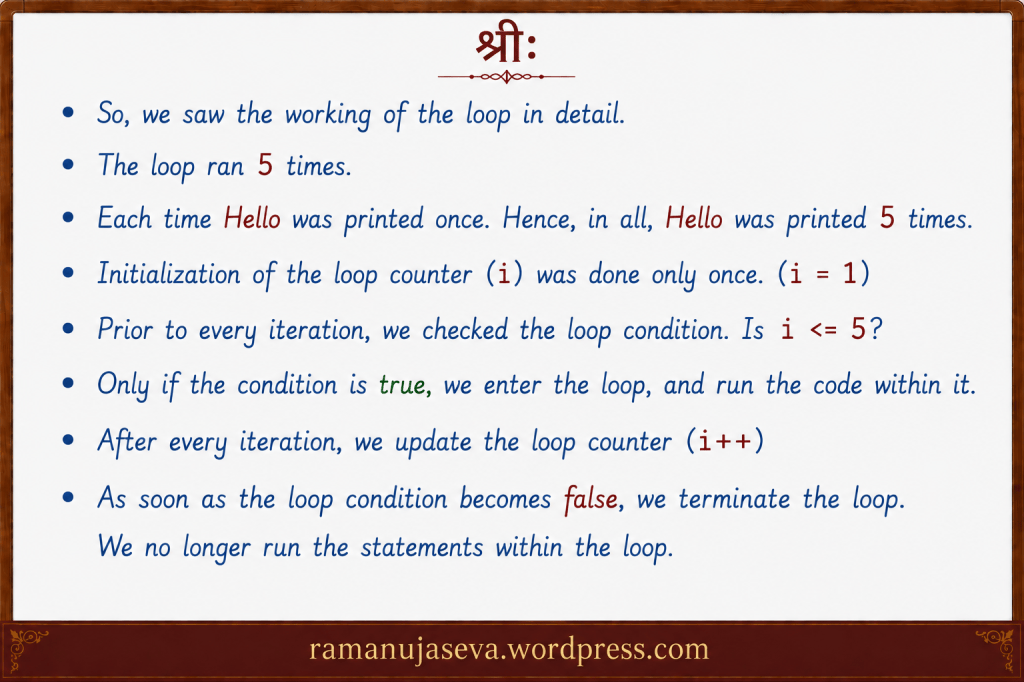
    In order to design a loop, we need to consider two things –
    – How many times the loop should run?
    – What task is to be performed each time the loop runs?

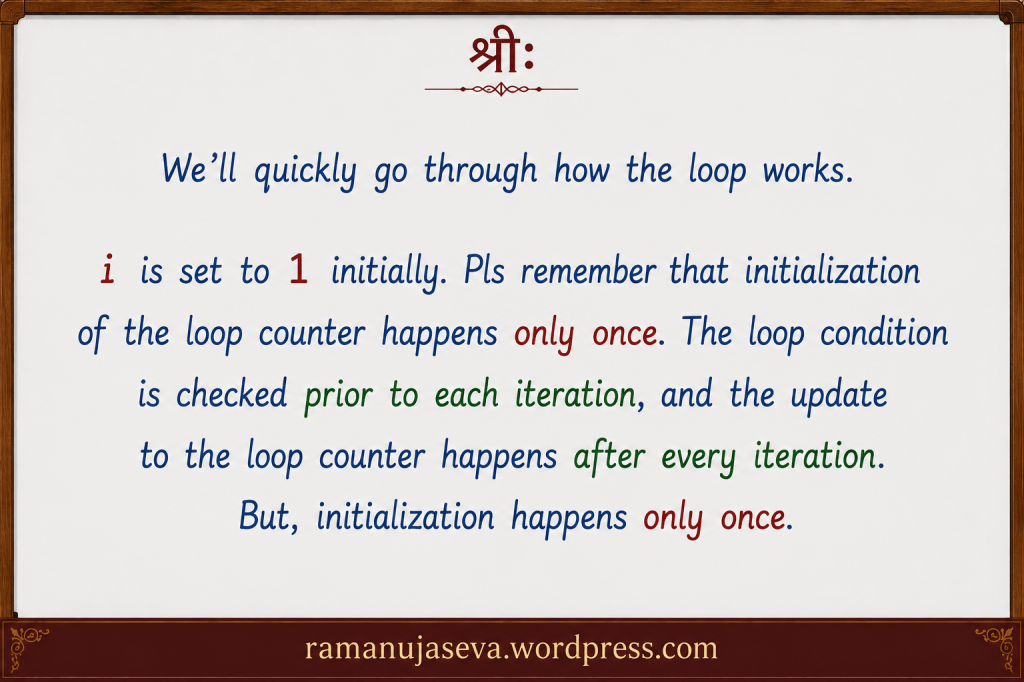
    In order to control the number of times the loop runs, we use a loop counter or a loop control variable.
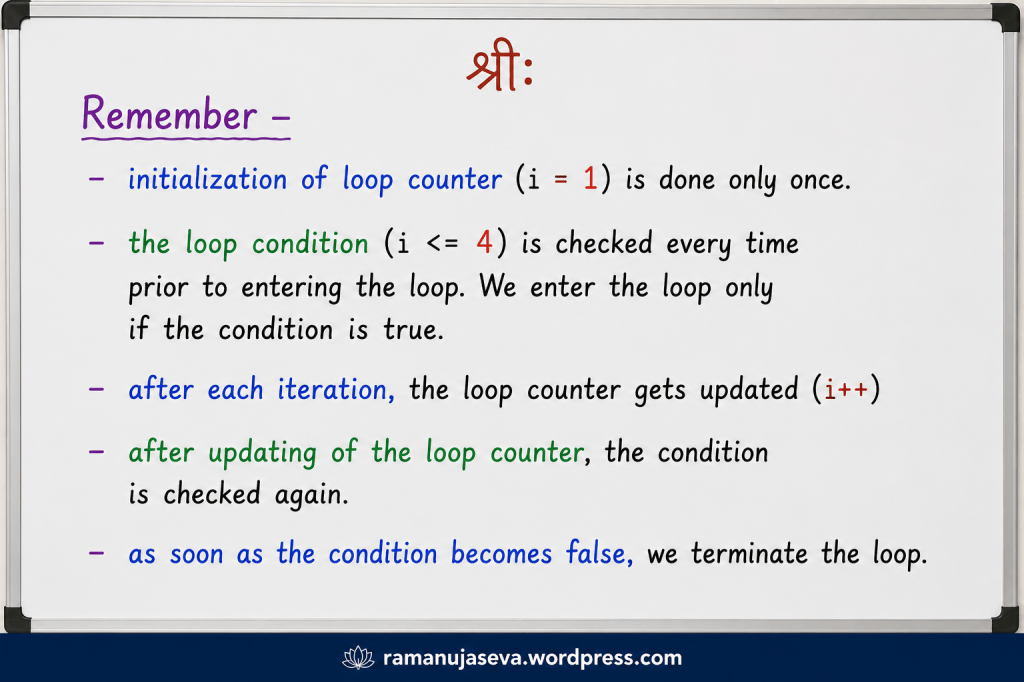
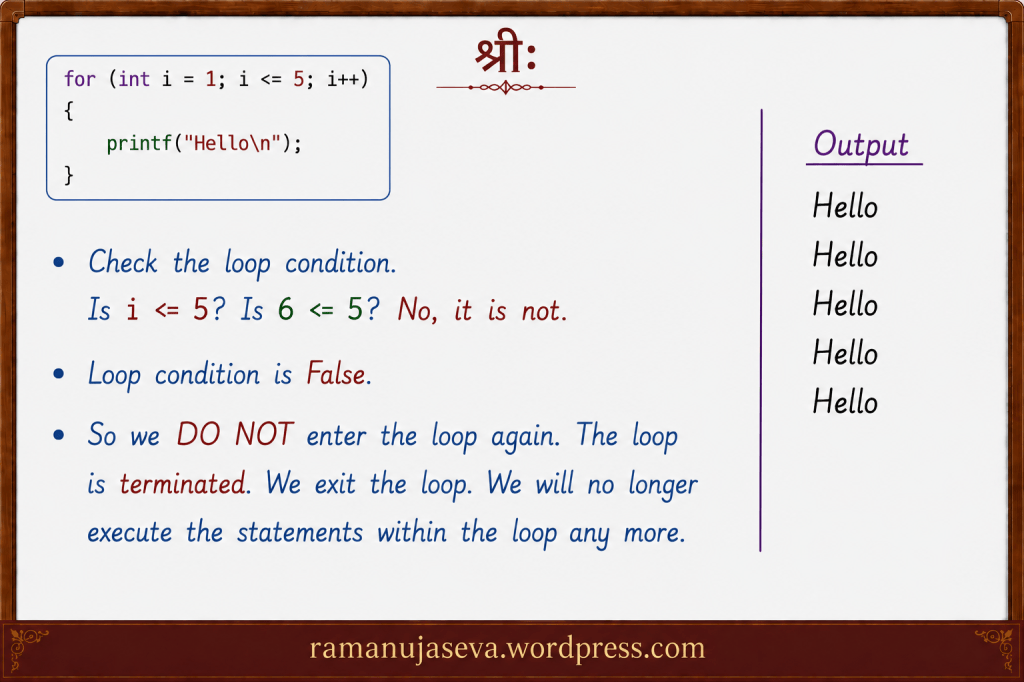
    – This variable is initialized once. (Remember that initialization of the loop counter is done only once. )
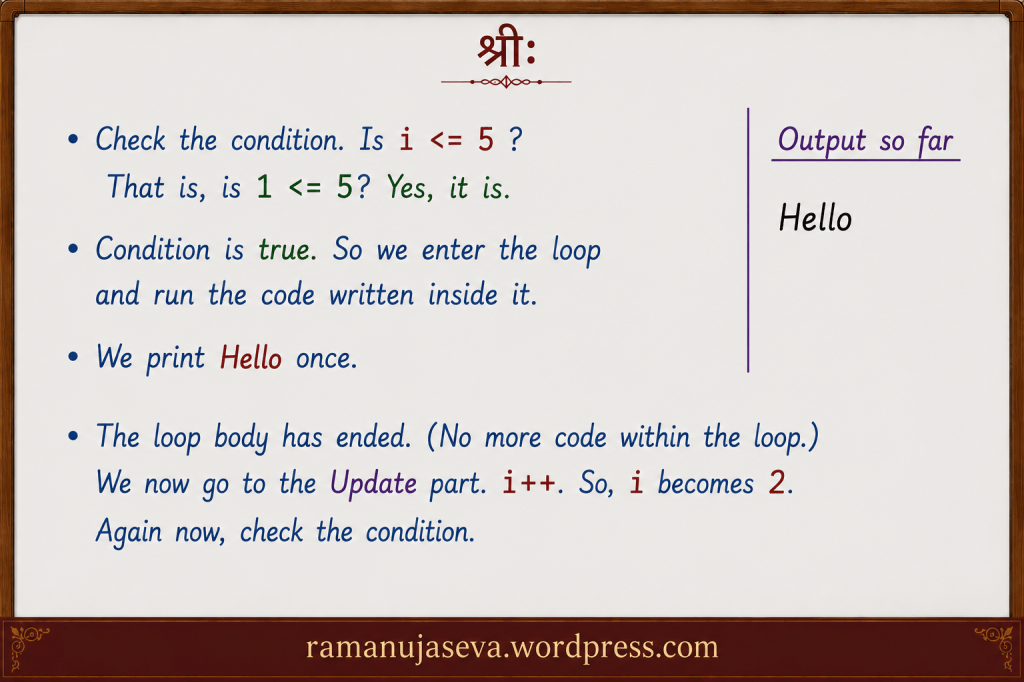
    – Prior to each iteration, we check a condition. Only if this loop condition is true, will we enter the loop. (In case it is false, we will terminate the loop.)
    – Once the condition is true, and we are within the loop, we execute whatever statements are there within the loop body. Once we have executed all the statements within the loop body, we update the loop counter.
    – That is, after each iteration of the loop, we will update the loop counter. After updating the loop counter, we will check the loop condition again.
    – If the loop condition is true, we will enter the loop (and execute the statements within it).
    If it is not true, we will terminate the loop. (Don’t run the loop any more.)
    – In this way, the loop keeps running until the loop condition becomes false.
    – In a for loop in C, the initialization, loop counter, and updation is written very compactly in a single line.

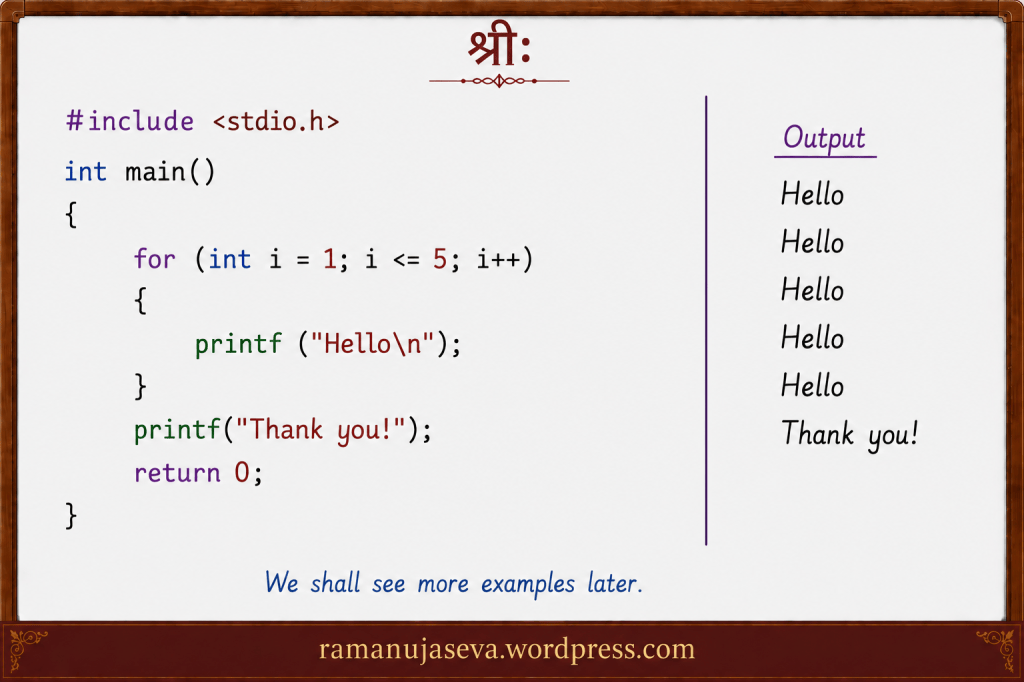
    Here is a simple program and output:

    #include <stdio.h>
    int main()
    {
    for (int i = 1; i <= 5; i++)
    {
    printf("Hello\n");
    }
    printf("Thank you!");
    return 0;
    }
    Output:
    Hello
    Hello
    Hello
    Hello
    Hello
    Thank you!


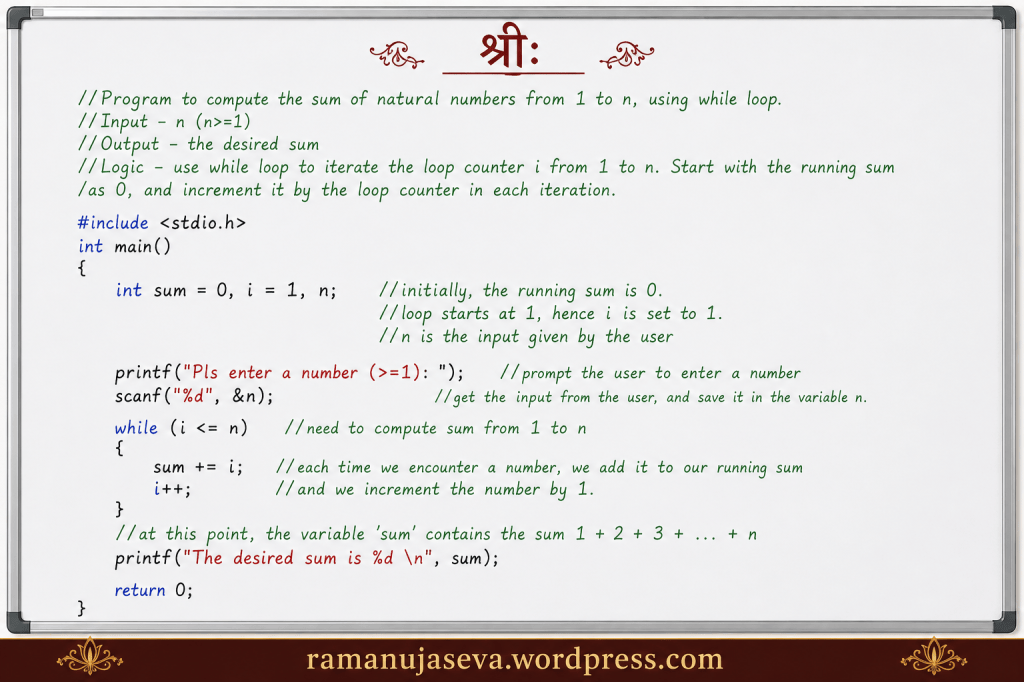
  • Here, we’ll use while loop to compute the sum of a few number series. (You can see part 4 of the while loop tutorial here.)


    Q.1. Write a C program to compute 1 + 2 + 3 + … + n, using while loop. Here, n (>=1) is input given by the user.

    Answer.

    //Program to compute the sum of natural numbers from 1 to n, using while loop.
    //Input - n (n>=1)
    //Output - the desired sum
    //Logic - use while loop to iterate the loop counter i from 1 to n. Start with the running sum
    //as 0, and increment it by the loop counter in each iteration.
    #include <stdio.h>
    int main()
    {
    int sum = 0, i = 1, n; //initially, the running sum is 0.
    //loop starts at 1, hence i is set to 1.
    //n is the input given by the user
    printf("Pls enter a number (>=1): "); //prompt the user to enter a number
    scanf("%d", &n); //get the input from the user, and save it in the variable n.
    while (i <= n) //need to compute sum from 1 to n
    {
    sum += i; //each time we encounter a number, we add it to our running sum
    i++; //and we increment the number by 1.
    }
    //at this point, the variable 'sum' contains the sum 1 + 2 + 3 + ... + n
    printf("The desired sum is %d \n", sum);
    return 0;
    }
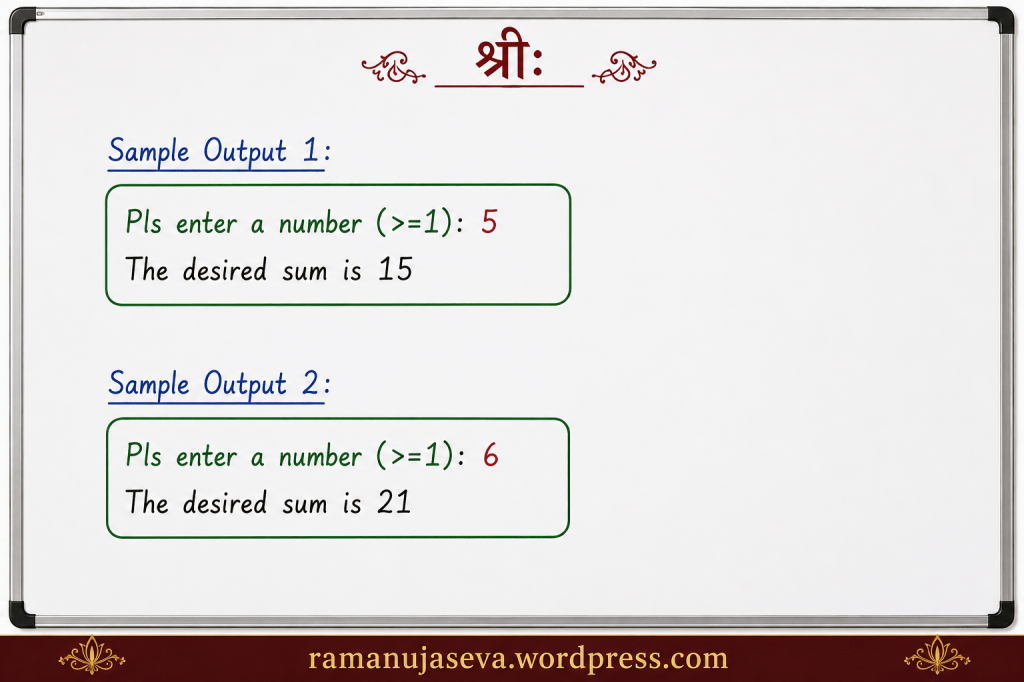
    sample output 1:
    Pls enter a number (>=1): 5
    The desired sum is 15
    sample output 2:
    Pls enter a number (>=1): 6
    The desired sum is 21

    Explanation:
    – We need to compute the sum 1 + 3 + 5 + … + n
    – We start the while loop at i = 1. (And set the initial sum to 0.) i keeps getting incremented by 1 in each iteration of the loop. In each iteration, we add the value of i to the running sum. We exit the loop when i goes beyond n.
    When we exit the loop, the running sum contains the value of 1 + 2 + 3 + .. + n.


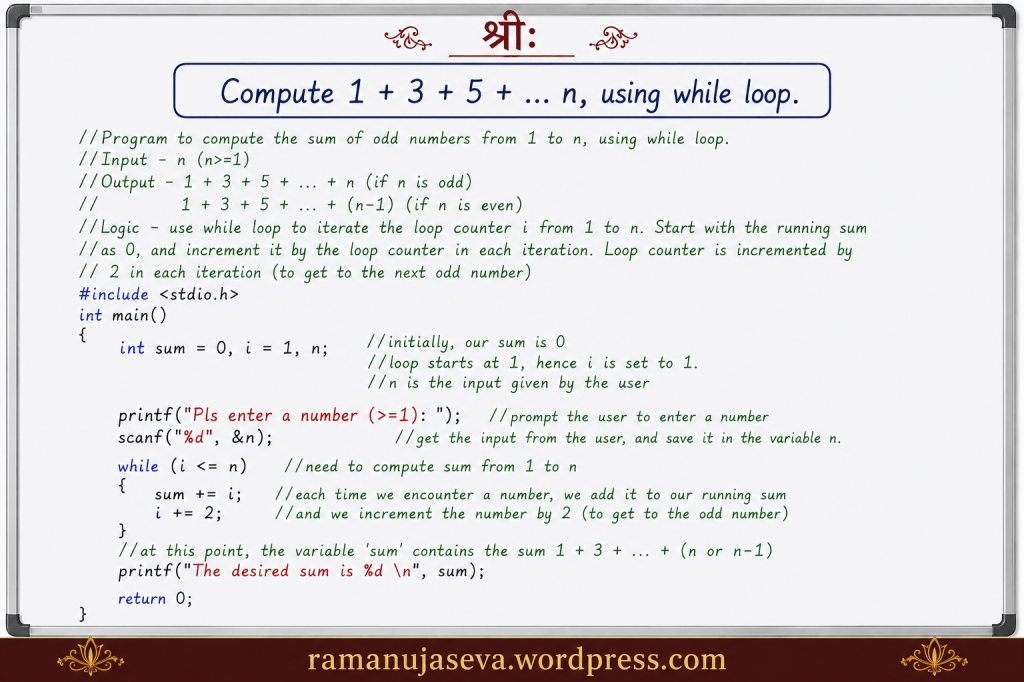
    Q.2. Compute the sum of odd numbers till n using while loop. [That is, compute the sum 1 + 3 + 5 + …. + n (or n-1).]

    Answer.

    //Program to compute the sum of odd numbers from 1 to n, using while loop.
    //Input - n (n>=1)
    //Output - 1 + 3 + 5 + ... + n (if n is odd)
    // 1 + 3 + 5 + ... + (n-1) (if n is even)
    //Logic - use while loop to iterate the loop counter i from 1 to n. Start with the running sum
    //as 0, and increment it by the loop counter in each iteration. Loop counter is incremented by
    // 2 in each iteration (to get to the next odd number)
    #include <stdio.h>
    int main()
    {
    int sum = 0, i = 1, n; //initially, our sum is 0
    //loop starts at 1, hence i is set to 1.
    //n is the input given by the user
    printf("Pls enter a number (>=1): "); //prompt the user to enter a number
    scanf("%d", &n); //get the input from the user, and save it in the variable n.
    while (i <= n) //need to compute sum from 1 to n
    {
    sum += i; //each time we encounter a number, we add it to our running sum
    i += 2; //and we increment the number by 2 (to get to the odd number)
    }
    //at this point, the variable 'sum' contains the sum 1 + 3 + ... + (n or n-1)
    printf("The desired sum is %d \n", sum);
    return 0;
    }
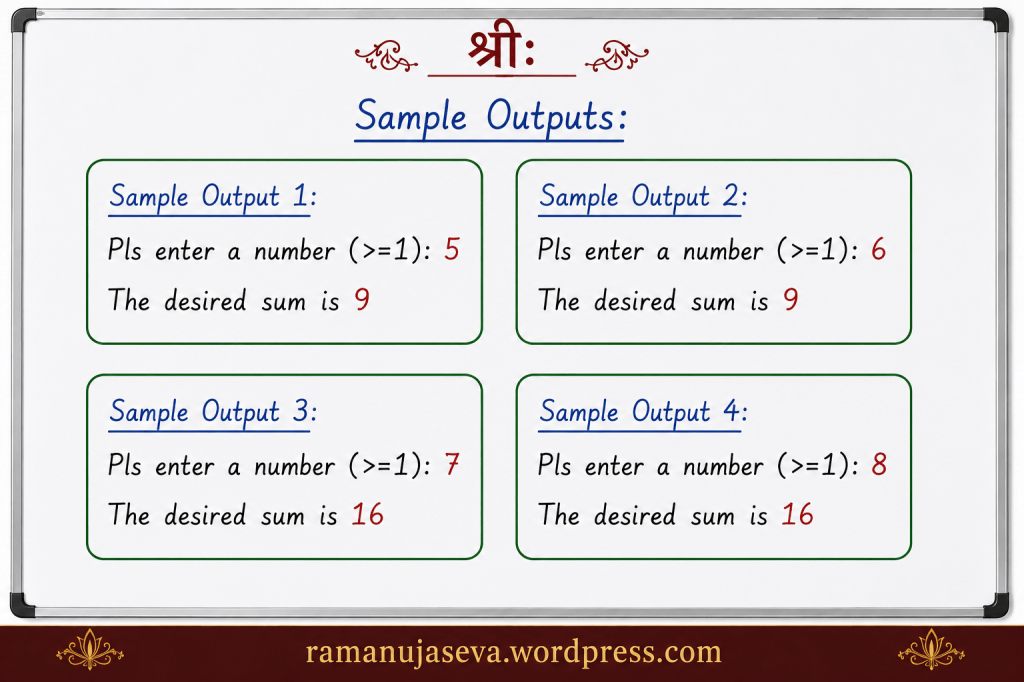
    sample output 1:
    Pls enter a number (>=1): 5
    The desired sum is 9
    sample output 2:
    Pls enter a number (>=1): 6
    The desired sum is 9
    sample output 3:
    Pls enter a number (>=1): 7
    The desired sum is 16
    sample output 4:
    Pls enter a number (>=1): 8
    The desired sum is 16

    Explanation –
    – This is very similar to the previous program. In the previous program, we computed 1 + 2 + 3 + … + n. Here, we compute 1 + 3 + 5 + … .
    – We start the while loop at i = 1 as before. The while loop goes till n as before. The initial sum is 0 as before.
    – The difference is that we increment i by 2 in each iteration of the loop.
    – In each iteration, we add the value of i to our running sum,
    – We exit the loop when i goes beyond n.


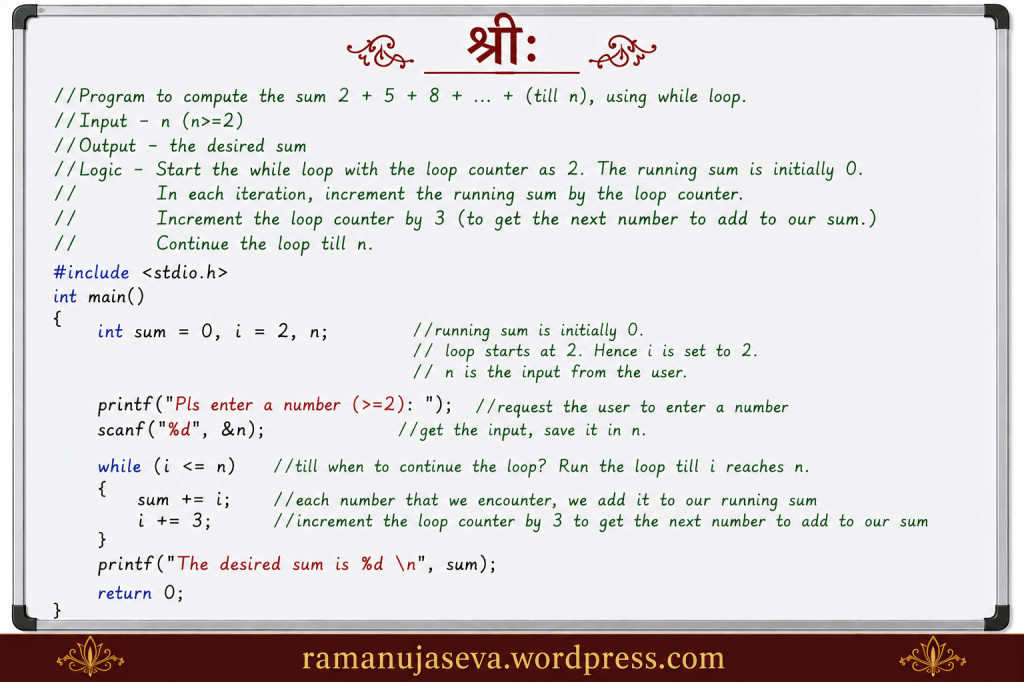
    Q.3. Compute the sum 2 + 5 + 8 + … + (till n), using while loop. (Here n>=2 is an input from the user.)

    Answer.

    //Program to compute the sum 2 + 5 + 8 + ... + (till n), using while loop.
    //Input - n (n>=2)
    //Output - the desired sum
    //Logic - Start the while loop with the loop counter as 2. The running sum is initially 0.
    // In each iteration, increment the running sum by the loop counter.
    // Increment the loop counter by 3 (to get the next number to add to our sum.)
    // Continue the loop till n.
    #include <stdio.h>
    int main()
    {
    int sum = 0, i = 2, n;
    //running sum is initially 0.
    // loop starts at 2. Hence i is set to 2.
    // n is the input from the user.
    printf("Pls enter a number (>=2): "); //request the user to enter a number
    scanf("%d", &n); //get the input, save it in n.
    while (i <= n) //till when to continue the loop? Run the loop till i reaches n.
    {
    sum += i; //each number that we encounter, we add it to our running sum
    i += 3; //increment the loop counter by 3 to get the next number to add to our sum
    }
    printf("The desired sum is %d \n", sum);
    return 0;
    }
    output:
    sample output 1:
    Pls enter a number (>=2): 5
    The desired sum is 7
    sample output 2:
    Pls enter a number (>=2): 6
    The desired sum is 7
    sample output 3:
    Pls enter a number (>=2): 8
    The desired sum is 15
    sample output 4:
    Pls enter a number (>=2): 10
    The desired sum is 15

    Explanation –
    – This is similar to the previous program. Simply the starting number of the series, and the increment value are different.
    – We need to compute 2 + 5 + 8 + … + (till n).
    – We start the while loop at i = 2. In each iteration of the loop, i is incremented by 3. We continue the loop till i goes beyond i.
    – The running sum is initially 0.
    – in each iteration of the loop, we add the value of i to our running sum.
    – we exit the loop when i becomes greater than n.

  • while loop tutorial – Part 4. (You can view Part 3 here.)
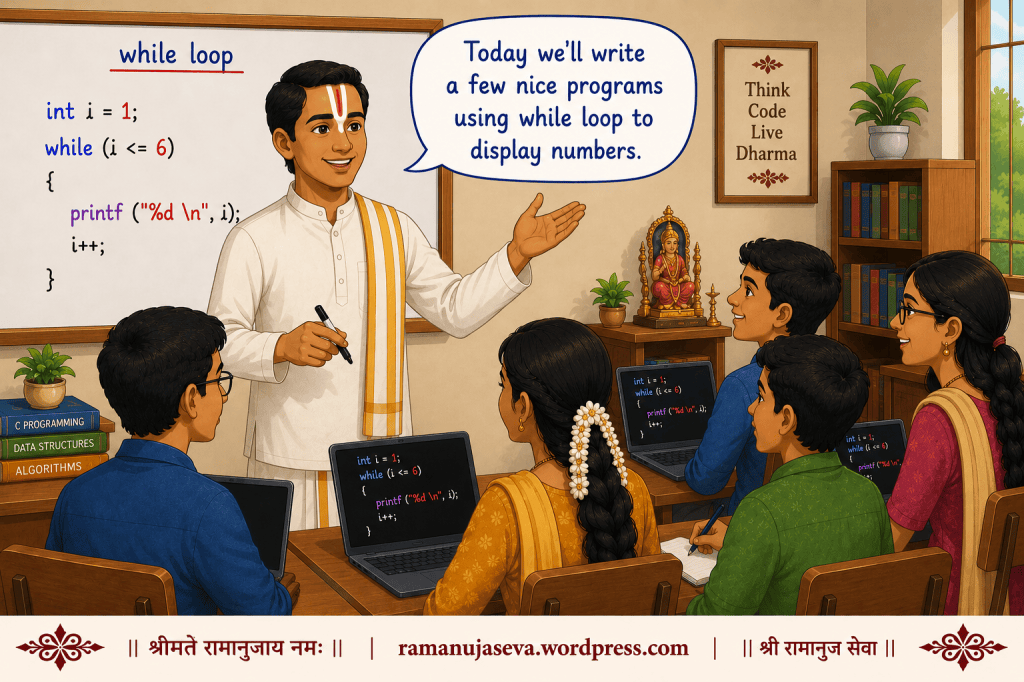
    Several simple programs using while loop to display numbers are given here.

    Some programs using while loop in C to display numbers:

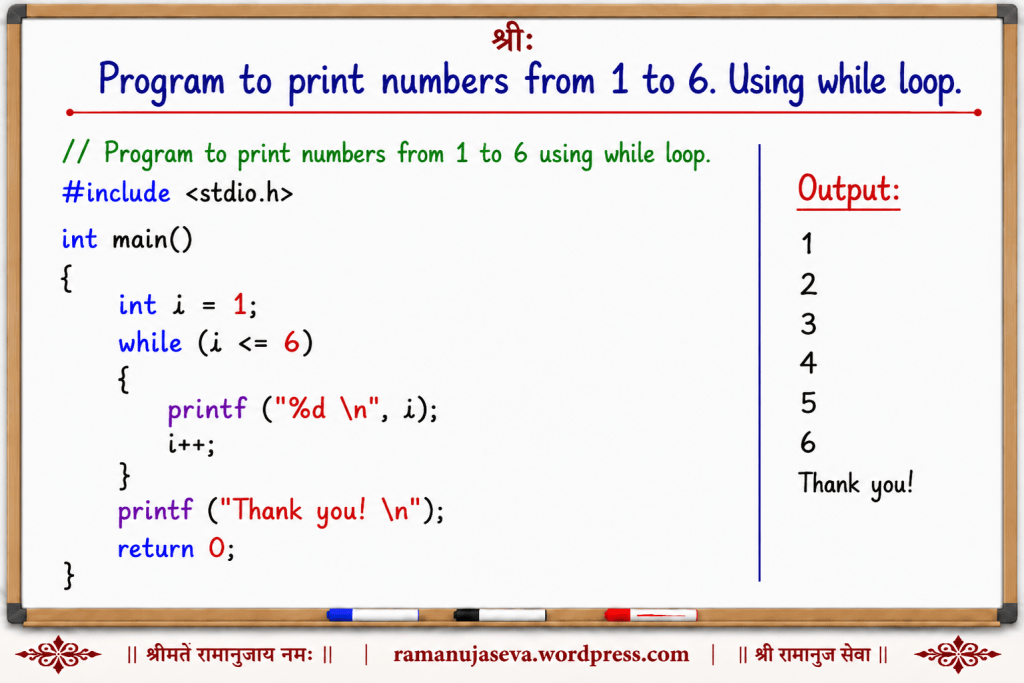
    Q.1. Display numbers from 1 to 6. Using while loop.

    Answer.

    //Program to print numbers from 1 to 6 using while loop.
    #include <stdio.h> //needed for the printf statement
    int main()
    {
    int i = 1; //start printing from this number
    while (i <= 6) //print till this number
    {
    printf("%d \n", i); //print this number
    i++; //increment i by 1.
    }
    printf("Thank you! \n"); //we are now outside the loop.
    return 0;
    }
    output:
    1
    2
    3
    4
    5
    6
    Thank you!

    Explanation-
    We need to print all numbers from 1 to 6. We start the while loop at 1. (That is, loop counter i is 1.) In each iteration of the while loop, we print the current value of i, and we increment i by 1. We continue this until i reaches 6. Once i goes beyond 6, we exit the loop.


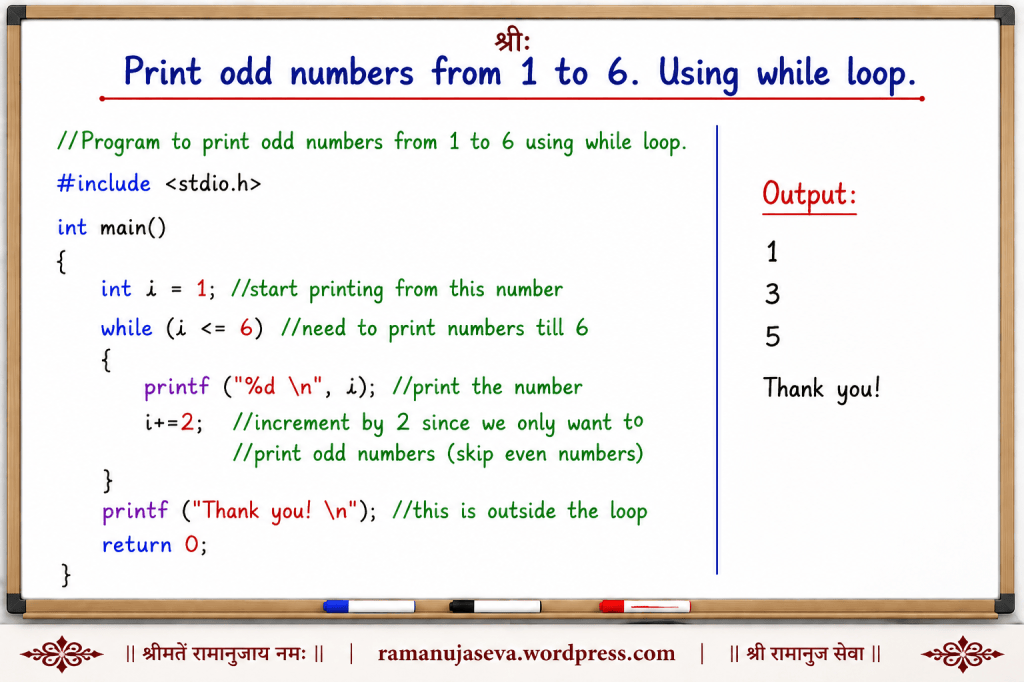
    Q.2. Display odd numbers from 1 to 6 using while loop.

    Answer.

    //Program to print odd numbers from 1 to 6 using while loop.
    #include <stdio.h>
    int main()
    {
    int i = 1; //start printing from this number
    while (i <= 6) //need to print numbers till 6
    {
    printf("%d \n", i); //print the number
    i += 2; //increment by 2 since we only want to
    //print odd numbers (skip even numbers)
    }
    printf("Thank you! \n"); //this is outside the loop
    return 0;
    }
    Output:
    1
    3
    5
    Thank you!

    Explanation:
    – we need to print odd numbers from 1 to 6. We start the loop at 1 (that is, the value of the loop counter i is 1.) In each iteration of the loop, we print the value of i, and then we increment i by 2. (To get to the next odd number, we need to add 2 to the present number. Hence, we increment i by 2.) We continue this till i is <= 6. Once i goes beyond 6, we exit the loop.


    Q.3. Same as Question 2

    Answer.
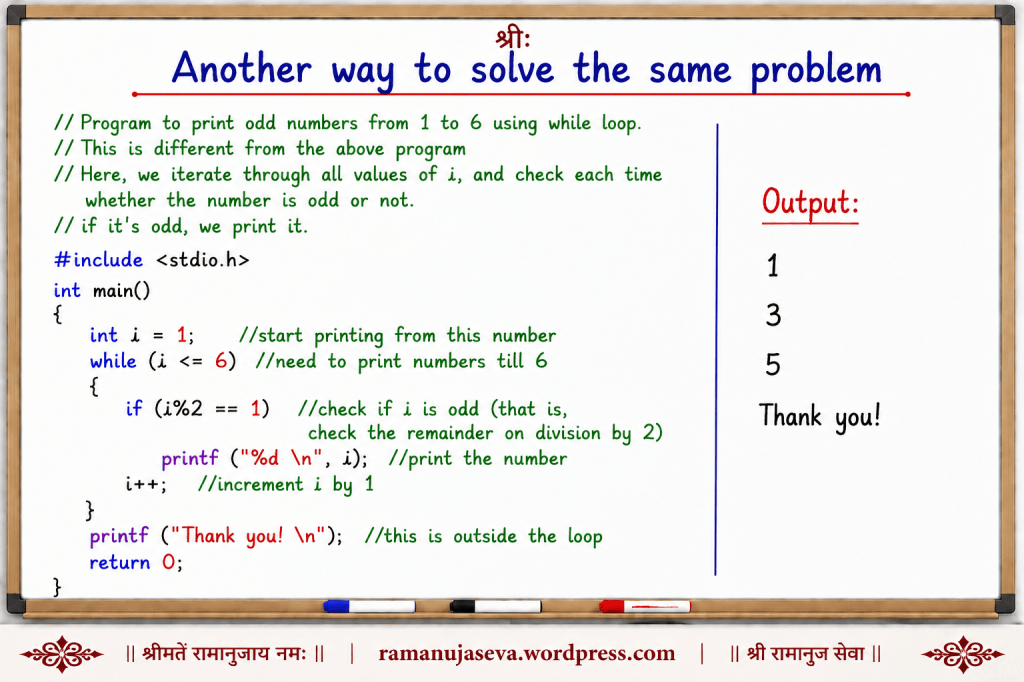
    Here, we use a different logic to solve the same problem.

    //Program to print odd numbers from 1 to 6 using while loop.
    //This is different from the above program
    //Here, we iterate through all values of i, and check each time
    //whether the number is odd or not.
    //if it's odd, we print it.
    #include <stdio.h>
    int main()
    {
    int i = 1; //start printing from this number
    while (i <= 6) //need to print numbers till 6
    {
    if (i % 2 == 1) //check if i is odd (that is,
    //check the remainder on division by 2)
    printf("%d \n", i); //print the number
    i++; //increment i by 1
    }
    printf("Thank you! \n"); //this is outside the loop
    return 0;
    }
    Output:
    1
    3
    5
    Thank you!

    Explanation:
    – We need to print odd numbers from 1 to 6.
    – How to check if a number is odd or even? See what is the remainder when the number is divided by 2. If the number is even, remainder on division by 2 is 0. If the number is odd, the remainder on division by 2 is 1. (Example, 10 is an even number, and 10, on being divided by 2, gives 0 as remainder. 11 is an odd number. When 11 is divided by 2, the remainder is 1.)
    – % – the remainder or module operator in C gives the remainder when one number is divided by another.
    – We need to print from 1. Hence we start the loop counter i as 1. Each time we are inside the loop, we check whether i is odd. If i is odd, we print it. Else, we simply move on to the next value of i (we increment i by 1). We continue this until i reaches 6. When i goes beyond 6, we exit the loop.


    Q.4. Again, same as Question 2.

    Answer.
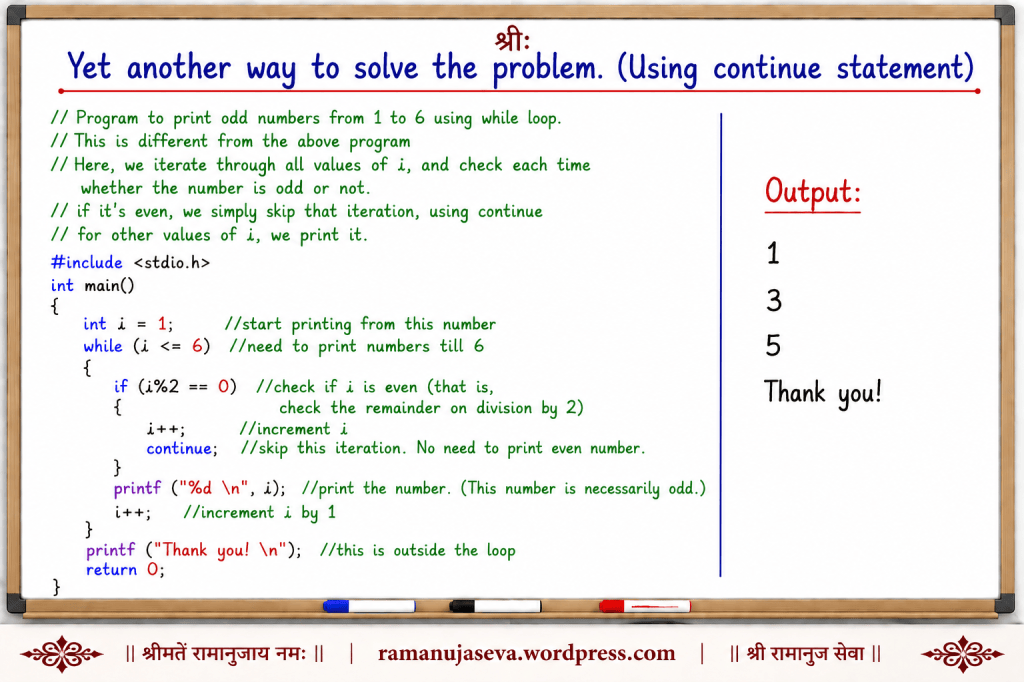
    This time we use yet another method to solve the same problem.

    //Program to print odd numbers from 1 to 6 using while loop.
    //This is different from the above program
    //Here, we iterate through all values of i, and check each time
    //whether the number is odd or not.
    //if it's even, we simply skip that iteration, using continue
    //for other values of i, we print it.
    #include <stdio.h>
    int main()
    {
    int i = 1; //start printing from this number
    while (i <= 6) //need to print numbers till 6
    {
    if (i % 2 == 0) //check if i is even (that is,
    //check the remainder on division by 2)
    {
    i++; //increment i
    continue; //skip this iteration. No need to print even number.
    }
    printf("%d \n", i); //print the number. (This number is necessarily odd.)
    i++; //increment i by 1
    }
    printf("Thank you! \n"); //this is outside the loop
    return 0;
    }
    output:
    1
    3
    5
    Thank you!

    Explanation:
    We use the continue statement in this program. When continue is encountered in any iteration, the remaining statements in that iteration (below the continue statement) are skipped, and the computer goes on to the next iteration.
    Hence, here whenever we encounter an even number, we use the continue statement (to skip the task of printing it).
    If the number is odd, we print it.


    Q.5. Write a program to display all multiples of 3 in the range from 4 to 20. Use while loop.

    Answer.

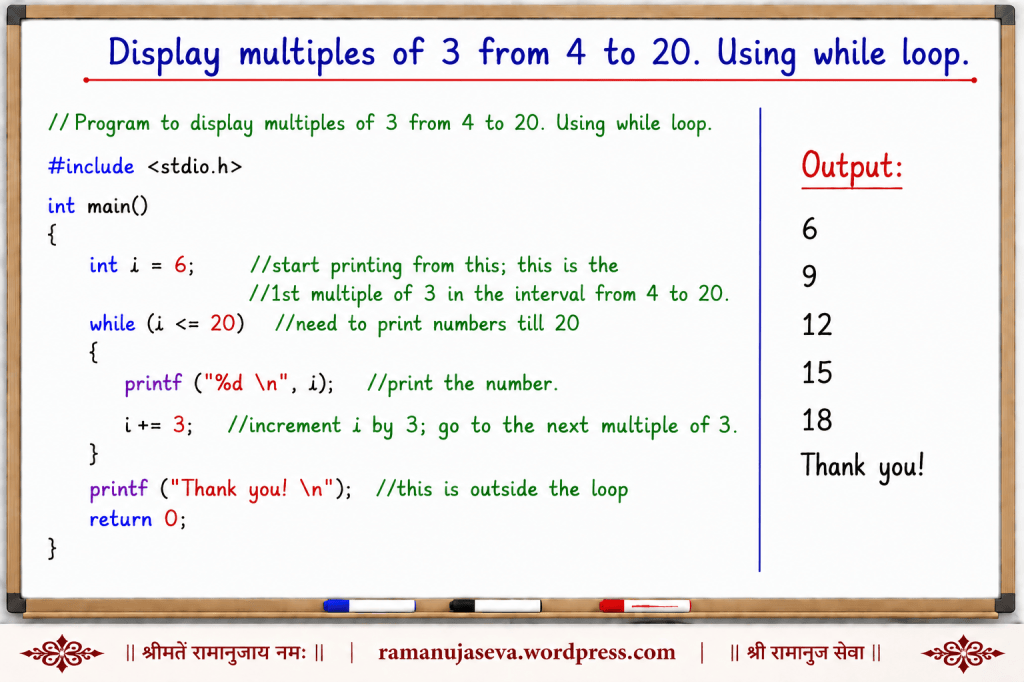
    //Program to display multiples of 3 from 4 to 20. Using while loop.
    #include <stdio.h>
    int main()
    {
    int i = 6; //start printing from this; this is the
    //1st multiple of 3 in the interval from 4 to 20.
    while (i <= 20) //need to print numbers till 20
    {
    printf("%d \n", i); //print the number.
    i += 3; //increment i by 3; go to the next multiple of 3.
    }
    printf("Thank you! \n"); //this is outside the loop
    return 0;
    }
    output:
    6
    9
    12
    15
    18
    Thank you!

    Explanation:
    – We need to print multiples of 3 (that is, numbers which are divisible by 3) starting from 4 till 20.
    – In this range, the 1st number which is a multiple of 3 – is 6. (Neither 4, nor 5, are multiples of 3.)
    – So we start our loop with the loop counter i as 6.
    – In each iteration of the loop, we print the value of i.
    – Then, we need to get to the next multiple of 3. To do that, we need to increment the value of i by 3. Therefore, in each iteration, we increment the value of i by 3.
    – At the end of the iteration, we go back to the while loop condition, and check that condition. We need to print till 20. Hence, we’ve put the condition as i <= 20. Once i goes beyond 20, we need not print it; we exit the loop.


    Q.6. Same as Question 5.

    Answer.
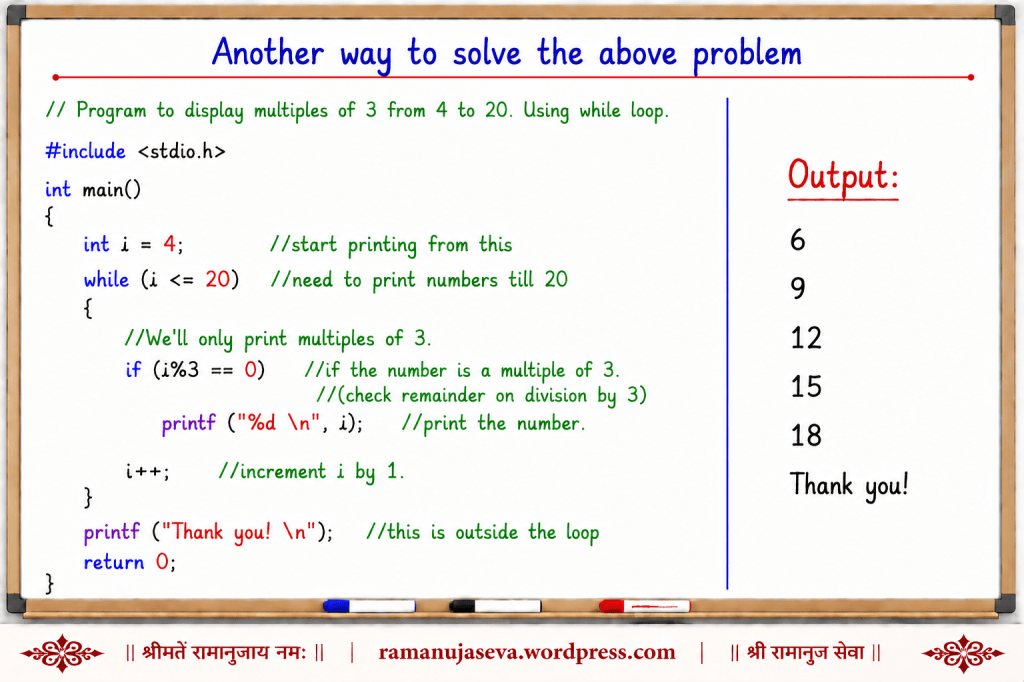
    We solve the same problem in a different way here.

    // Program to display multiples of 3 from 4 to 20. Using while loop.
    #include <stdio.h>
    int main()
    {
    int i = 4; //start printing from this
    while (i <= 20) //need to print numbers till 20
    {
    //We'll only print multiples of 3.
    if (i % 3 == 0) //if the number is a multiple of 3.
    //(check remainder on division by 3)
    printf("%d \n", i); //print the number.
    i++; //increment i by 1.
    }
    printf("Thank you! \n"); //this is outside the loop
    return 0;
    }
    output:
    6
    9
    12
    15
    18
    Thank you!

    Explanation:
    We need to print multiples of 3 from 4 to 20. Therefore, we start the while loop with the loop counter i as 4.
    In each iteration of the loop, we’ll check if the number is a multiple of 3 or not. (we do this using the modulo operator.)
    If the number is a multiple of 3, we print it. (If the number is not a multiple of 3, we don’t print it.)
    We increment the value of i by 1. In this manner, we continue until i reaches 20. (Each time, if i turns out to be a multiple of 3, we print it.)
    Once i crosses 20, we exit the loop.


    Q.7. Write a program to display numbers from 4 to 20, which are not multiples of 3. Use while loop.

    Answer.
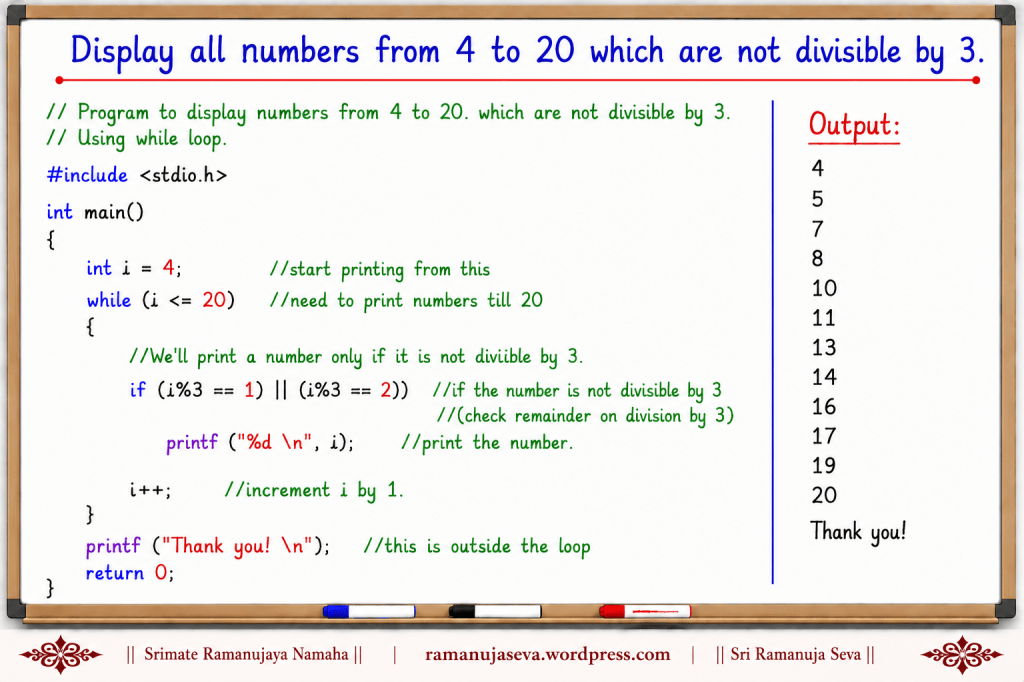
    The program here is very similar to the answer to Q.6. The difference is that in each iteration, we print the number if it is not divisible by 3. (In A.6., we were printing the number if it was divisible by 3.)

    // Program to display numbers from 4 to 20, which are not divisible by 3.
    // Using while loop.
    #include <stdio.h>
    int main()
    {
    int i = 4; //start printing from this
    while (i <= 20) //need to print numbers till 20
    {
    //We'll print a number only if it is not divisible by 3.
    if ((i % 3 == 1) || (i % 3 == 2)) //if the number is not divisible by 3
    //(check remainder on division by 3)
    printf("%d \n", i); //print the number.
    i++; //increment i by 1.
    }
    printf("Thank you! \n"); //this is outside the loop
    return 0;
    }
    output:
    4
    5
    7
    8
    10
    11
    13
    14
    16
    17
    19
    20
    Thank you!

    Explanation:
    We need to print a number only if it is not divisible by 3.
    Using the modulo operator (%), we check what is the remainder when the number is divided by 3. If the remainder is 1, or if the remainder is 2, it means that the number is not divisible by 3. (The possible remainders when a number is divided by 3 are 0, 1 and 2. If the remainder is 0, it means that the number is divisible by 3. The other remainders indicate that the number is not divisible by 3.)
    If the number is not divisible by 3, we print it.

  • Ch 10, verse 10 –
    तेषां सततयुक्तानां भजतां प्रीतिपूर्वकम् ।
    ददामि बुद्धियोगं तं येन मामुपयान्ति ते ||
    Sri Bhagavan says – “To those devotees always united with Me, engaged in My bhajan, I lovingly give that very intelligence, by which they attain Me.”
    श्री भगवान् कहते हैं—
    “उन निरंतर मेरे योग में स्थित, प्रेमपूर्वक मेरा भजन करने वाले भक्तों को मैं वह बुद्धियोग प्रदान करता हूँ, जिससे वे मुझे प्राप्त कर लेते हैं।”

    Commentary of Srimad Bhagavad Ramanujacharya –
    “To the devotees always desiring My union, engaged in My bhajan, I lovingly give that ripened intelligence by which they attain Me.”

  • (You can see Part 2 of the tutorial here: while loop tutorial – Part 2)


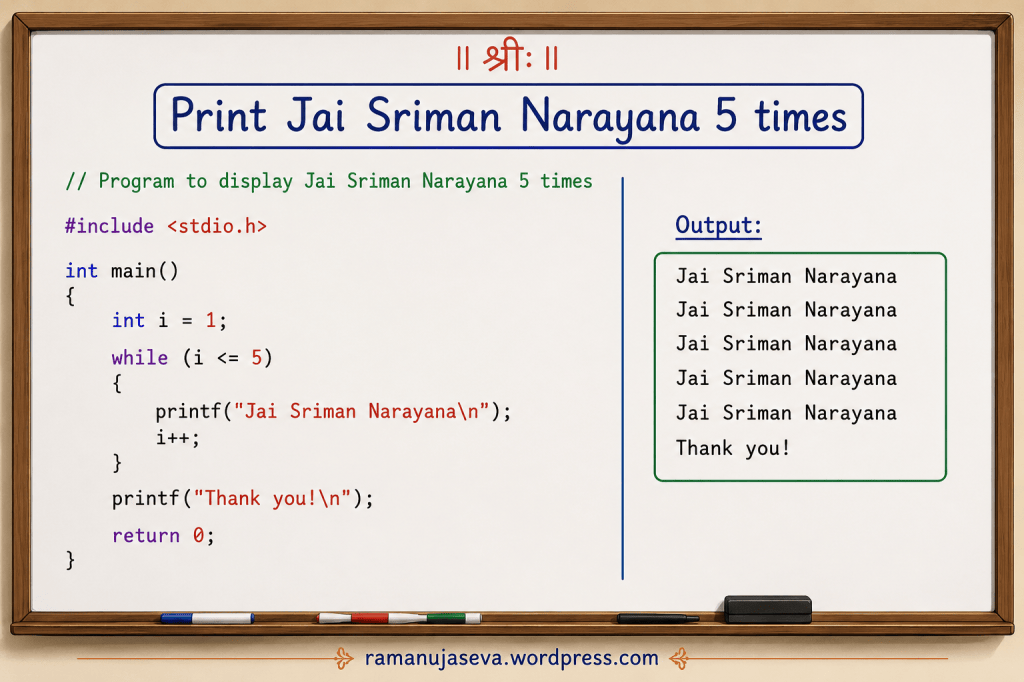
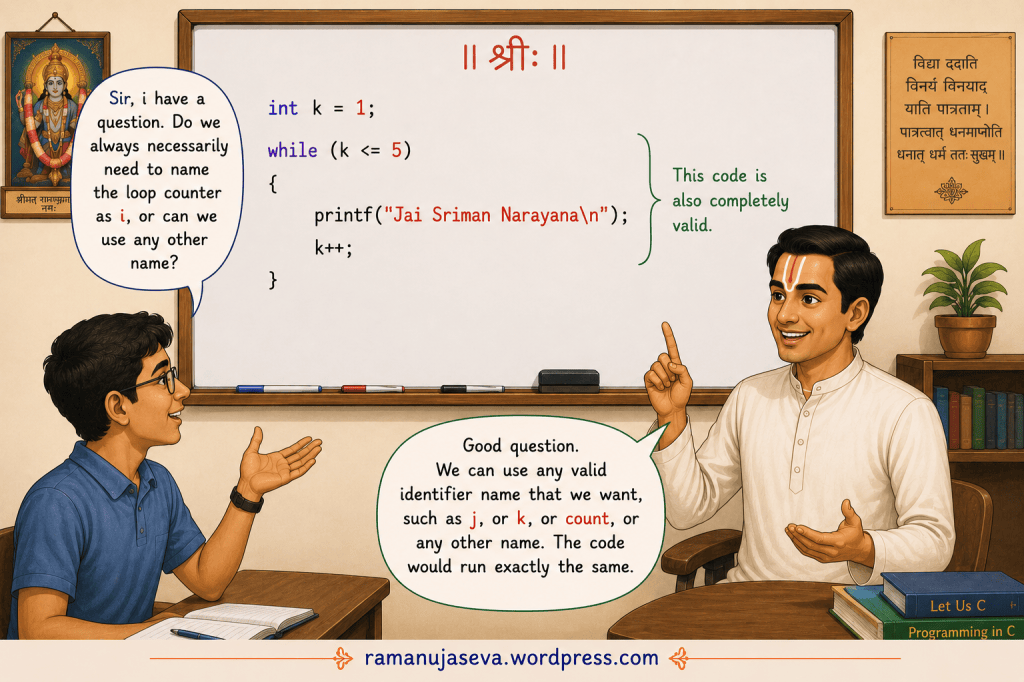
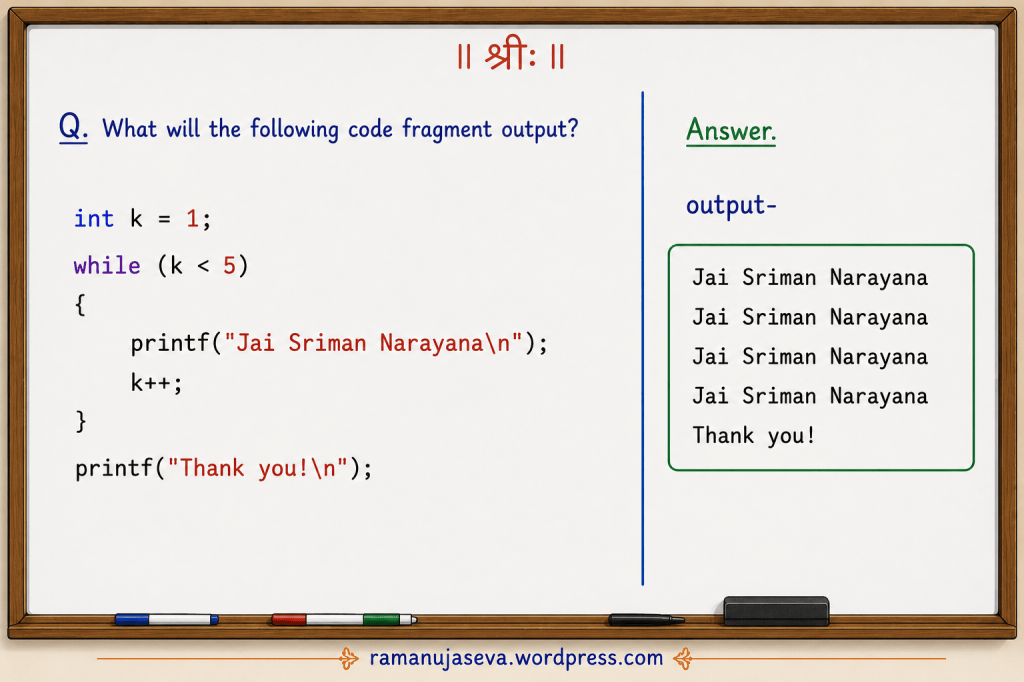
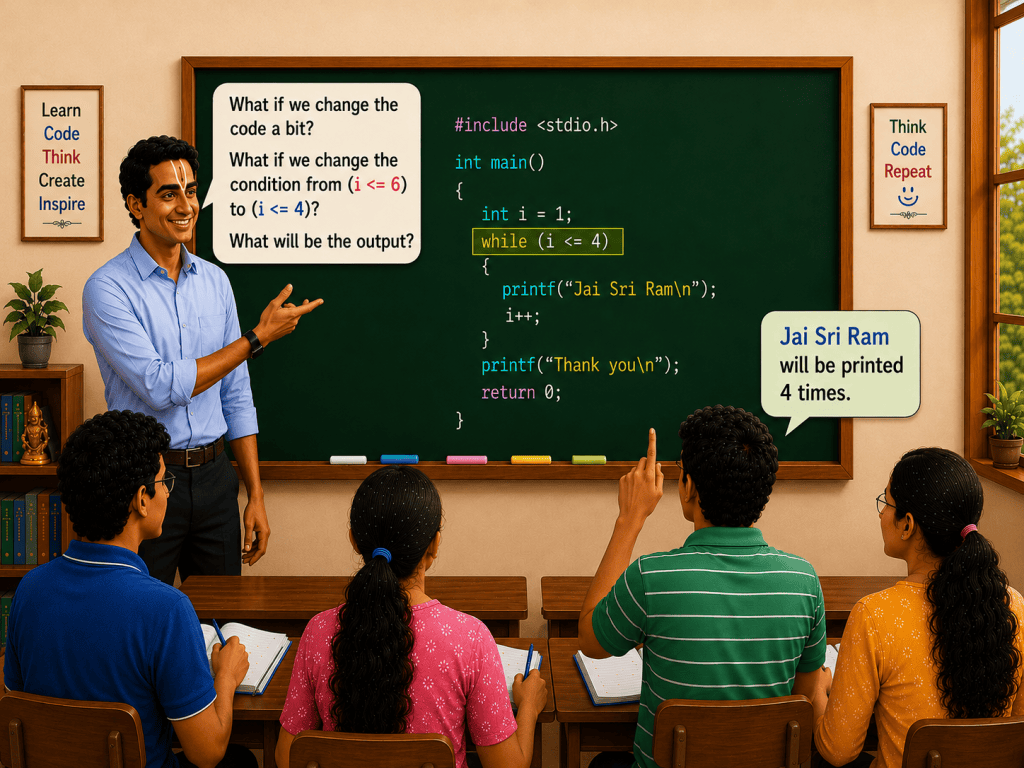
    Some more simple programs using while loop in C. Pls refer to the pictures above.

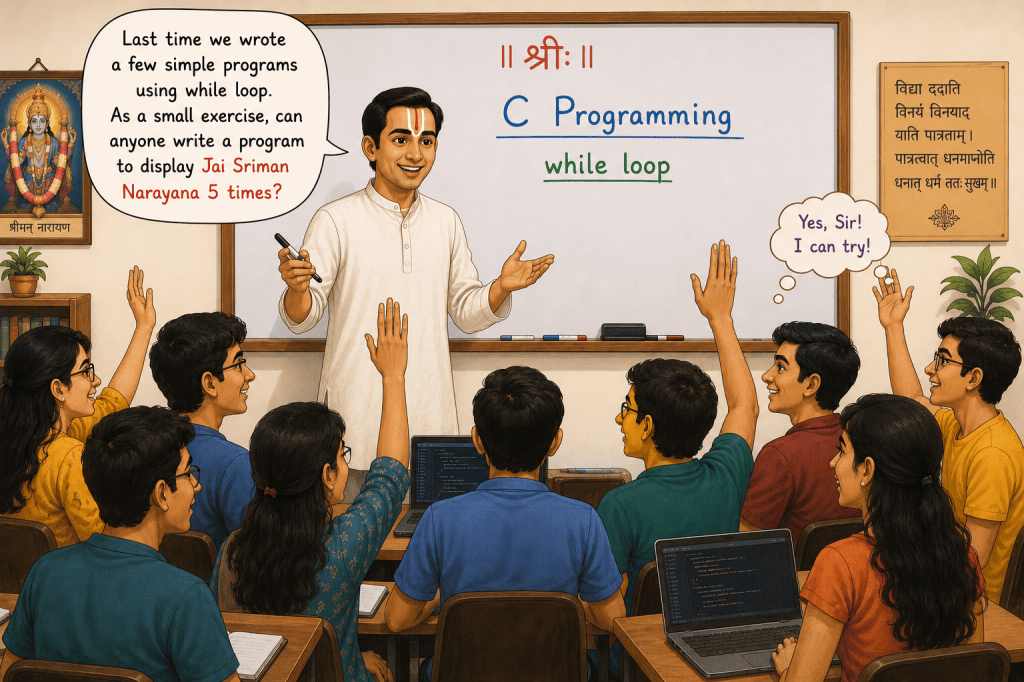
    Q.1. Write a program to display Jai Sriman Narayana 5 times.

    Answer.
    // Program to display Jai Sriman Narayana 5 times

    #include <stdio.h>
    int main()
    {
    int i = 1; //initialisation of the loop counter

    while (i <= 5) //condition
    {
    printf("Jai Sriman Narayana\n"); //display Jai Sriman Narayana
    i++; //increment the loop counter
    }
    printf("Thank you!\n");
    return 0;

    }

    output:
    Jai Sriman Narayana
    Jai Sriman Narayana
    Jai Sriman Narayana
    Jai Sriman Narayana
    Jai Sriman Narayana
    Thank you!


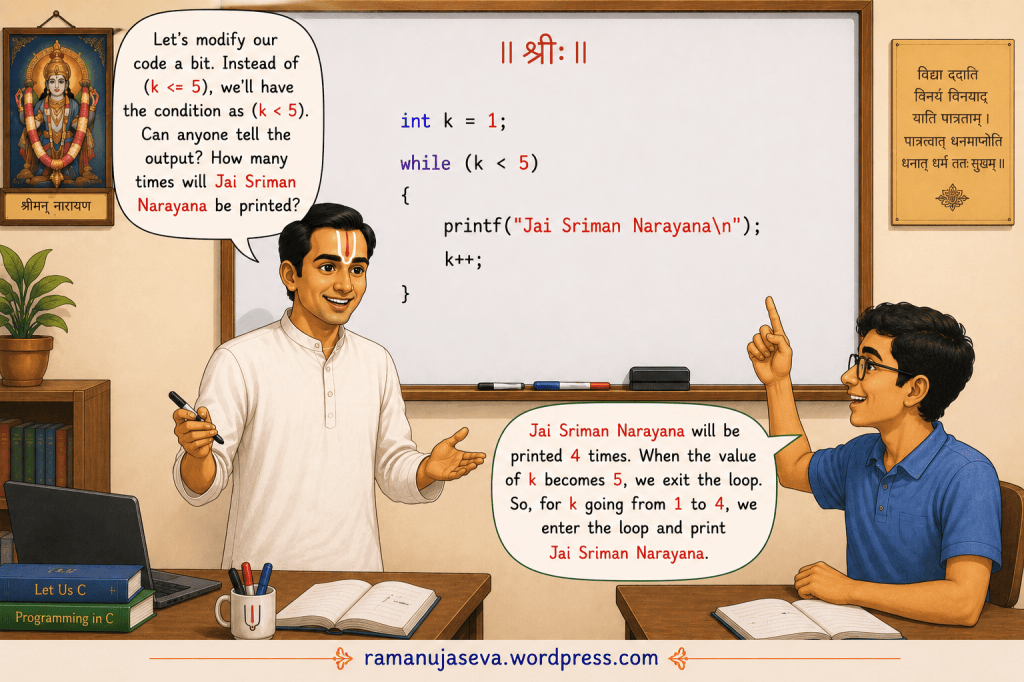
    Q.2. What will the following code fragment output?
    int k = 1;
    while (k < 5)
    {
    printf("Jai Sriman Narayana\n");
    k++;
    }
    printf("Thank you!\n");
    Answer

    Output:

    Jai Sriman Narayana
    Jai Sriman Narayana
    Jai Sriman Narayana
    Jai Sriman Narayana
    Thank you!
    Explanation

    Initially, the value of k is 1.

    The loop condition is k < 5.

    Value of kCondition (k < 5)Action
    1TruePrint “Jai Sriman Narayana”
    2TruePrint “Jai Sriman Narayana”
    3TruePrint “Jai Sriman Narayana”
    4TruePrint “Jai Sriman Narayana”
    5FalseExit the loop

    Therefore, “Jai Sriman Narayana” is printed 4 times.

    After exiting the loop, the statement

    printf("Thank you!\n");

    is executed, so “Thank you!” is printed.


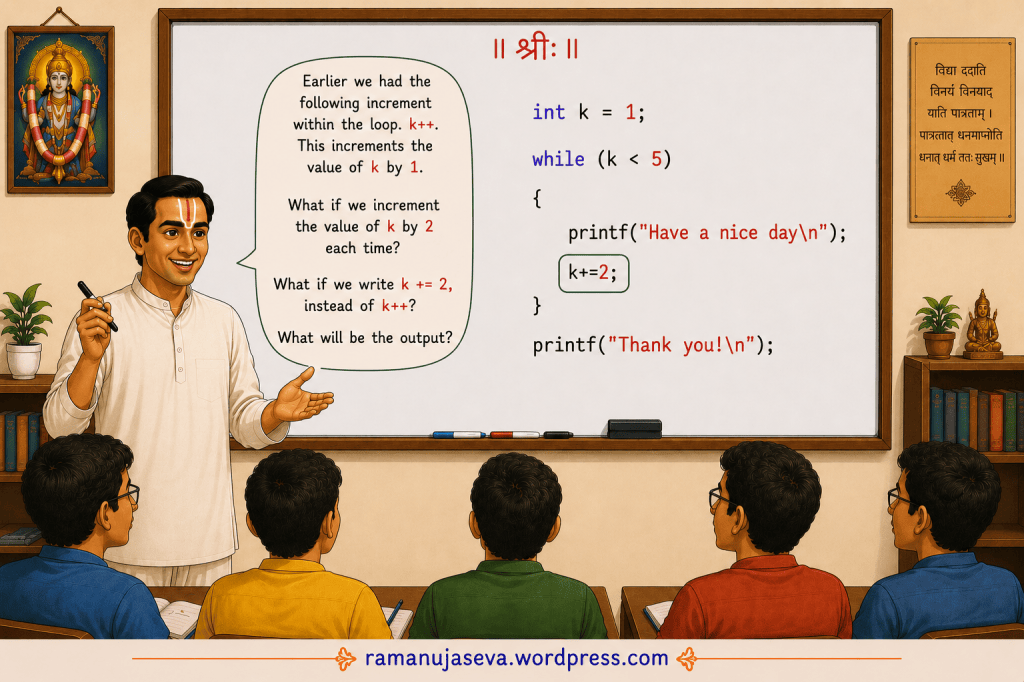
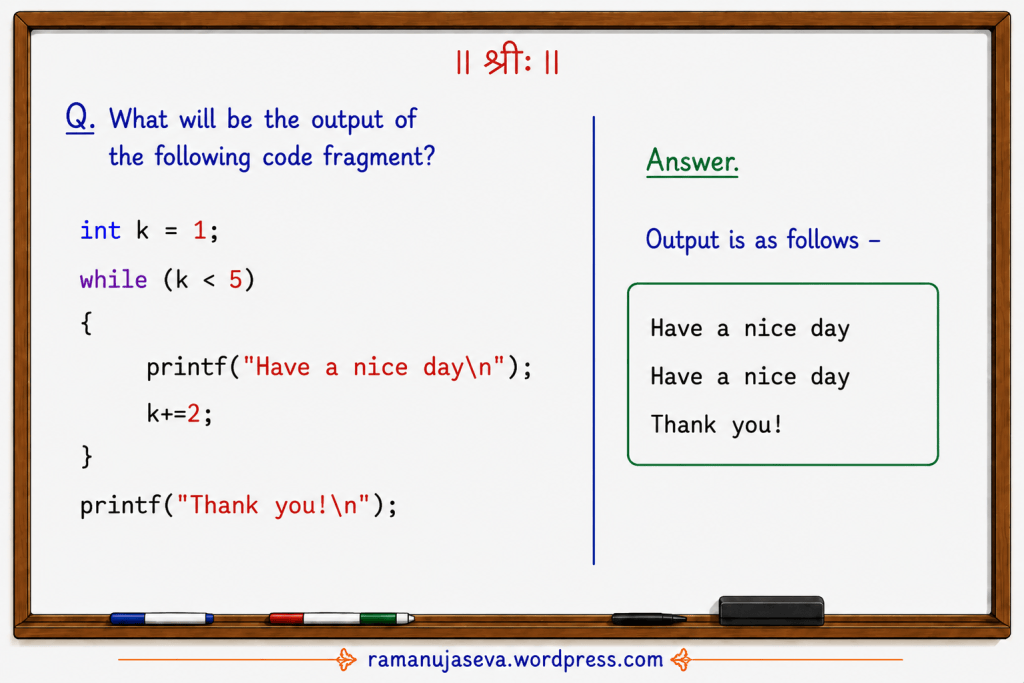
    Q.3. What will the following code fragment produce?
    int k = 1;
    while (k < 5)
    {
    printf("Have a nice day\n");
    k += 2;
    }
    printf("Thank you!\n");

    Answer.
    Output:

    Have a nice day
    Have a nice day
    Thank you!

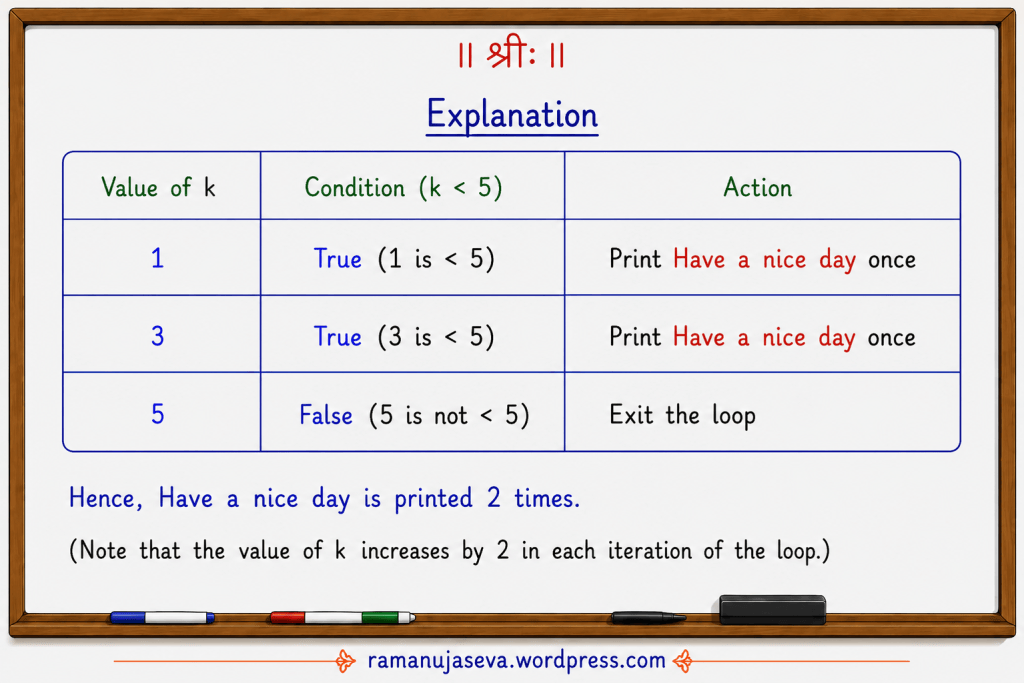
    Explanation:
    Value of kCondition (k < 5)Action
    1True (1 is < 5)Print Have a nice day once
    3True (3 is < 5)Print Have a nice day once
    5False (5 is not < 5)Exit the loop

    Hence, “Have a nice day” is printed 2 times.

    (Note that the value of k increases by 2 in each iteration of the loop.)


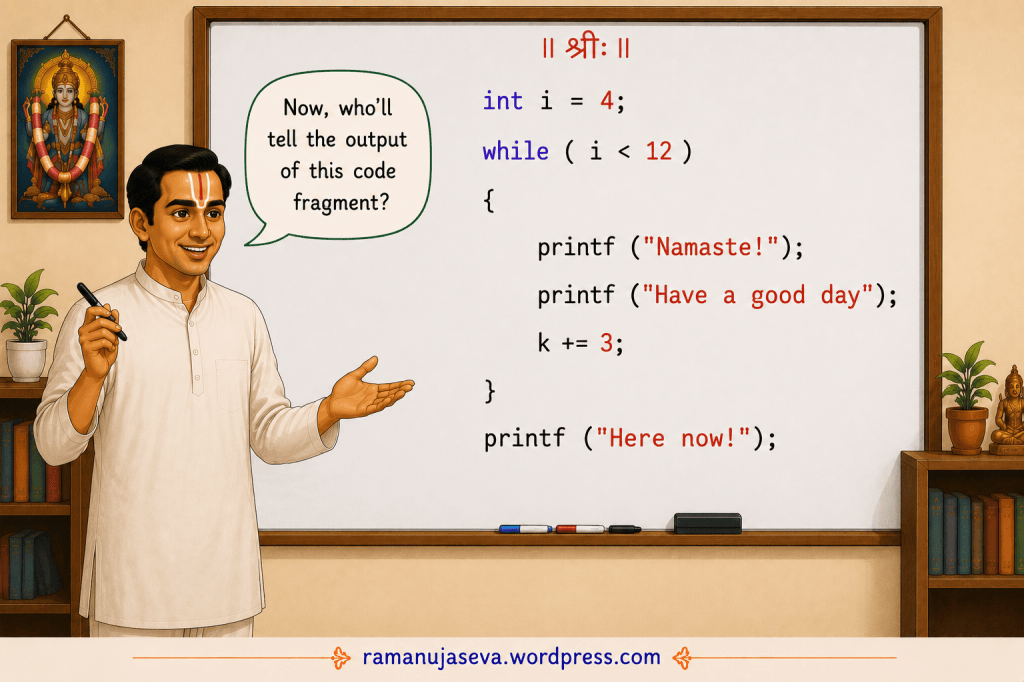
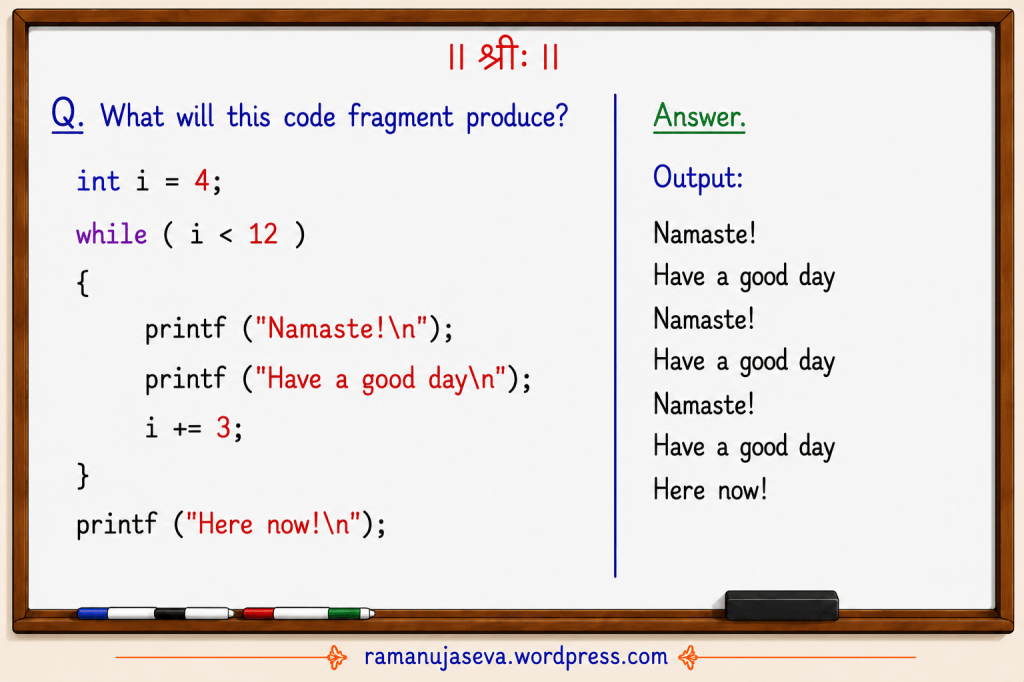
    Q.4. What will be the output –
    int i = 4;
    while (i < 12)
    {
    printf("Namaste!\n");
    printf("Have a good day\n");
    i += 3;
    }
    printf("Here now!\n");

    Answer:
    Output –

    Namaste!
    Have a good day
    Namaste!
    Have a good day
    Namaste!
    Have a good day
    Here now!

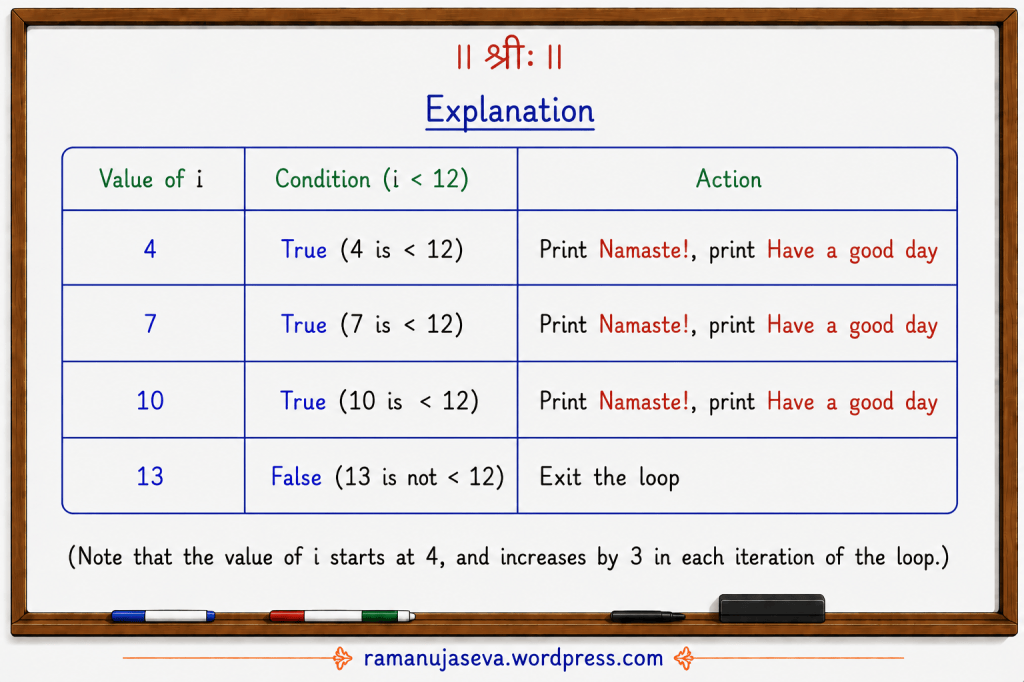
    Explanation
    Value of iCondition (i < 12)Action
    4True (4 is < 12)Print Namaste!, print Have a good day
    7True (7 is < 12)Print Namaste!, print Have a good day
    10True (10 is < 12)Print Namaste!, print Have a good day
    13False (13 is not < 12)Exit the loop

    Note: The value of i starts at 4, and increases by 3 in each iteration of the loop.


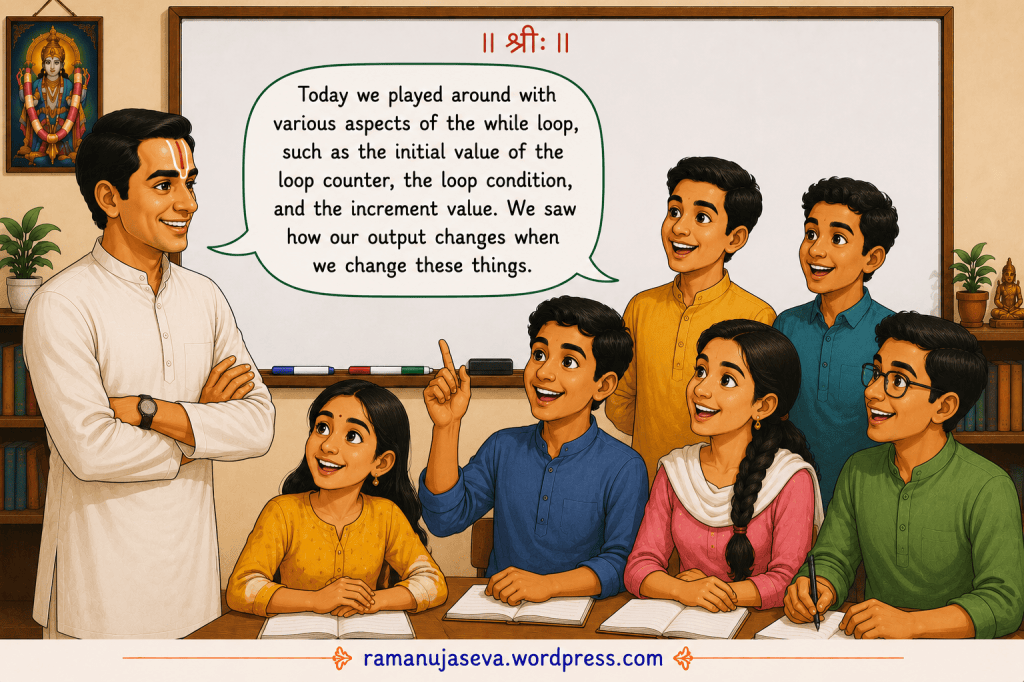
    In this lesson, we played around with various aspects of the while loop, such as the initial value of the loop counter, the loop condition, and the increment value. We saw how our output changes when we change these things.

  • Learn Sanskrit easily. बालक शब्दरूपम् . Simple sentences in Sanskrit.

    विभक्ति:एकवचनम्द्विवचनम्बहुवचनम्
    प्रथमाबालकःबालकौबालकाः
    द्वितीयाबालकम्बालकौबालकान्
    तृतीयाबालकेनबालकाभ्याम्बालकैः
    चतुर्थीबालकायबालकाभ्याम्बालकेभ्यः
    पञ्चमीबालकात्बालकाभ्याम्बालकेभ्यः
    षष्ठीबालकस्यबालकयोःबालकानाम्
    सप्तमीबालकेबालकयोःबालकेषु
    सम्बोधनहे बालकहे बालकौहे बालकाः

    Examples of sentences:

    प्रथमा विभक्ति

    Sanskrit SentenceHindi TranslationEnglish Translation
    बालकः पठति।लड़का पढ़ता है।The boy studies.
    बालकौ पठतः।दो लड़के पढ़ते हैं।The two boys study.
    बालकाः पठन्ति।लड़के पढ़ते हैं।The boys study.

    द्वितीया विभक्ति

    Sanskrit SentenceHindi TranslationEnglish Translation
    अहं बालकम् पश्यामि।मैं लड़के को देखता हूँ।I see a boy.
    अहं बालकौ पश्यामि।मैं दो लड़कों को देखता हूँ।I see two boys.
    अहं बालकान् पश्यामि।मैं लड़कों को देखता हूँ।I see the boys.

    तृतीया विभक्ति

    Sanskrit SentenceHindi TranslationEnglish Translation
    पिता बालकेन सह क्रीडति।पिता लड़के के साथ खेलते हैं।The father plays with the boy.
    पिता बालकाभ्याम् सह क्रीडति।पिता दो लड़कों के साथ खेलते हैं।The father plays with the two boys.
    पिता बालकैः सह क्रीडति।पिता लड़कों के साथ खेलते हैं।The father plays with the boys.

    चतुर्थी विभक्ति

    Sanskrit SentenceHindi TranslationEnglish Translation
    शिक्षकः बालकाय पुस्तकम् ददाति।शिक्षक लड़के को पुस्तक देते हैं।The teacher gives a book to the boy.
    शिक्षकः बालकाभ्याम् पुस्तकम् ददाति।शिक्षक दो लड़कों को पुस्तक देते हैं।The teacher gives a book to the two boys.
    शिक्षकः बालकेभ्यः पुस्तकम् ददाति।शिक्षक लड़कों को पुस्तक देते हैं।The teacher gives a book to the boys.

    Some other shabd roop tables are given here: hari, raama, sita

  • Simple programs using while loop in C. See Part 1 on while loops here.


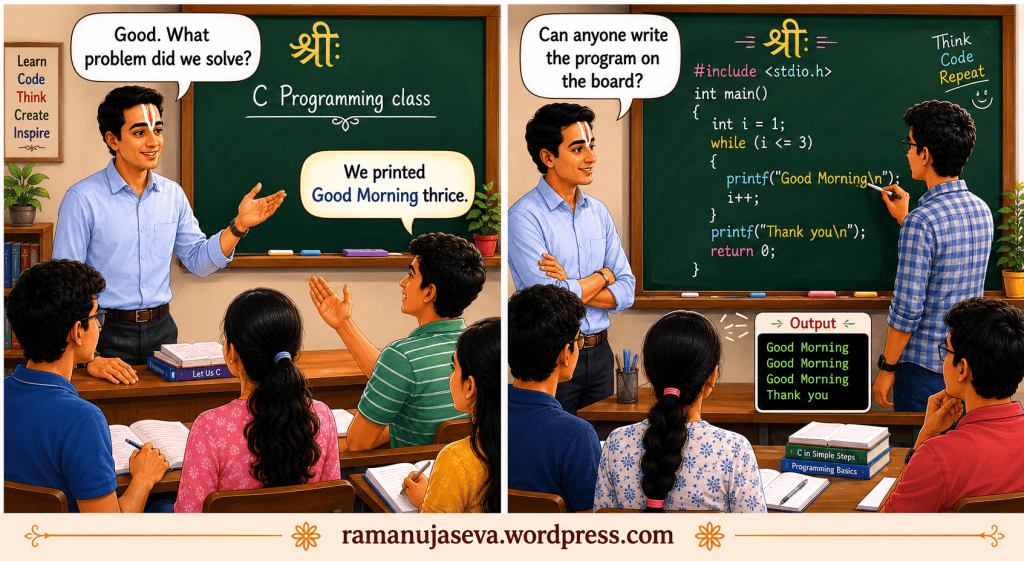
    Q.1. Write a C program to print Good Morning three times.
    Solution.
    // This program displays Good Morning 3 times on the screen
    #include <stdio.h>
    int main()
    {
    int i = 1; //set initial value of the loop counter
    while (i <= 3) //condition that we check each time before entering the loop
    {
    printf("Good Morning\n"); //display Good Morning once on the screen
    i++; //increment the loop counter
    }
    printf("Thank you\n");
    return 0;
    }


    Output:
    Good Morning
    Good Morning
    Good Morning
    Thank you

    Notes:
    – This is a very simple program to introduce while loop.
    – i is the loop counter. It controls how many times the loop is executed.
    – This loop is executed 3 times. That is, there are 3 iterations. (Each time the loop is run, it is known as one iteration.)
    – In each iteration of the loop, Good Morning is printed once.
    – There are 3 iterations of the loop in all. Hence, Good Morning gets printed thrice, which is what we want.


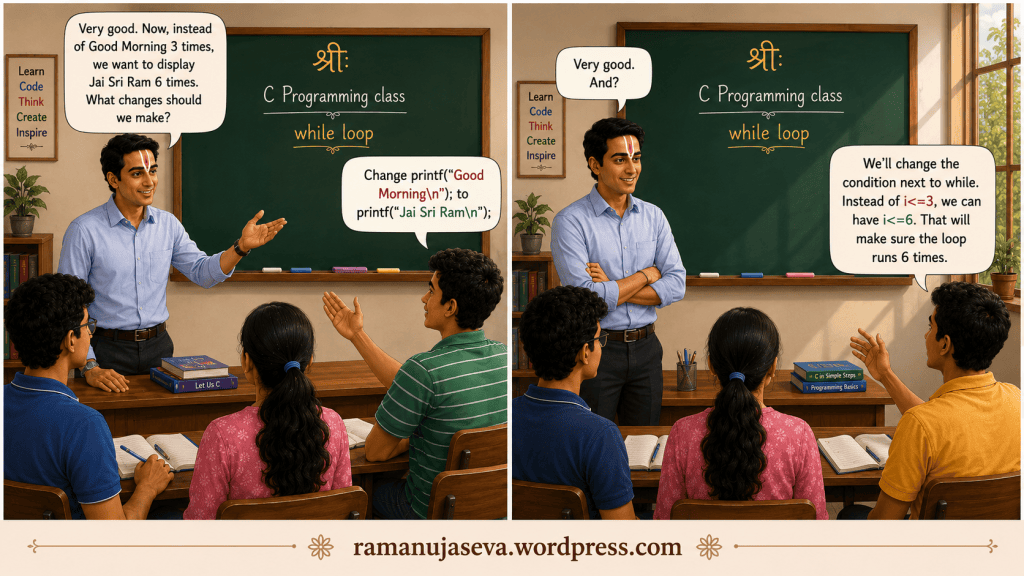
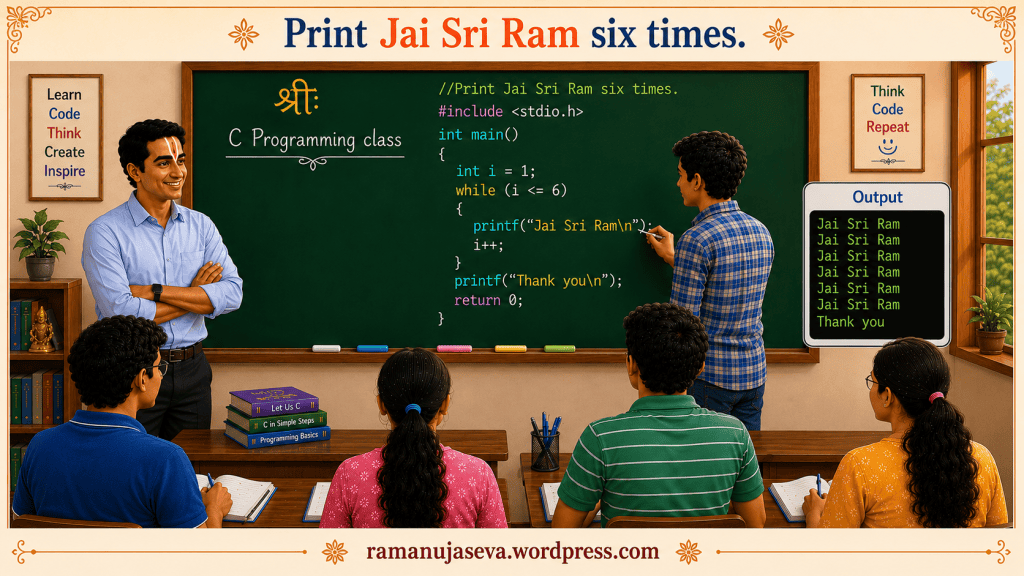
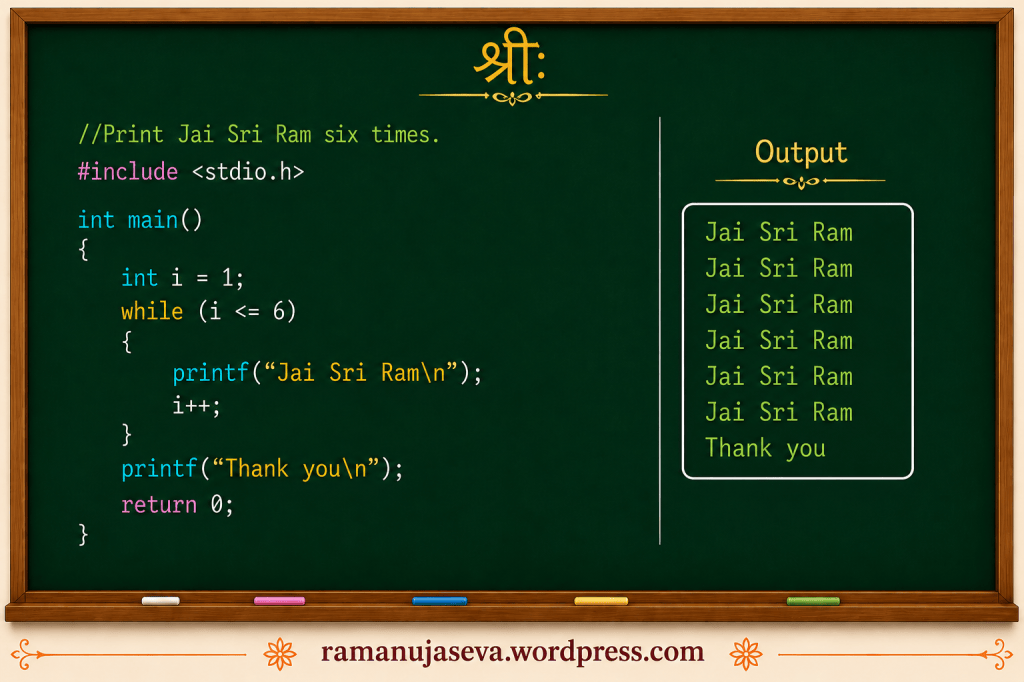
    Q.2. Print Jai Sri Ram six times. Write a program to do this.
    Solution.
    // This program displays Jai Sri Ram six times.
    #include <stdio.h>
    int main()
    {
    int i = 1; //initialize
    while (i <= 6) //condition to be checked
    {
    printf("Jai Sri Ram\n"); //do the repetitive task once
    i++; // increment the loop counter
    }
    printf("Have a good day");
    return 0;
    }


    Output :
    Jai Sri Ram
    Jai Sri Ram
    Jai Sri Ram
    Jai Sri Ram
    Jai Sri Ram
    Jai Sri Ram
    Have a good day

    Notes:
    – This program is very similar to the previous program.
    – Our task is to print Jai Sri Ram six times.
    – Printing Jai Sri Ram is very simple. We just need one printf statement.
    – Since we need to print it 6 times, we’ll put that printf statement within a while loop, and make the loop run 6 times.
    – We use the loop counter i to make sure that the loop runs exactly 6 times.
    – i++; increments the value of the variable i by 1.


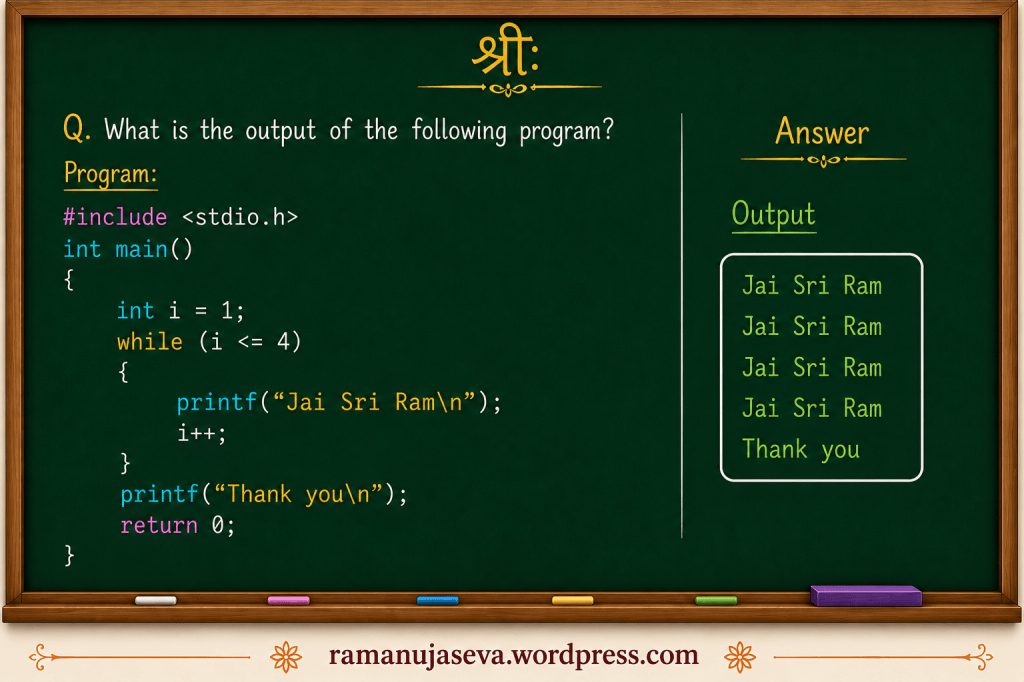
    Q.3. What is the output of the following program –
    #include <stdio.h>
    int main()
    {
    int i = 1; //initialize
    while (i <= 4) //condition to be checked
    {
    printf("Jai Sri Ram\n"); //do the repetitive task once
    i++; // increment the loop counter
    }
    printf("Have a good day");
    return 0;
    }


    Solution.
    The output is the following:
    Jai Sri Ram
    Jai Sri Ram
    Jai Sri Ram
    Jai Sri Ram
    Have a good day

    Notes:
    – The loop counter i is set to 1 initially. Each time inside the loop, i is incremented by 1. The loop is executed until i is <= 4. Hence, the loop executes 4 times.
    – In each iteration of the loop, Jai Sri Ram is printed once.
    – Hence, in all, Jai Sri Ram is printed 4 times.
    – After the loop terminates, “Have a good day” is printed once.


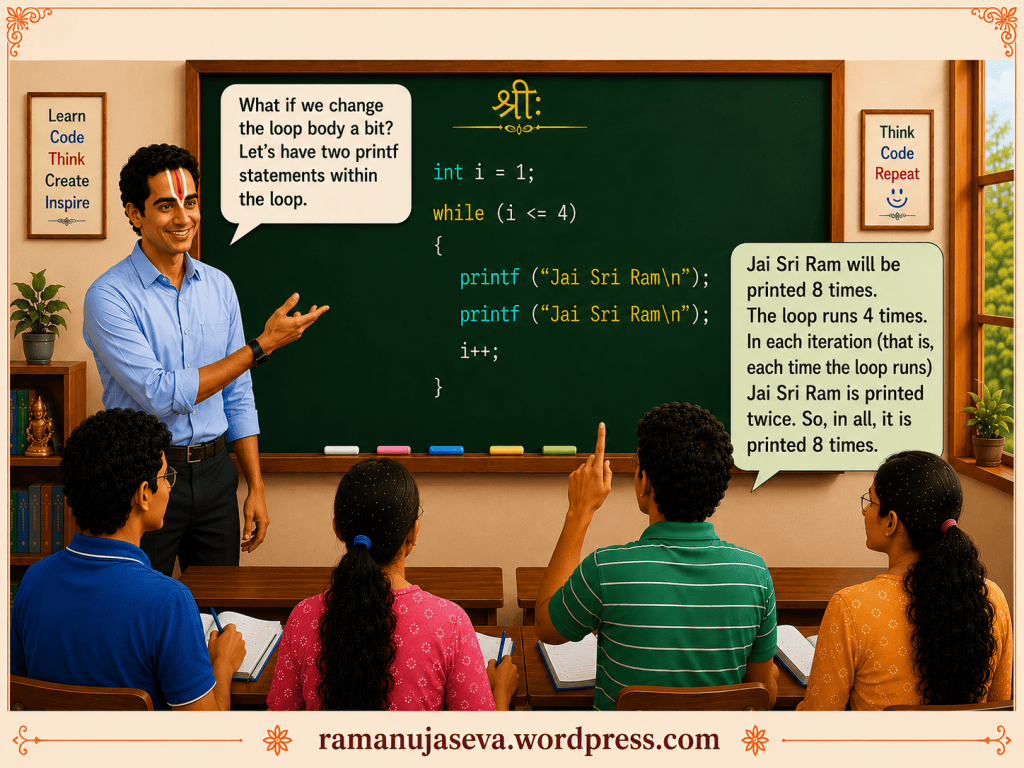
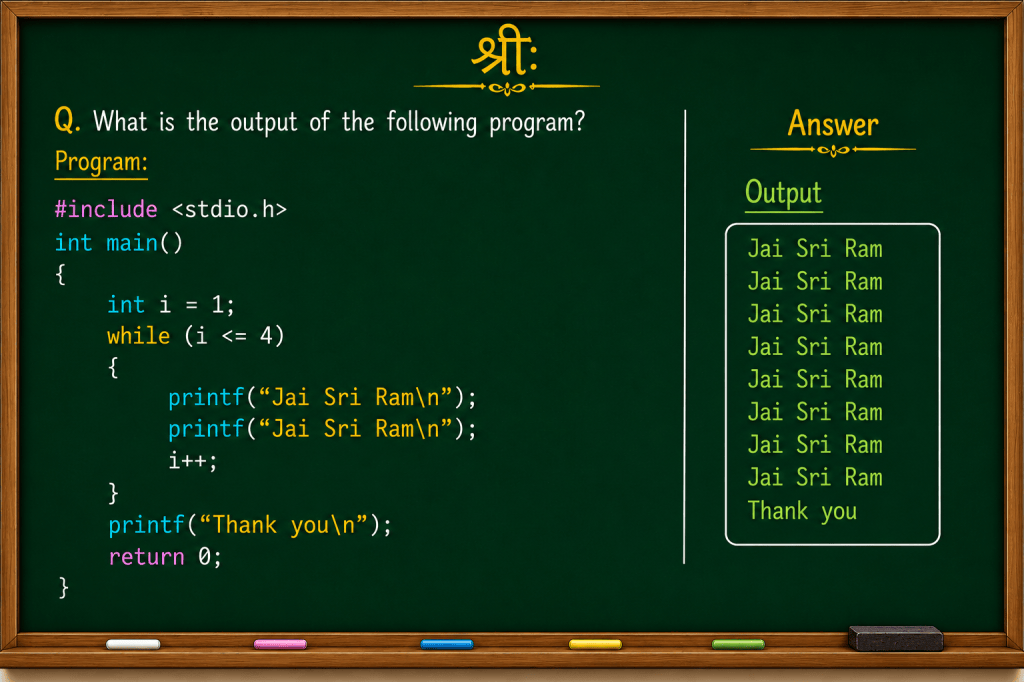
    Q.4. What is the output of the following program –
    #include <stdio.h>
    int main()
    {
    int i = 1; //initialize
    while (i <= 4) //condition to be checked
    {
    printf("Jai Sri Ram\n");
    printf("Jai Sri Ram\n");
    i++; // increment the loop counter
    }
    printf("Have a good day");
    return 0;
    }


    Answer.
    Following is the output:
    Jai Sri Ram
    Jai Sri Ram
    Jai Sri Ram
    Jai Sri Ram
    Jai Sri Ram
    Jai Sri Ram
    Jai Sri Ram
    Jai Sri Ram
    Have a good day

    Notes:
    – This is very similar to the previous program.
    – As in the previous program, the loop runs 4 times. (The value of i goes from 1 to 4.)
    – Each time that the loop runs, there are 2 printf statements – that is, Jai Sri Ram is printed twice in each iteration of the while loop.
    – There are 4 iterations in all. Hence, Jai Sri Ram is printed 8 times.

  • SanskritHindiEnglish
    एतत् फलम्।यह फल है।This is a fruit.
    तत् पुस्तकम्।वह पुस्तक है।That is a book.
    एषः वृक्षः।यह पेड़ है।This is a tree.
    सः अश्वः।वह घोड़ा है।That is a horse.
    बालिका विद्यालयं गच्छति।लड़की विद्यालय जाती है।The girl goes to school.
    बालकः फलम् खादति।लड़का फल खाता है।The boy eats a fruit.
    धेनुः जलं पिबति।गाय पानी पीती है।The cow drinks water.
    अहं पुस्तकं पठामि।मैं पुस्तक पढ़ता हूँ।I read a book.
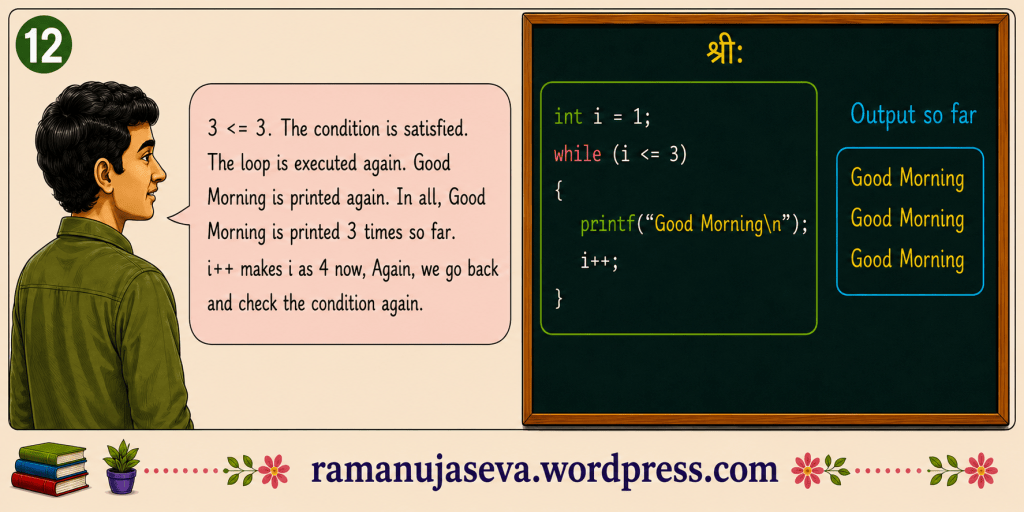
  • Introducing while loop in C. Simple program with detailed explanation.
    (Similar post on while loop is here.)
    (For Part 2 of this tutorial, see here.)

    Introducing while Loop in C
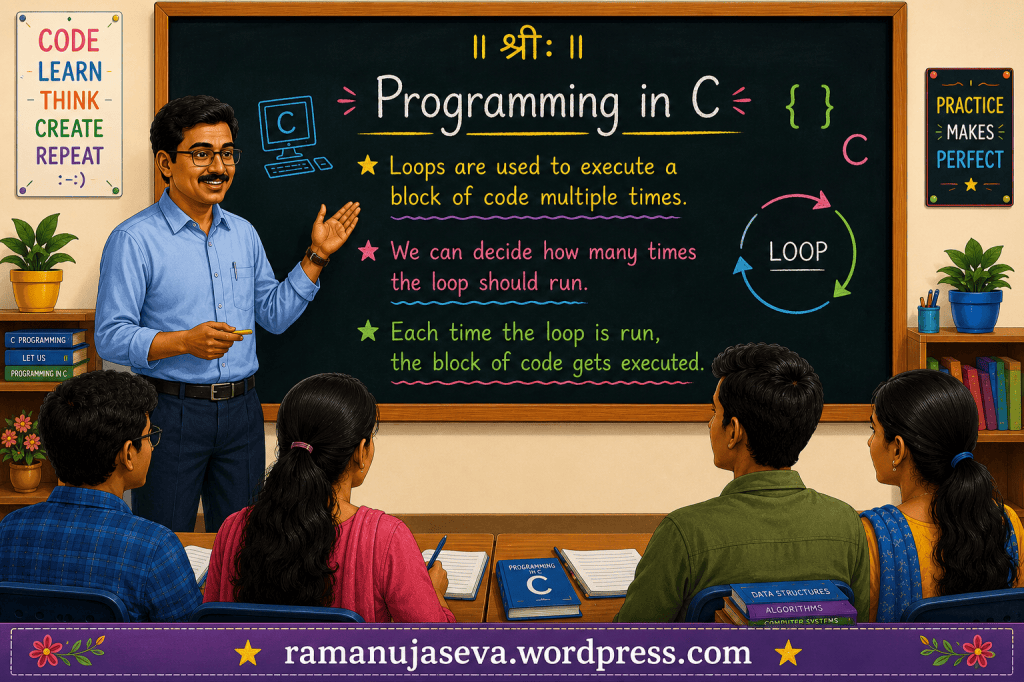
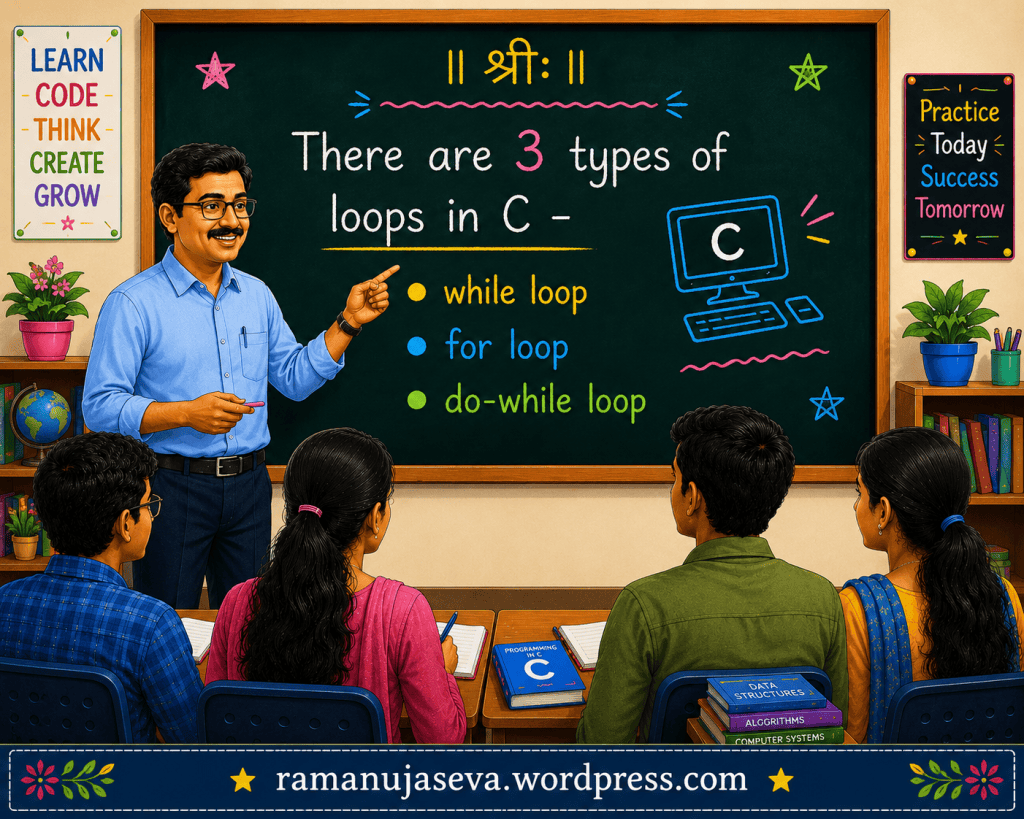
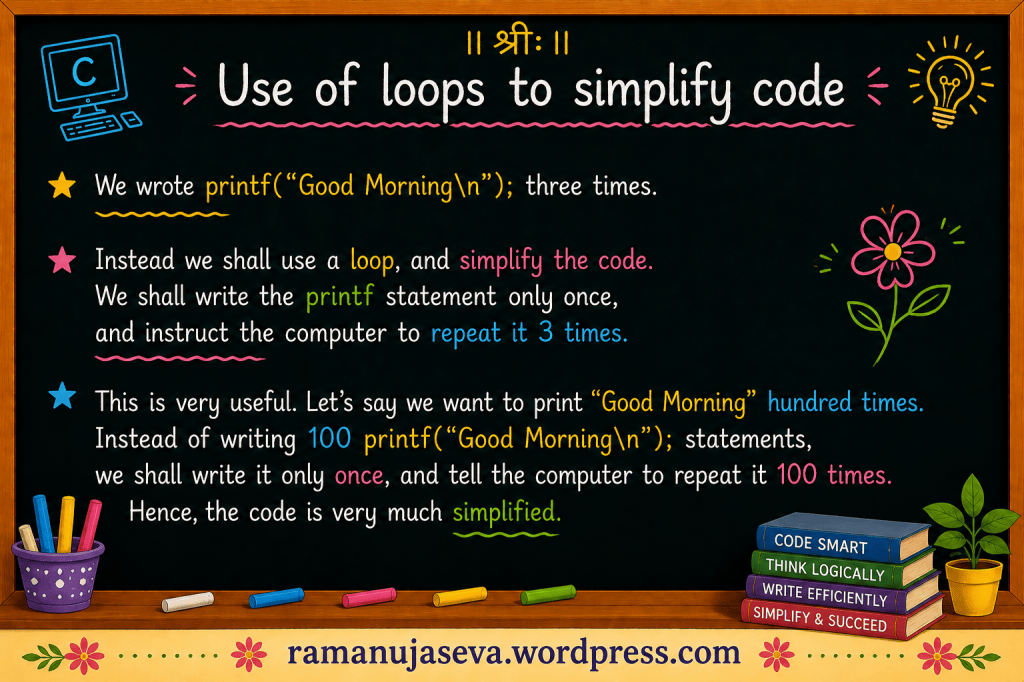
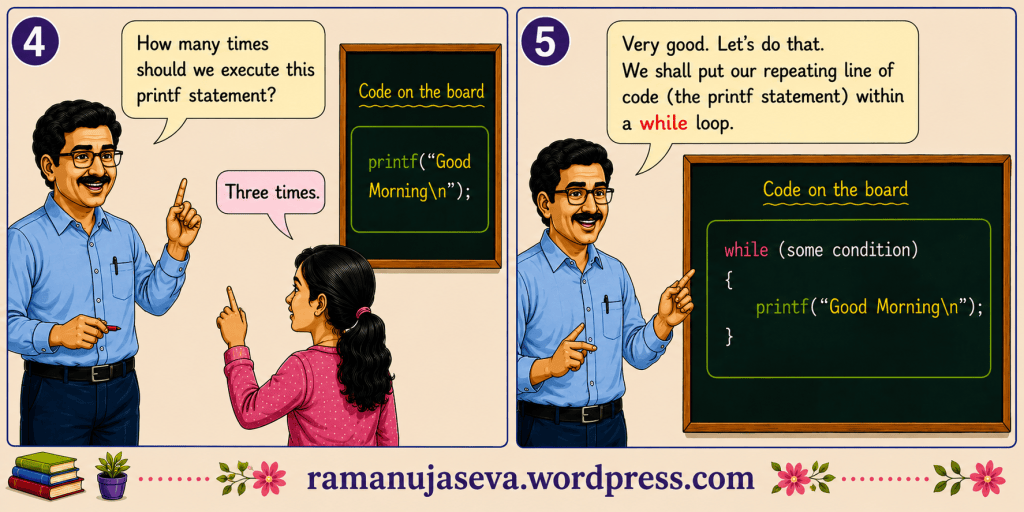
    Loops are used to execute a specific piece of code multiple times.

    while (some condition)
    {
    // block of code
    }

    As long as the condition is true, the block of code within the while loop is repeatedly executed.

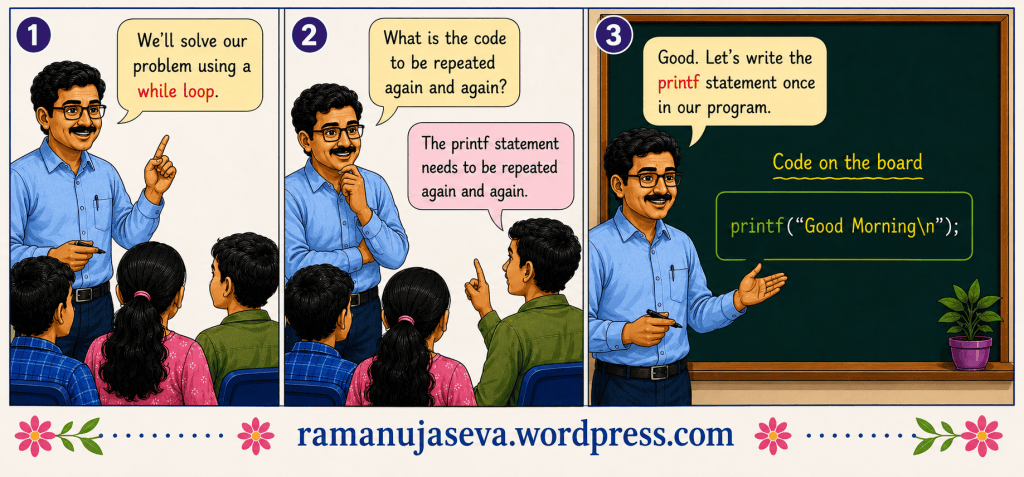
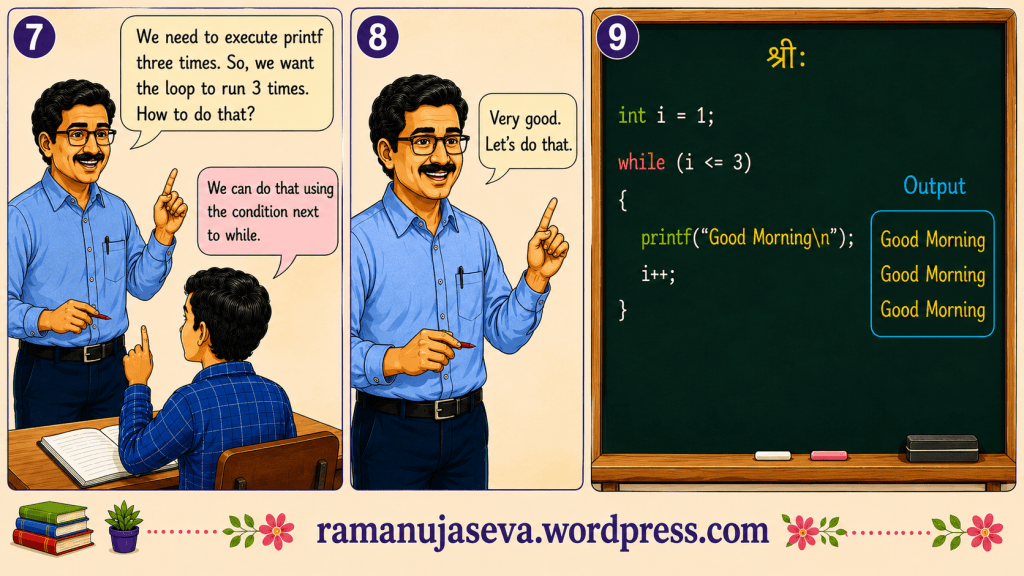
    Q. Print “Good Morning” three times.

    Solution
    #include <stdio.h>
    int main()
    {
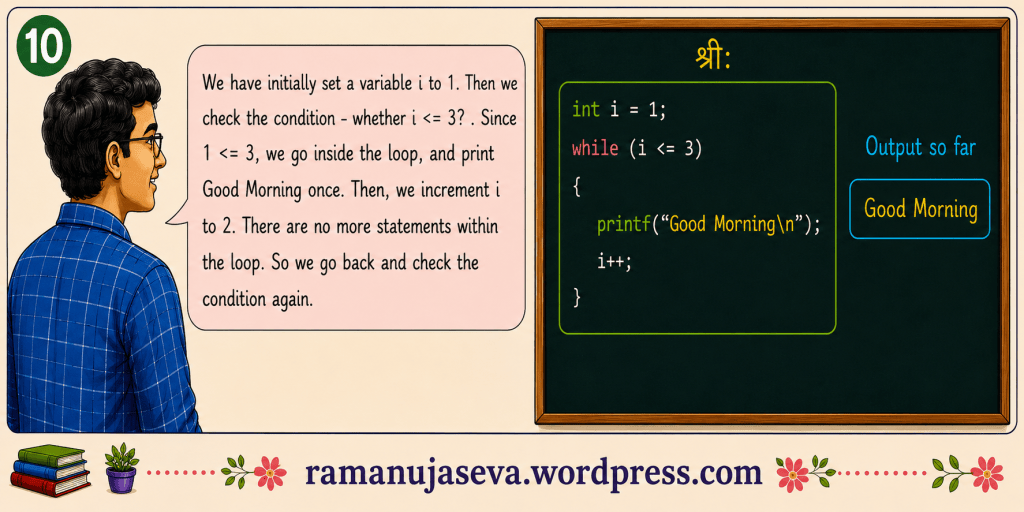
    int i = 1;
    while (i <= 3)
    {
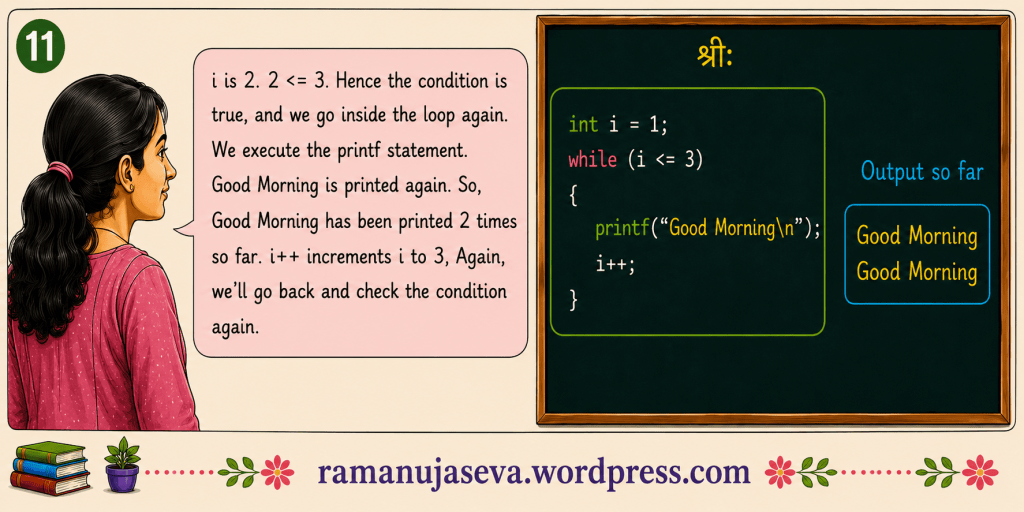
    printf("Good Morning\n");
    i++;
    }
    printf("Out of the loop now\n");
    return 0;
    }
    Output
    Good Morning
    Good Morning
    Good Morning
    Out of the loop now

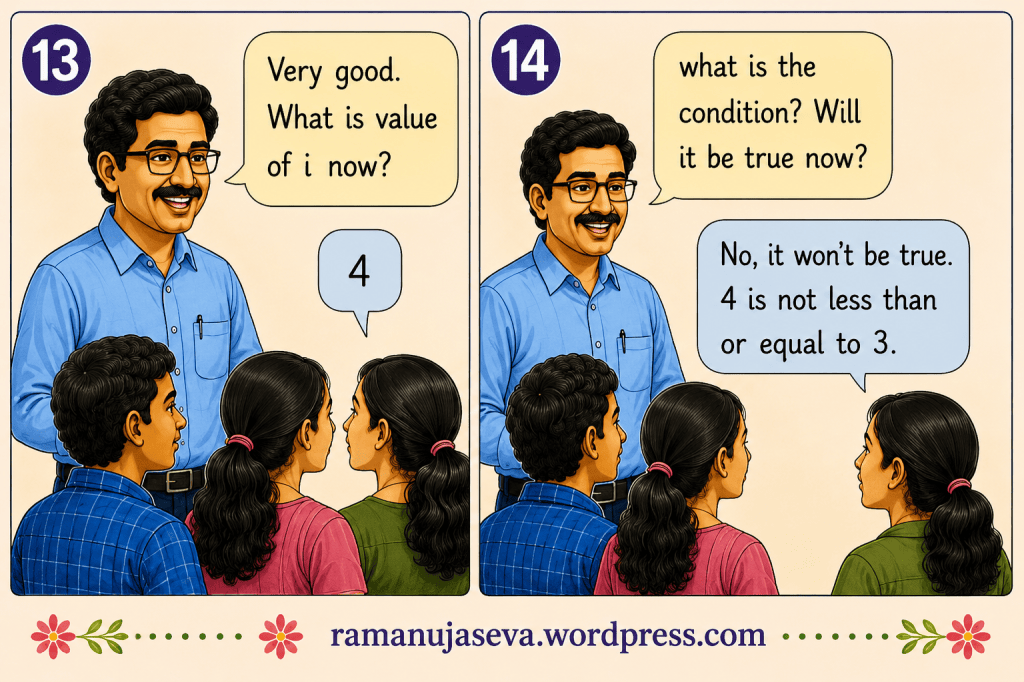
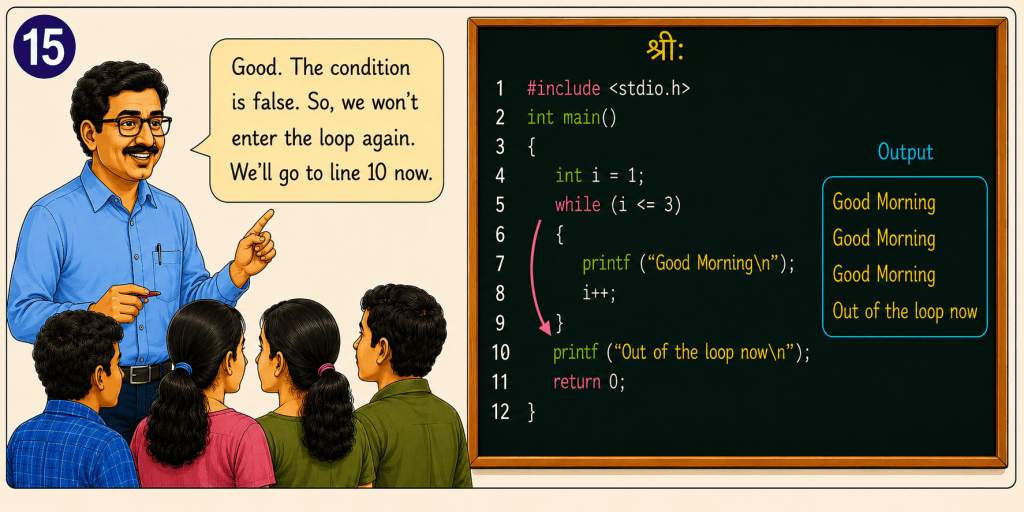
    For a detailed explanation of the above program, please refer to the images above.

Is this your new site? Log in to activate admin features and dismiss this message
Log In