(You can see Part 2 of the tutorial here: while loop tutorial – Part 2)
Some more simple programs using while loop in C. Pls refer to the pictures above.
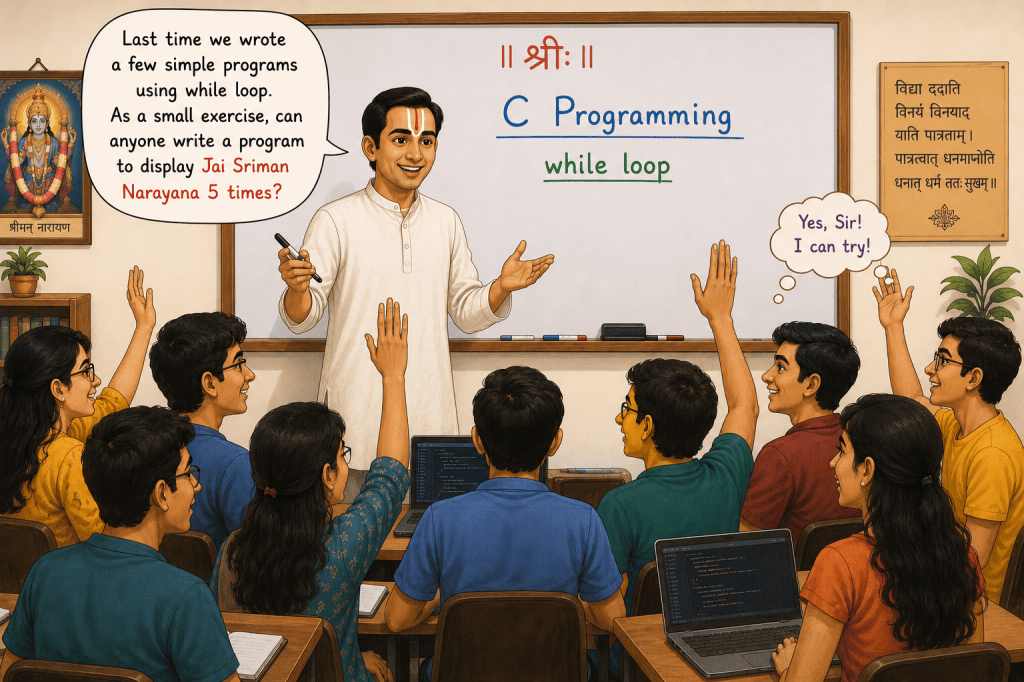
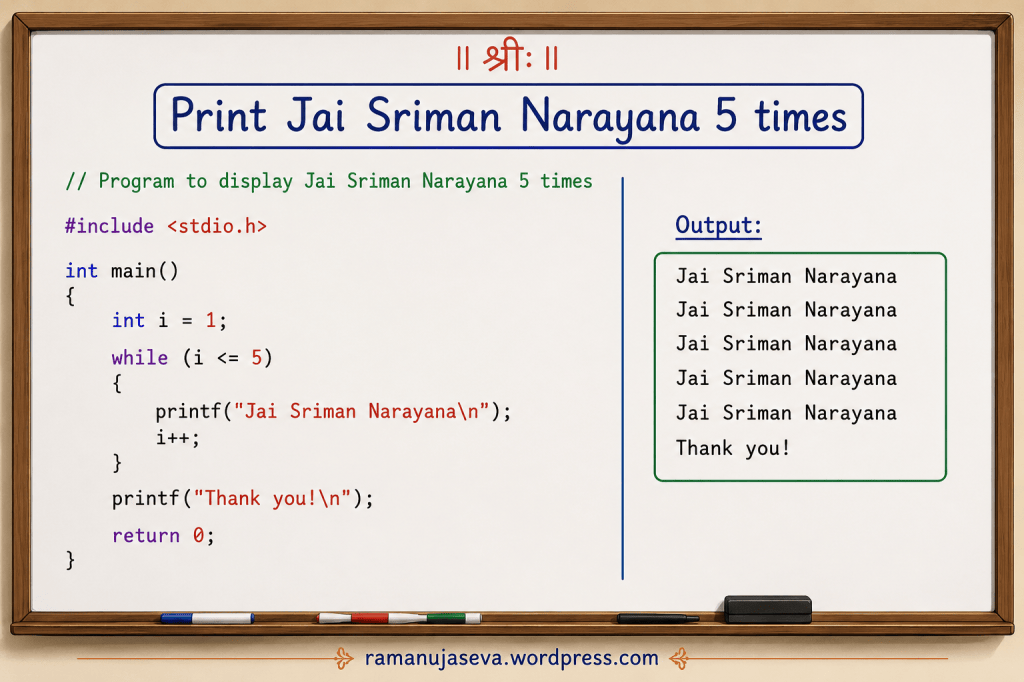
Q.1. Write a program to display Jai Sriman Narayana 5 times.
Answer.
// Program to display Jai Sriman Narayana 5 times
#include <stdio.h>
int main()
{
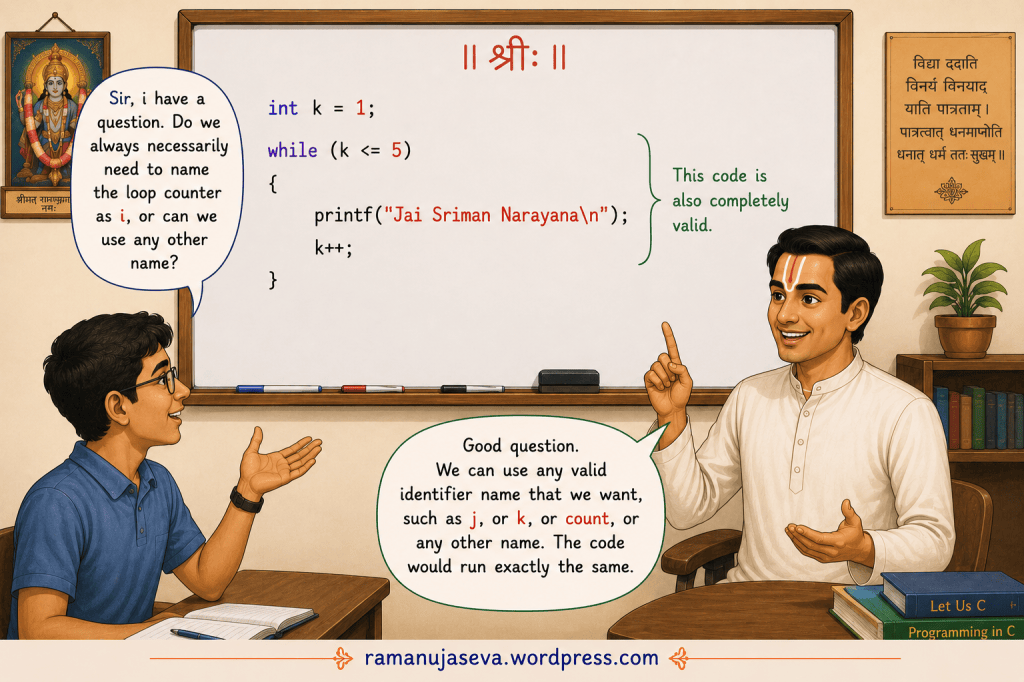
int i = 1; //initialisation of the loop counter
while (i <= 5) //condition { printf("Jai Sriman Narayana\n"); //display Jai Sriman Narayana i++; //increment the loop counter }printf("Thank you!\n"); return 0;
}
output:
Jai Sriman Narayana
Jai Sriman Narayana
Jai Sriman Narayana
Jai Sriman Narayana
Jai Sriman Narayana
Thank you!
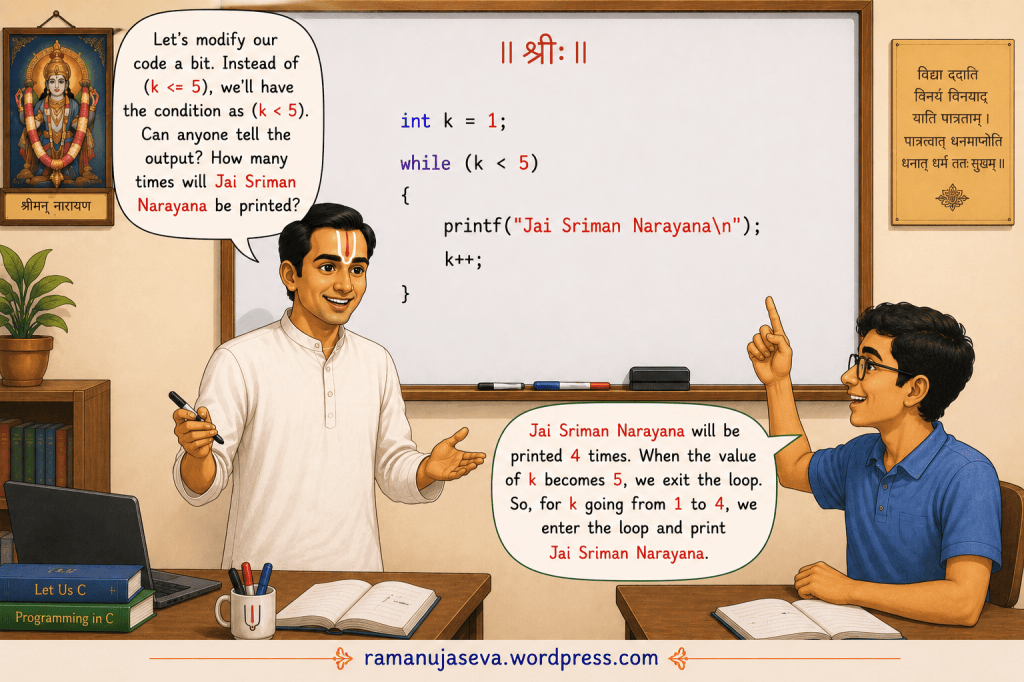
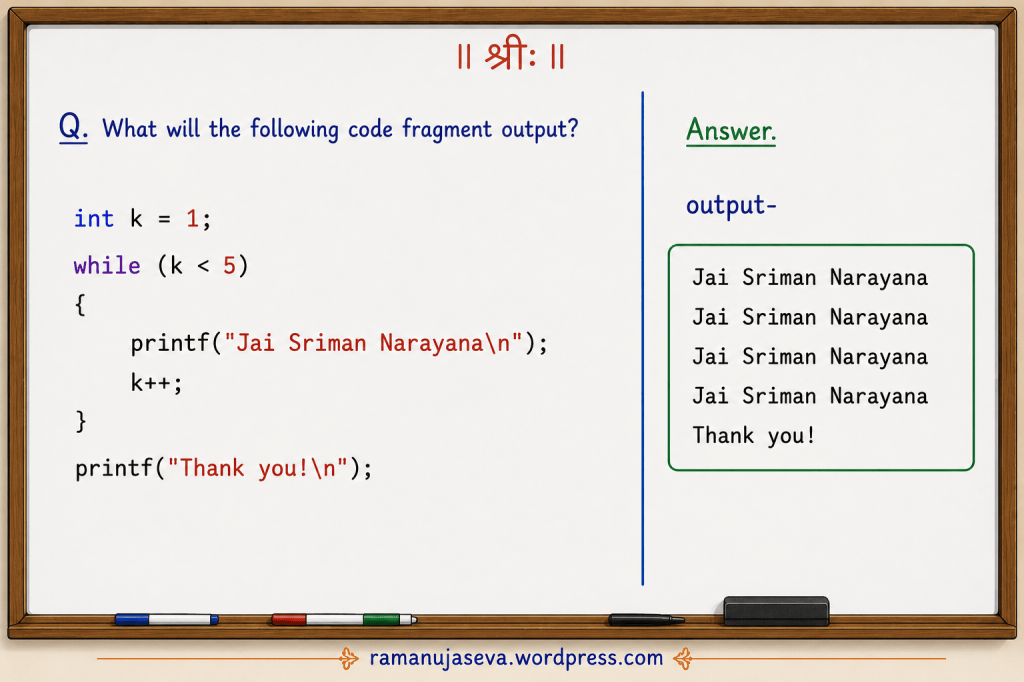
Q.2. What will the following code fragment output?
int k = 1;while (k < 5){ printf("Jai Sriman Narayana\n"); k++;}printf("Thank you!\n");
Answer
Output:
Jai Sriman NarayanaJai Sriman NarayanaJai Sriman NarayanaJai Sriman NarayanaThank you!
Explanation
Initially, the value of k is 1.
The loop condition is k < 5.
| Value of k | Condition (k < 5) | Action |
|---|---|---|
| 1 | True | Print “Jai Sriman Narayana” |
| 2 | True | Print “Jai Sriman Narayana” |
| 3 | True | Print “Jai Sriman Narayana” |
| 4 | True | Print “Jai Sriman Narayana” |
| 5 | False | Exit the loop |
Therefore, “Jai Sriman Narayana” is printed 4 times.
After exiting the loop, the statement
printf("Thank you!\n");
is executed, so “Thank you!” is printed.
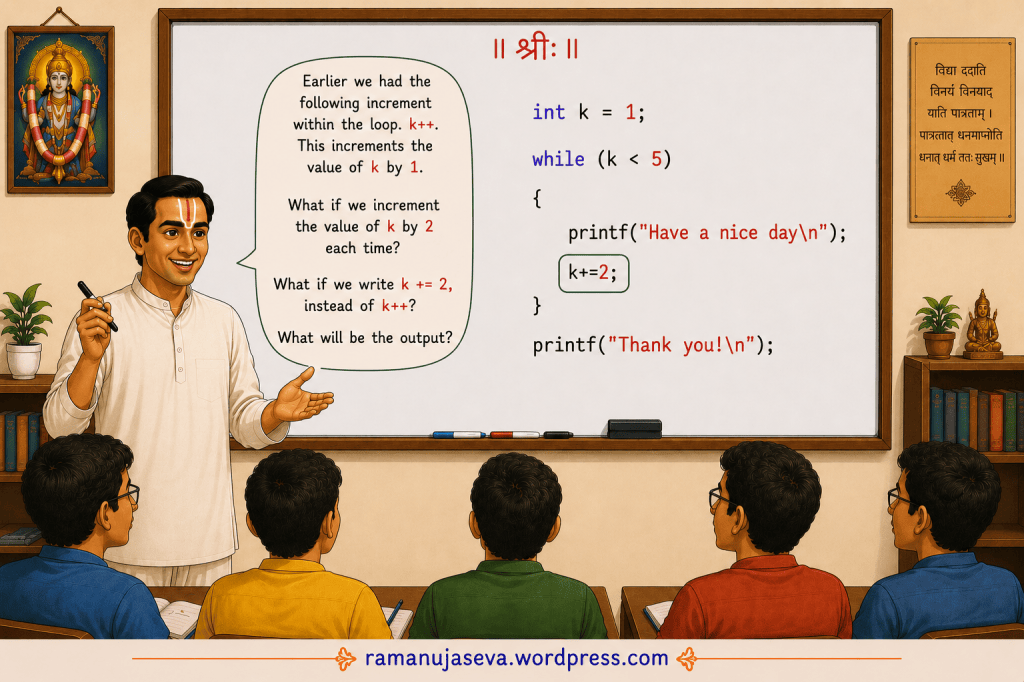
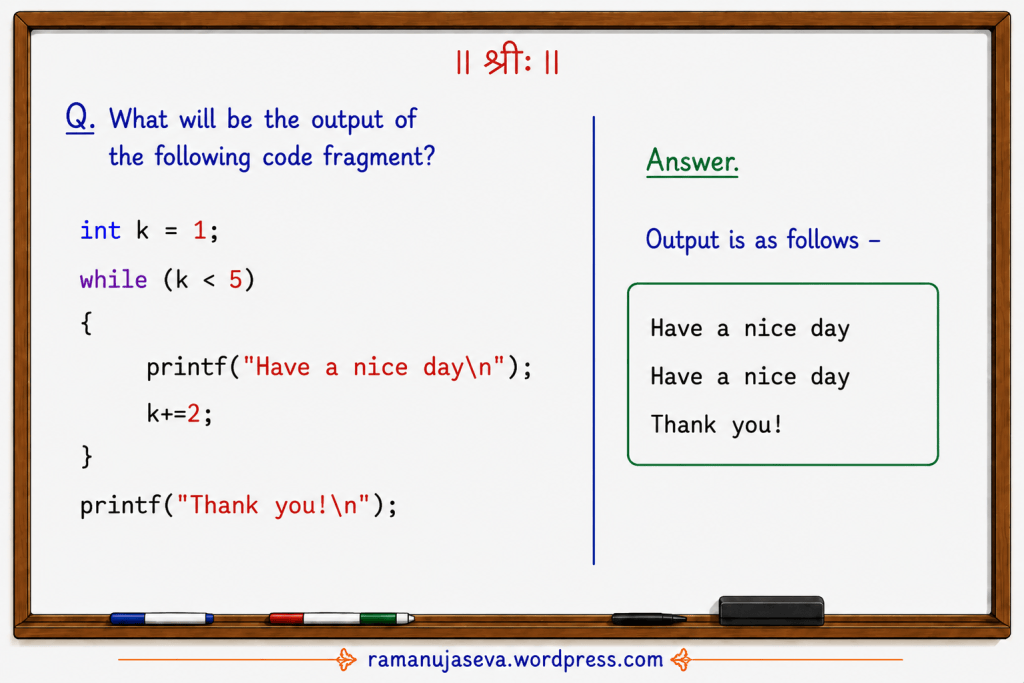
Q.3. What will the following code fragment produce?
int k = 1;while (k < 5){ printf("Have a nice day\n"); k += 2;}printf("Thank you!\n");
Answer.
Output:
Have a nice day
Have a nice day
Thank you!

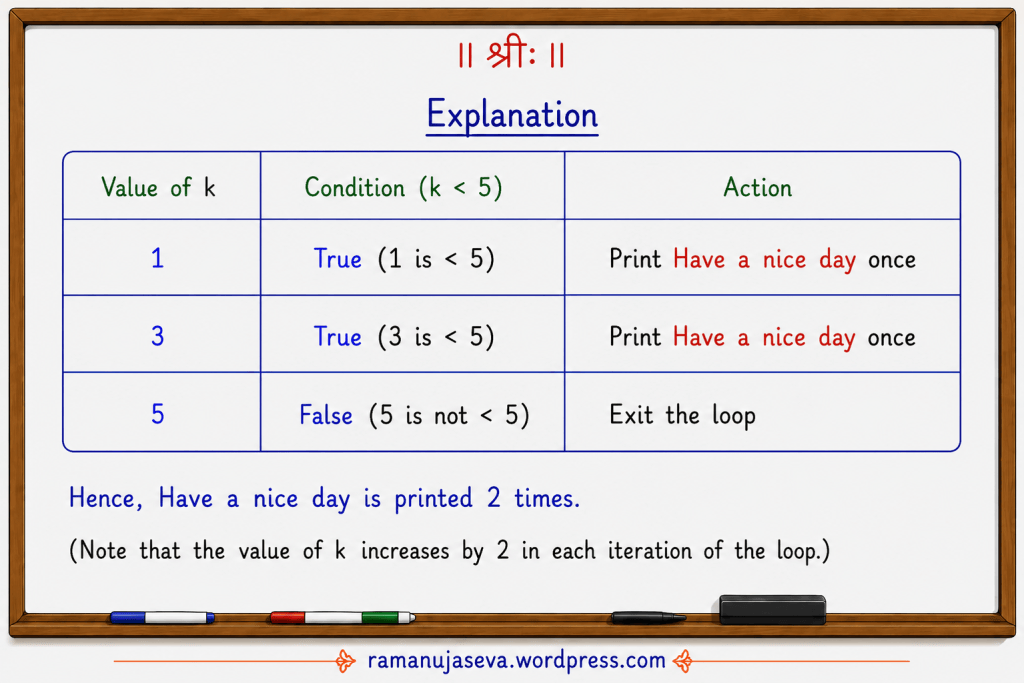
Explanation:
| Value of k | Condition (k < 5) | Action |
|---|---|---|
| 1 | True (1 is < 5) | Print Have a nice day once |
| 3 | True (3 is < 5) | Print Have a nice day once |
| 5 | False (5 is not < 5) | Exit the loop |
Hence, “Have a nice day” is printed 2 times.
(Note that the value of k increases by 2 in each iteration of the loop.)
Q.4. What will be the output –
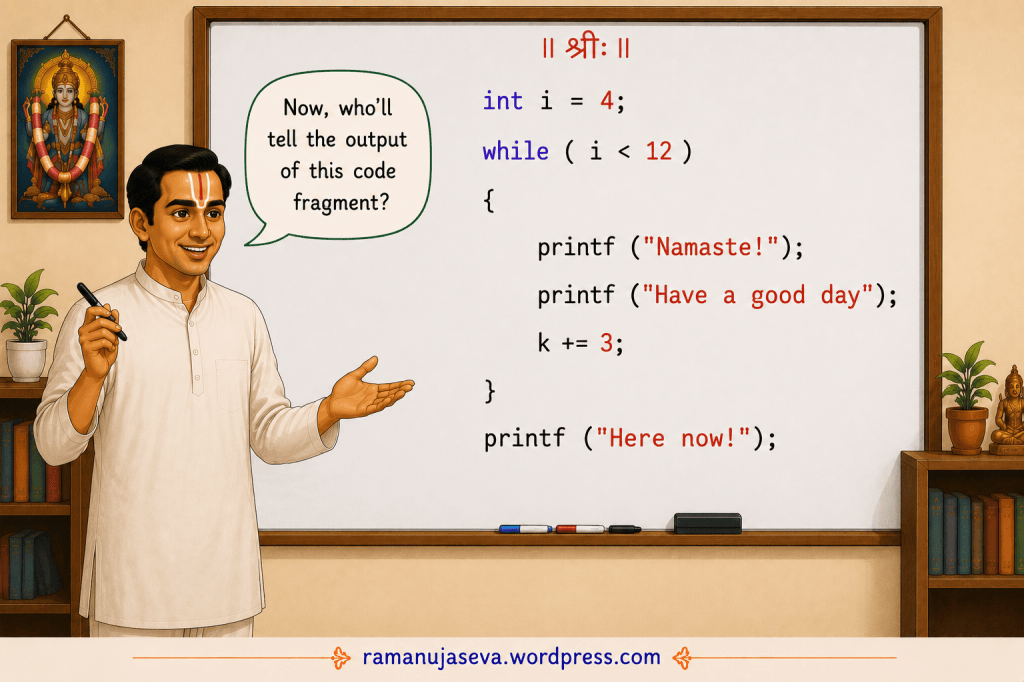
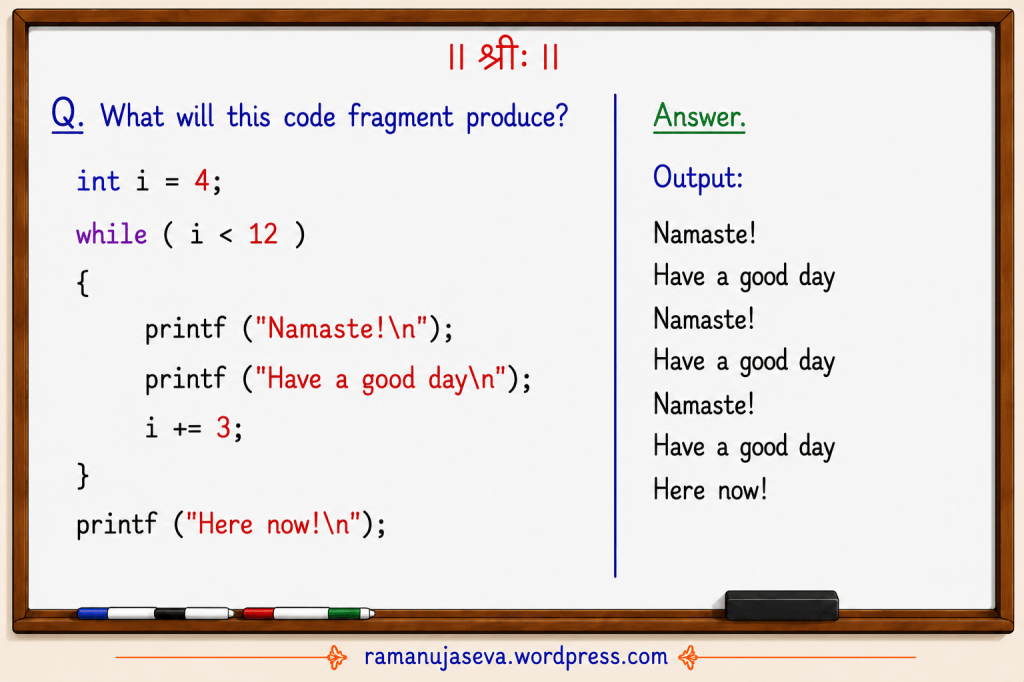
int i = 4;while (i < 12){ printf("Namaste!\n"); printf("Have a good day\n"); i += 3;}printf("Here now!\n");
Answer:
Output –
Namaste!
Have a good day
Namaste!
Have a good day
Namaste!
Have a good day
Here now!

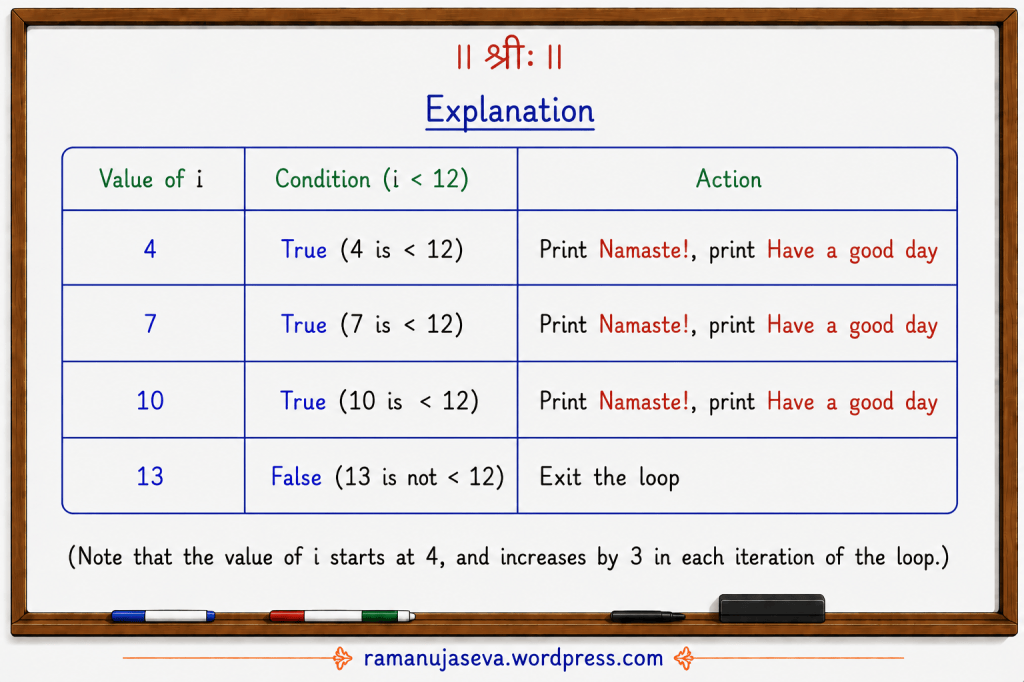
Explanation
| Value of i | Condition (i < 12) | Action |
|---|
| 4 | True (4 is < 12) | Print Namaste!, print Have a good day |
| 7 | True (7 is < 12) | Print Namaste!, print Have a good day |
| 10 | True (10 is < 12) | Print Namaste!, print Have a good day |
| 13 | False (13 is not < 12) | Exit the loop |
Note: The value of i starts at 4, and increases by 3 in each iteration of the loop.
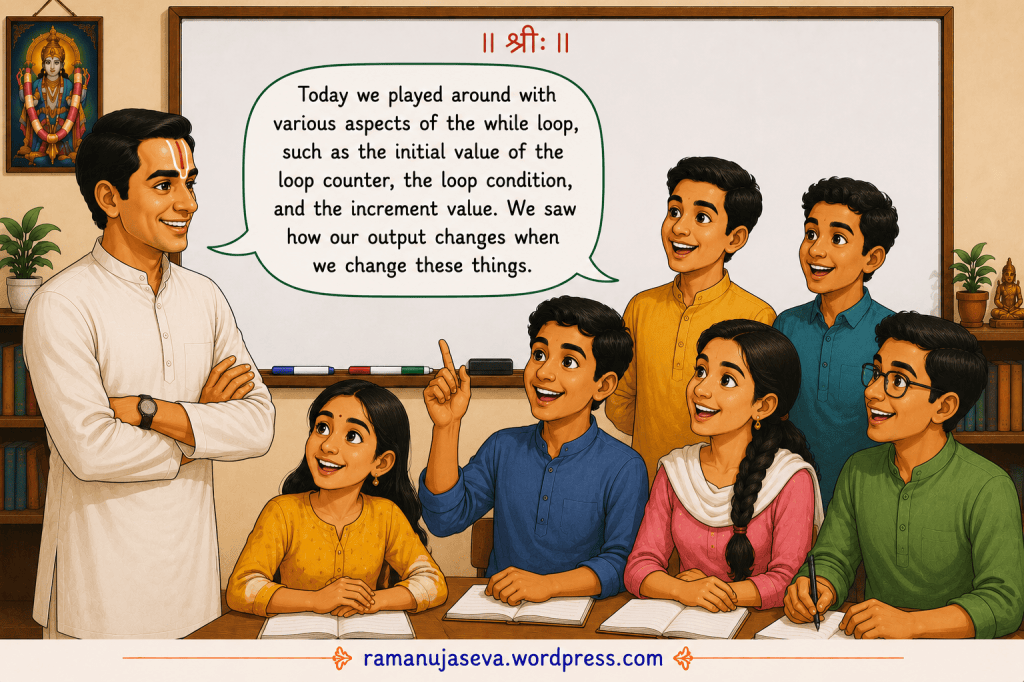
In this lesson, we played around with various aspects of the while loop, such as the initial value of the loop counter, the loop condition, and the increment value. We saw how our output changes when we change these things.
 sri ramanuja seva
Leave a comment