Past year exam questions and answers. Programming in C (CS 3251). Unit 1. Assignment operator and equality operator.
(See Part 4 here: 16 marks Q-A on struct (Unit 4). )
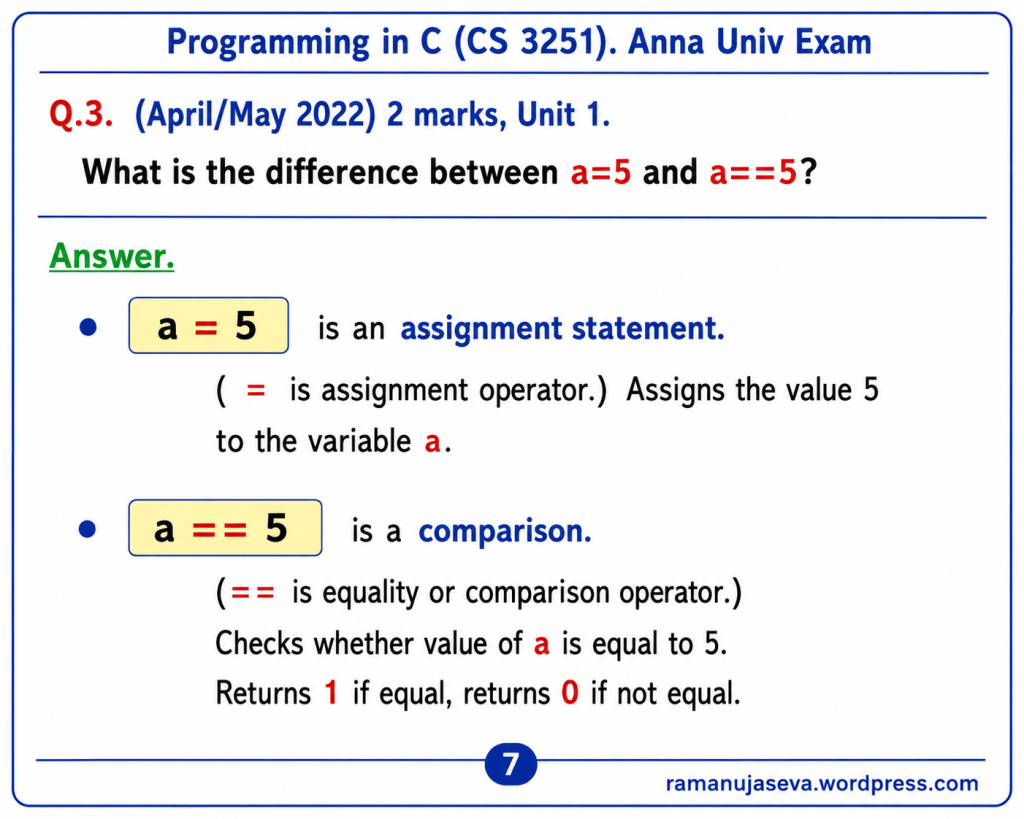
Q.3. (April/May 2022) 2 marks, Unit 1.
What is the difference between a=5 and a==5?
Answer.
- a = 5 is an assignment statement.
- (= is assignment operator.)
- Assigns the value 5 to the variable a.
- a == 5 is a comparison.
- (== is equality or comparison operator.)
- Checks whether value of a is equal to 5.
- Returns 1 if equal, returns 0 if not equal.
Supplementary Notes
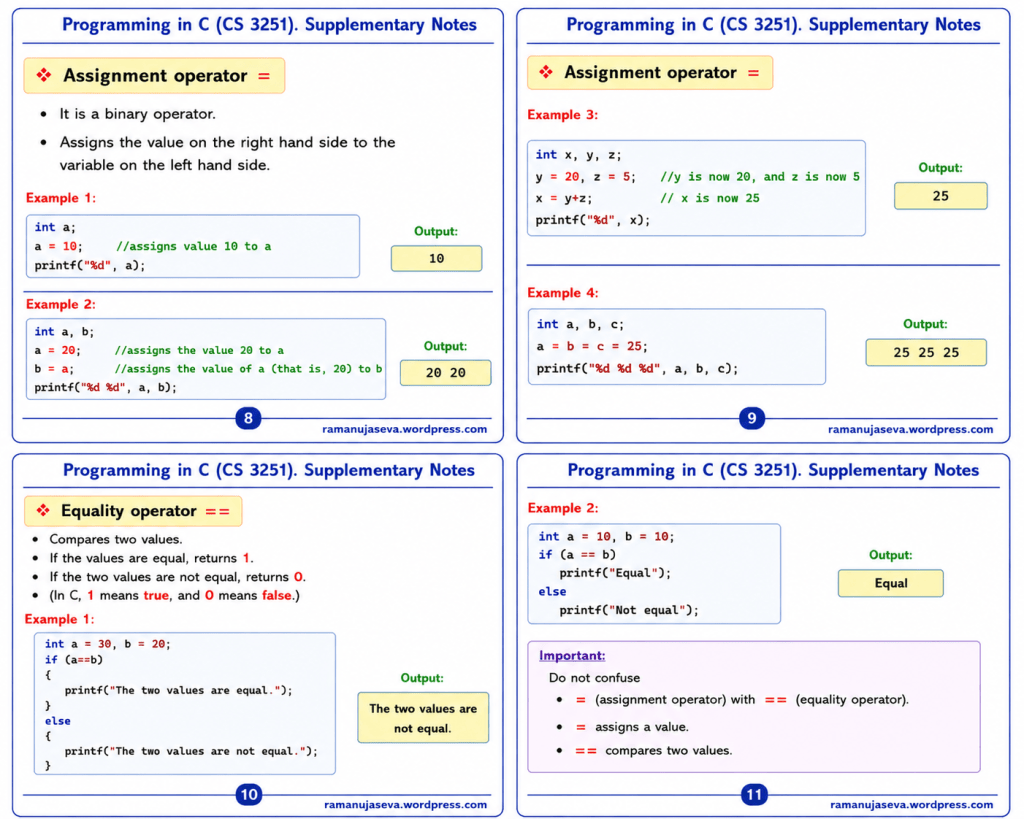
Assignment Operator (=)
- It is a binary operator.
- Assigns the value on the right hand side to the variable on the left hand side.
Example 1:
int a;a = 10; //assigns value 10 to aprintf("%d", a);
Output:
10
Example 2:
int a, b;
a = 20; //assigns the value 20 to a
b = a; //assigns the value of a (that is, 20) to b
printf(“%d %d”, a, b);
Output:
20 20
Example 3:
int x, y, z;y = 20, z = 5; //y is now 20, and z is now 5x = y + z; // x is now 25printf("%d", x);
Output:
25
Example 4:
int a, b, c;a = b = c = 25;printf("%d %d %d", a, b, c);
Output:
25 25 25
Equality Operator (==)
- Compares two values.
- If the values are equal, returns 1.
- If the two values are not equal, returns 0.
- In C, 1 means true, and 0 means false.
Example 1:
int a = 30, b = 20;if (a == b) //checks if a is equal to b { printf("The two values are equal.");}else{ printf("The two values are not equal.");}
Output:
The two values are not equal.
Example 2:
int a = 10, b = 10;if (a == b) //checking whether a is equal to b printf("Equal");else printf("Not equal");
Output:
Equal
Important
Do not confuse:
=(assignment operator) with==(equality operator).=assigns a value.==compares two values.
 sri ramanuja seva
Leave a comment